Kartalar
Rossiyadan YouTube Premium obunasini qanday to'lash mumkin
#xizmatlar-uchun-tolov
Boshqa to'lov usullari bilan solishtirish
Bank kartalari. Bank hisobini rasmiylashtirish talab qilinadi. Transchegaraviy o'tkazmalar uchun funksional cheklangan. Xalqaro tranzaksiyalarni o'tkazishda blokirovka mumkin.
Boshqa virtual kartalar. Ko'pchilik hujjatli tekshiruvdan o'tishni talab qiladi. Mablag' kiritish tariflari oshirilgan. Platformalar tomonidan tan olinish turlicha.
PayPal va o'xshash platformalar. Ulangan bank kartasi sharti bilan ishlaydi. Hududiy cheklovlar amal qiladi. Valyuta operatsiyalari qo'shimcha to'lovlar bilan birga keladi.
Heleket afzalliklari:
- Tezkor yaratish — rasmiylashtirish bir necha daqiqa davom etadi
- Kriptovalyuta bilan mablag' kiritish
- Barcha xalqaro obuna platformalari bilan moslik
- Ro'yxatdan o'tish uchun hujjatlar talab qilinmaydi
- Shaffof komissiya tuzilmasi
Yagona karta nafaqat YouTube uchun, balki boshqa veb-xizmatlar uchun ham mos keladi. Ro'yxatdan o'tish uchun faqat elektron manzil va boshlang'ich depozit talab qilinadi. Kartani olish tartibi quyida bayon etilgan.
Heleket kartasini qanday yaratish kerak
Ro'yxatdan o'tish
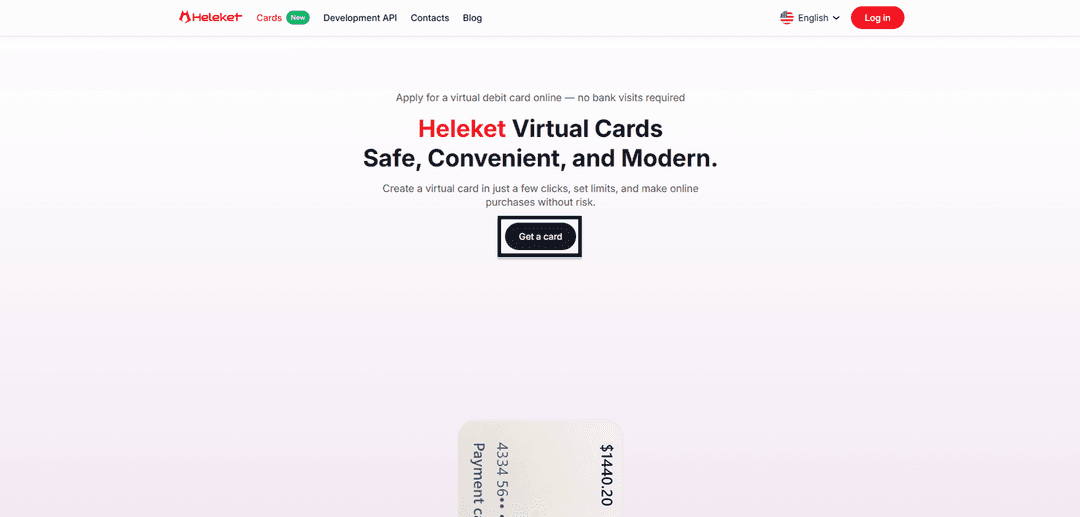
- Heleket veb-resursining Kartalar bo'limiga kiring va kartani olish variantini faollashtiring.
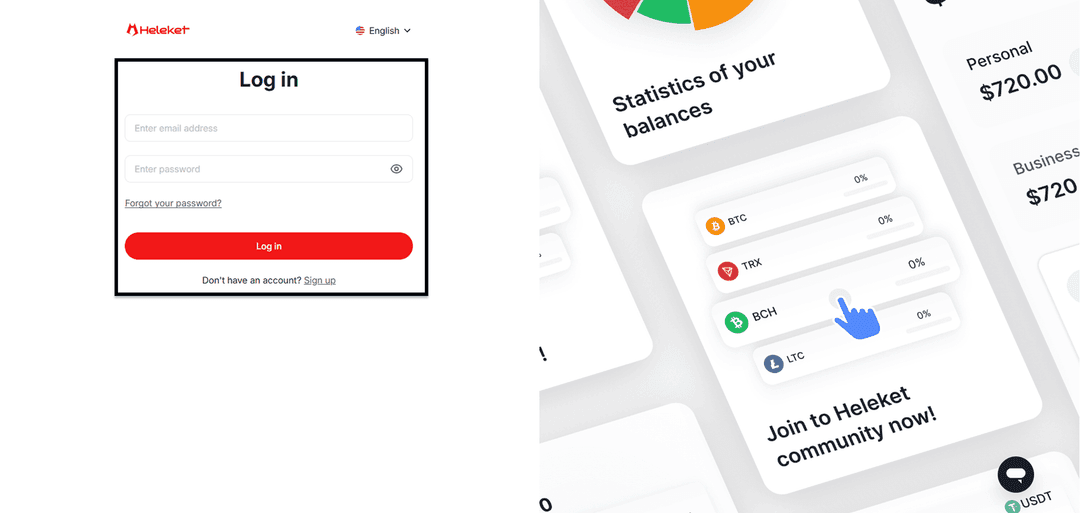
- Heleket profilini ro'yxatdan o'tkazing yoki allaqachon mavjud bo'lganga kiring.
Kartani yaratish
- Individual Heleket hamyoniga kamida 20 AQSh dollari kiriting. Buning uchun depozit funksiyasini faollashtiring. Hamyon va blokcheyn tarmog'ini aniqlang.
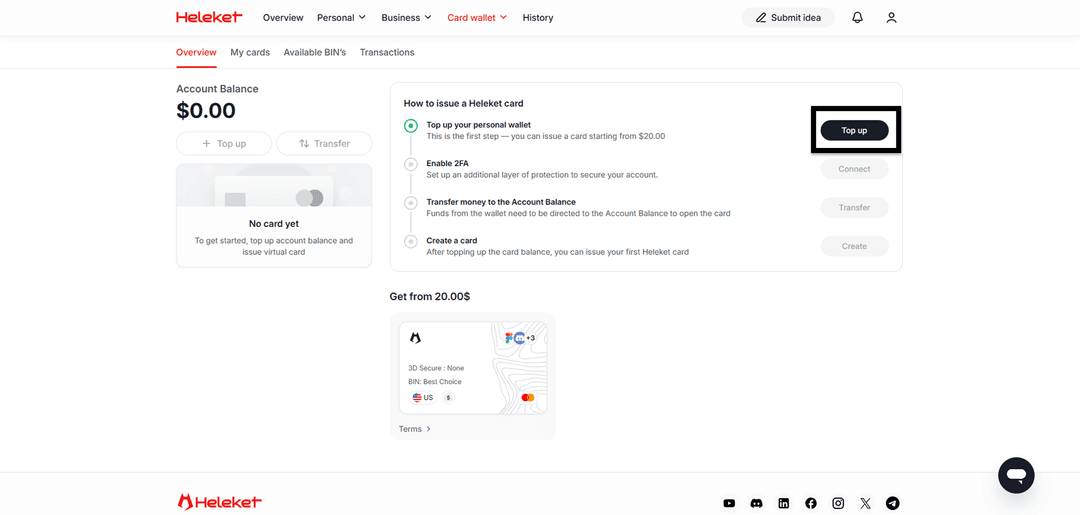
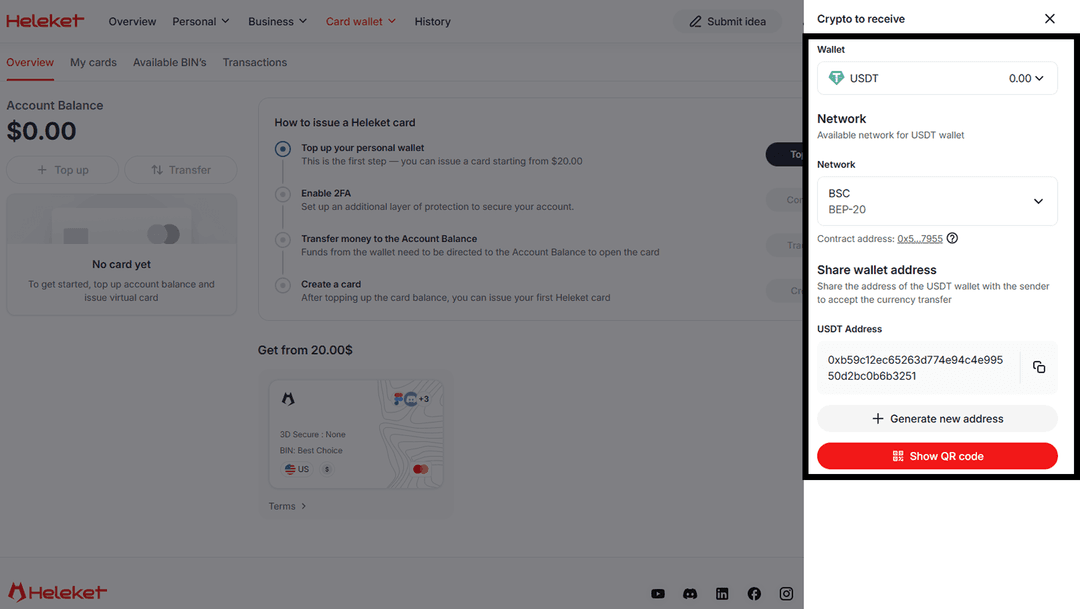
- Ikki faktorli tekshiruvni (2FA) faollashtiring.
- Hamyondan asosiy balansga mablag'larni ko'chirishni amalga oshiring.
- Balansga o'tkazishni tugatgandan so'ng, karta yaratishni boshlang.
Qadam-baqadam ko'rsatma: YouTube Premium obunasini to'lash
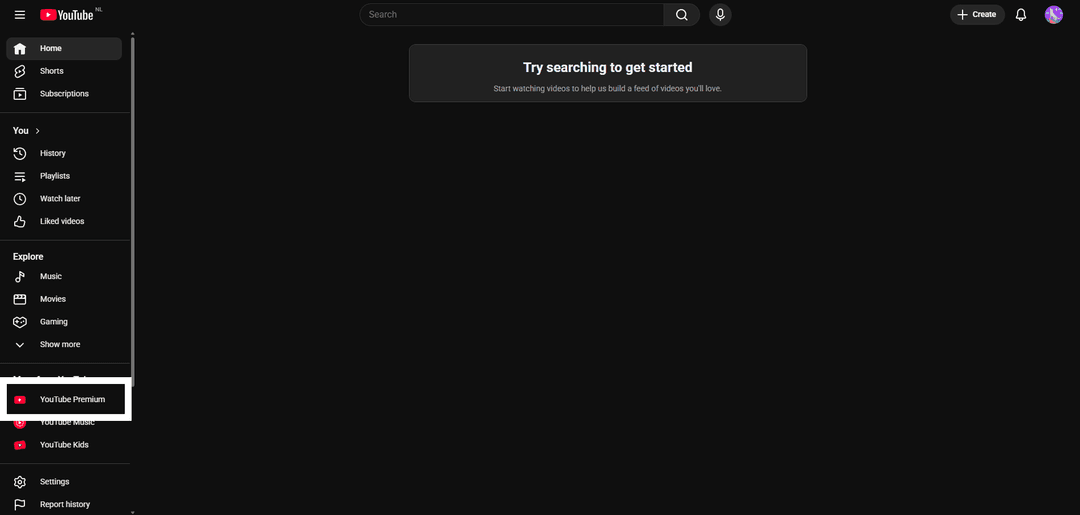

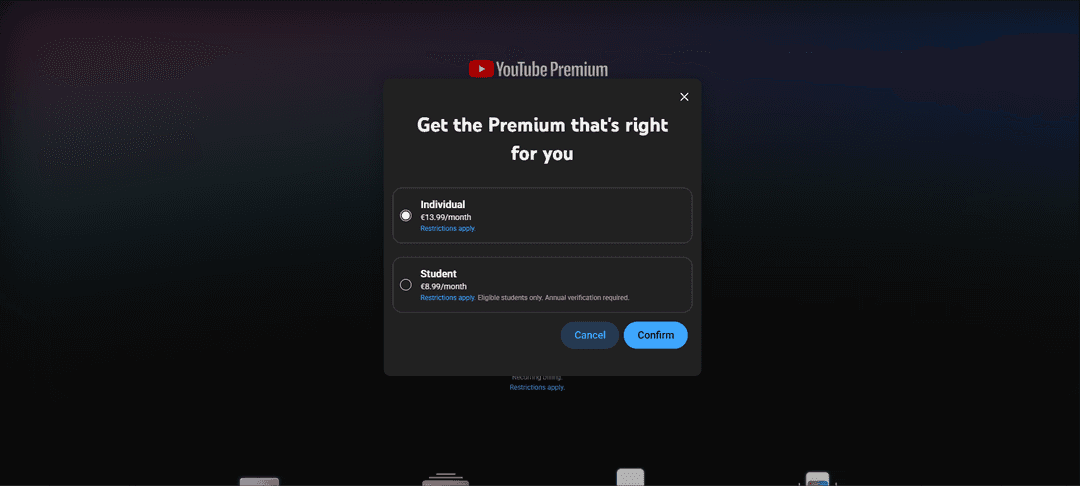
Individual-ni tanlang.
Add credit or debit card-ni tanlang.
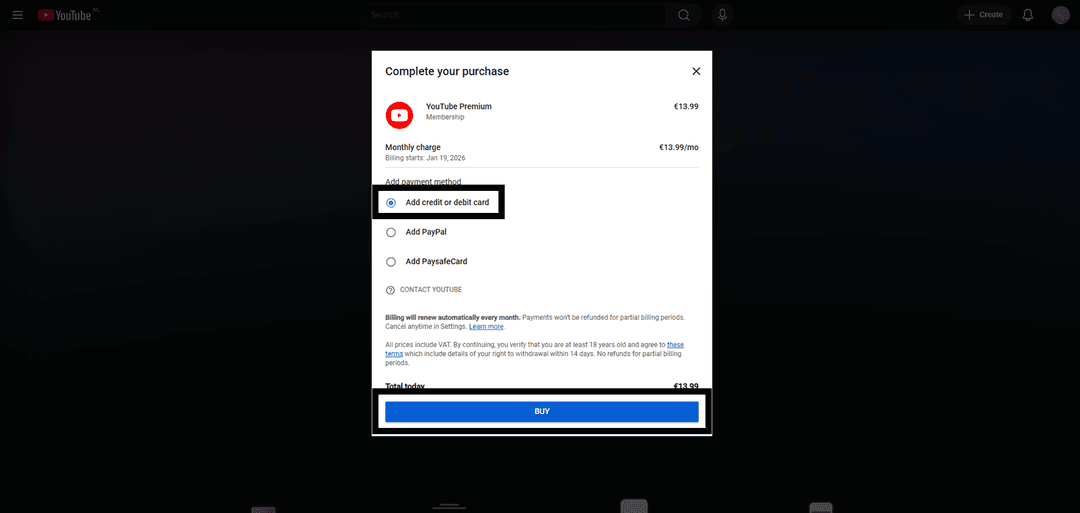
Formalarni Heleket virtual kartasi rekvizitlari bilan to'ldiring. Toʻlov kartasi regioni (AQSh) siznikiga mos kelishi kerak. Geolokatsiyanı oʻzgartirish uchun vositalardan foydalaning.
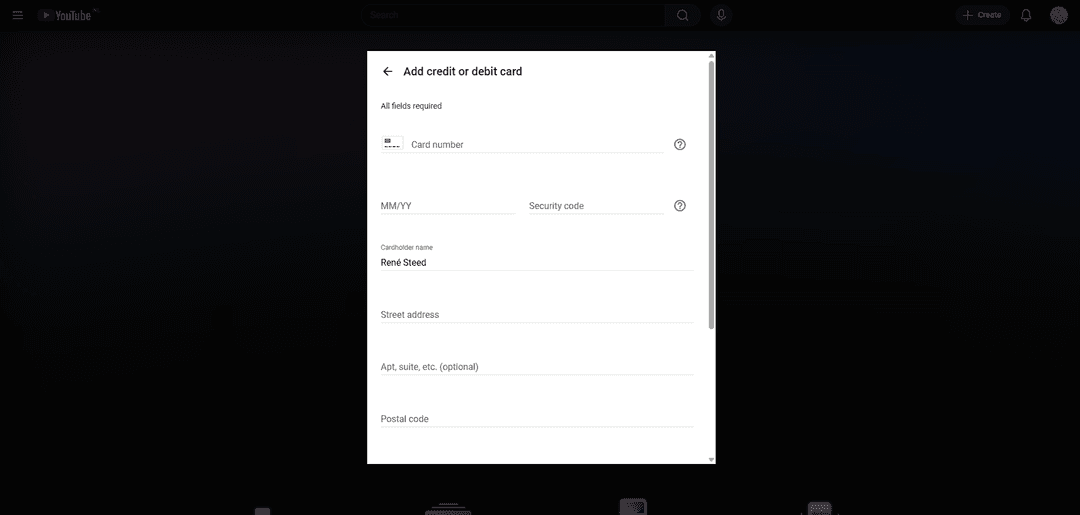
Save Card-ni faollashtiring.

Agar to'lov o'tmasa, tekshiring:
- Kartada yetarli mablag' miqdori borligini
- Kiritilgan barcha karta rekvizitlarining to'g'riligini
- Tranzaksiya valyutasi mosligini — karta AQSh dollarida ishlaydi
Qiyinchiliklar yuzaga kelsa — Heleket qo'llab-quvvatlash xizmatiga murojaat qiling.