
Cards
How to Pay for Coursera Plus Subscription or Buy Individual Course from Russia
#service-payments
Heleket issues virtual cards with crypto top-up. Your assets convert to dollars, the card works for paying international subscriptions. No intermediaries and additional fees.
Comparison with Other Payment Methods
Bank cards. Require opening bank account. Don't always work for international payments. May be blocked when paying for foreign services.
Other virtual cards. Many require document verification. High top-up fees. Not all are accepted by platforms.
PayPal and payment systems. Linked to bank cards. Country restrictions. Additional conversion fees.
Heleket advantages:
- Card issued in minutes
- Cryptocurrency top-up
- Works for all international subscriptions
- No documents required for creation
- Low fees
One card suitable for paying not only Coursera, but other online services. To create card need only email and first payment. How to get card, we'll tell below.
How to Create Heleket Card
Registration
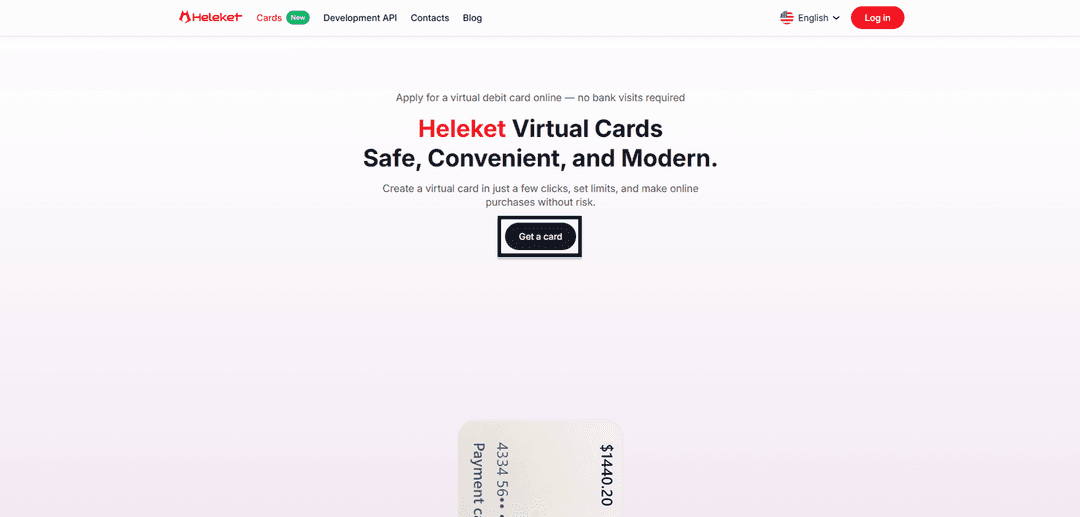
- Go to Cards section on Heleket website and click get card.
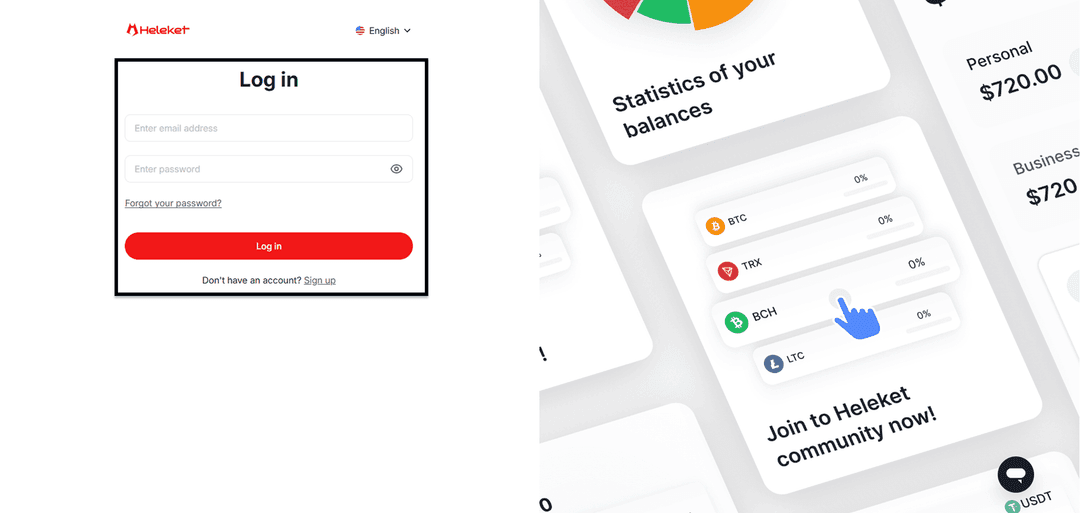
- Register Heleket account or log in if already have one.
Card Creation
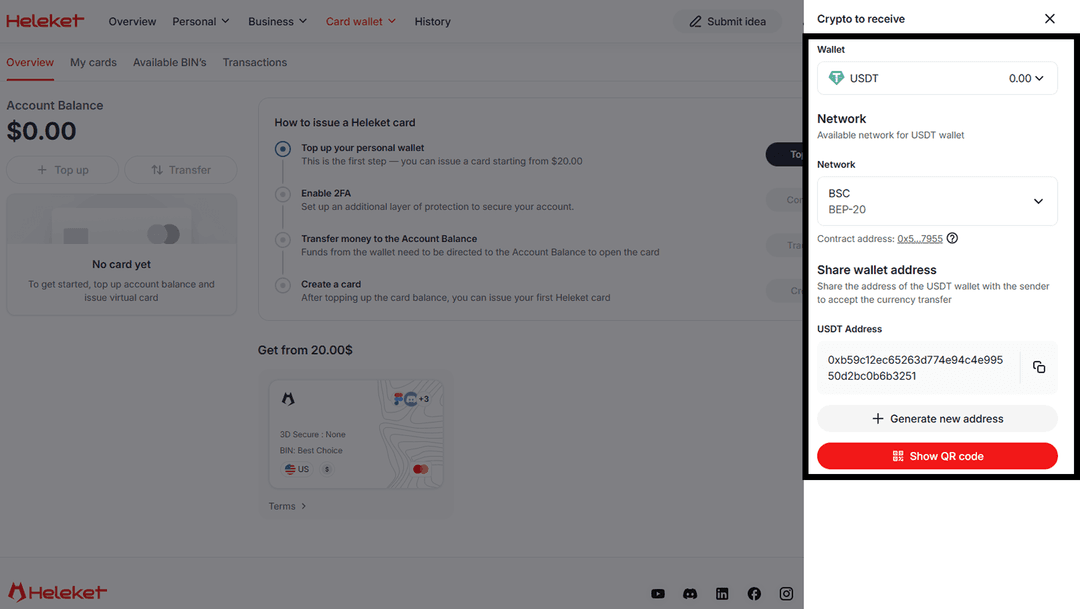
- Top up Heleket personal wallet for $20. To do this click top up. Select wallet and network.
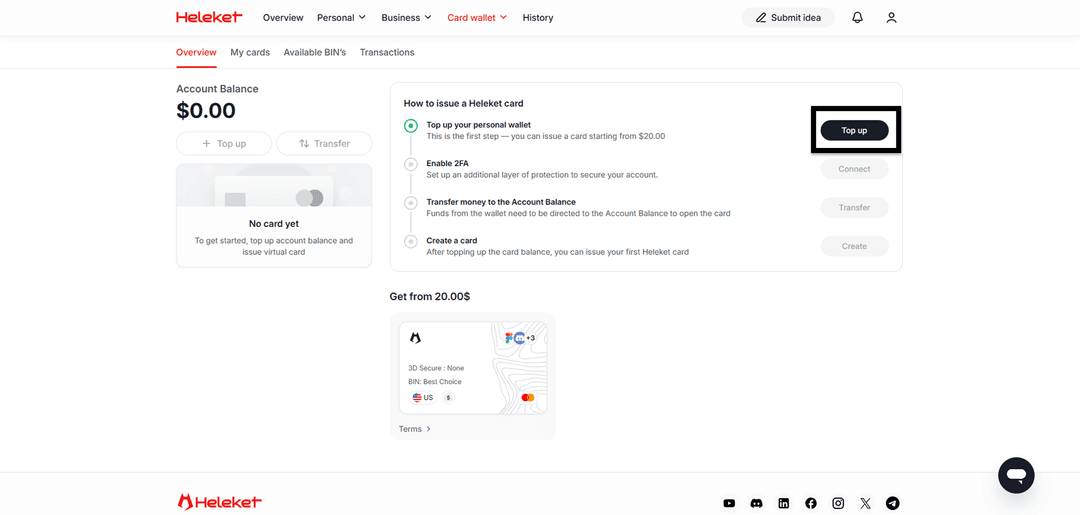
- Enable 2FA.
- Transfer money from wallet to account.
- After balance top-up, issue card.
Step-by-Step Guide: Coursera Subscription Payment
Subscription payment through Heleket doesn't differ from regular bank card payment. Coursera accepts virtual card as standard international card.
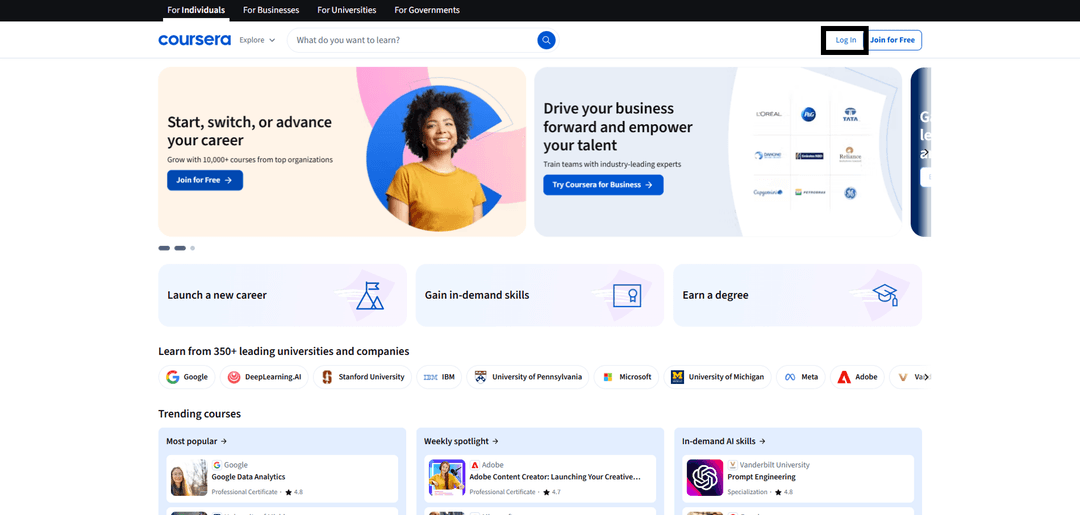
Go to Coursera.com and click Log In.
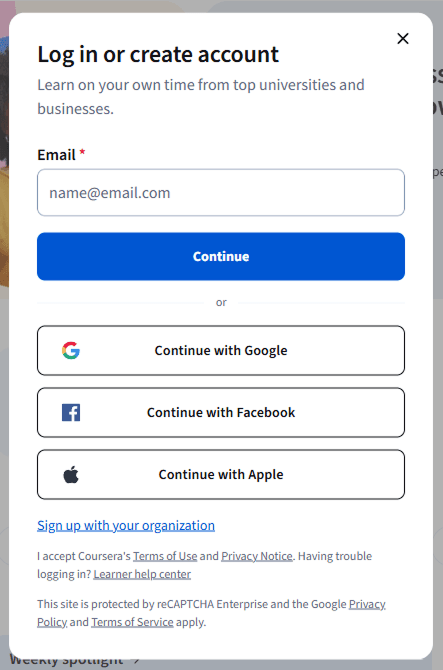
Register or log into account.
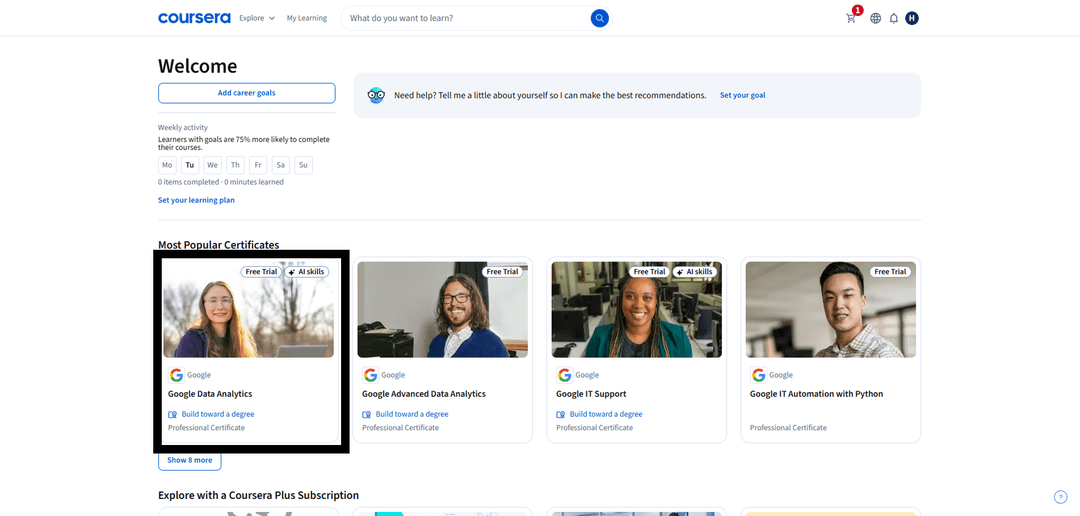
Select course you want to take.
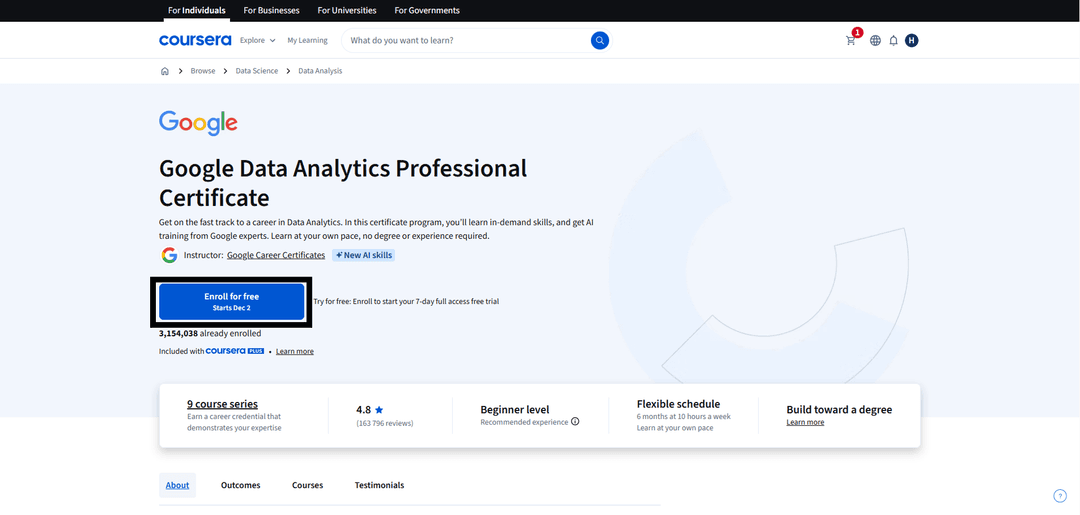
Click enroll.
Enter Heleket virtual card details.
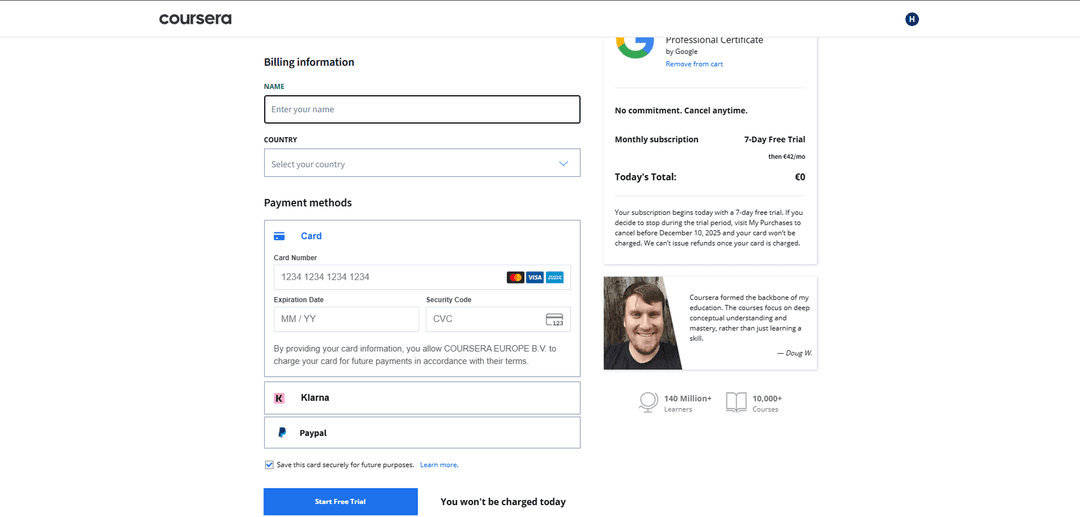
If payment declined, check:
- Sufficient funds on card
- Correct card data entered
- Currency match — card works in dollars
If questions arise — contact Heleket support.