
Cards
How to Pay for Disney+ Subscription from Russia
#service-payments
Disney+ connection is blocked for users from certain regions. Payment gateways don't pass cards from local banks. Cryptocurrency holders have no direct way to pay with digital assets for the streaming service.
A solution exists — Heleket payment card. It's a virtual instrument accepting cryptocurrency with subsequent instant conversion to US dollars. Used for payments in any web services like a classic Visa, excluding intermediary instances and opaque fees.
Comparison with Other Payment Methods
Bank cards. Assume having an open account at a banking institution. Cross-border payments are regularly declined. System protection mechanisms block transactions when paying for foreign platforms.
Other virtual cards. A significant portion requests uploading documents for personal identification. Top-up is accompanied by substantial percentage deductions. Compatibility with various platforms is not guaranteed.
PayPal and similar systems. Function exclusively when connecting a traditional bank card. Application is territorially limited. Currency conversion operations entail additional expenses.
Heleket advantages:
- Quick registration — activation within several minutes
- Direct cryptocurrency top-up
- Compatibility with all global subscription services
- No documentation requirements
- Transparent and minimal commission structure
Universal solution not only for Disney+ but also for a wide range of online platforms. Only email address and initial balance top-up needed. Card acquisition procedure presented below.
How to Create a Heleket Card
Registration
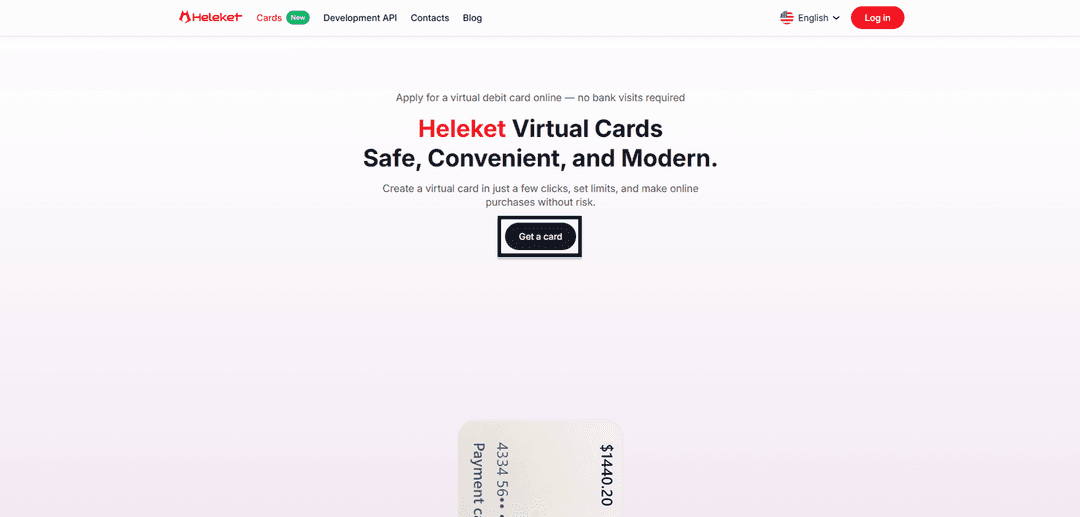
- Open the Cards page of Heleket platform and activate the card acquisition function.
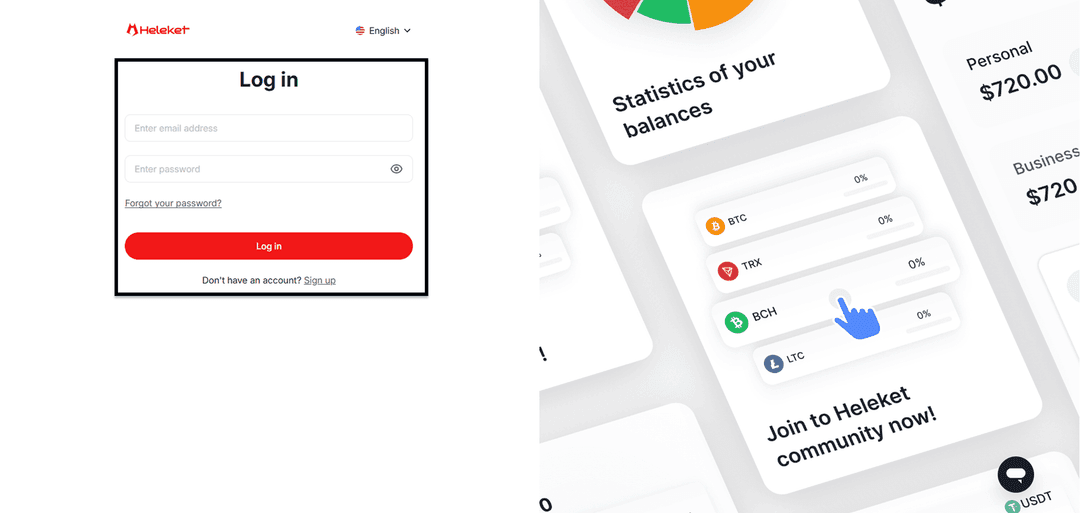
- Register a new Heleket profile or use existing one to log in.
Creating the Card
- Deposit at least 20 US dollars to personal Heleket wallet. Activate the top-up function. Specify wallet and blockchain network.
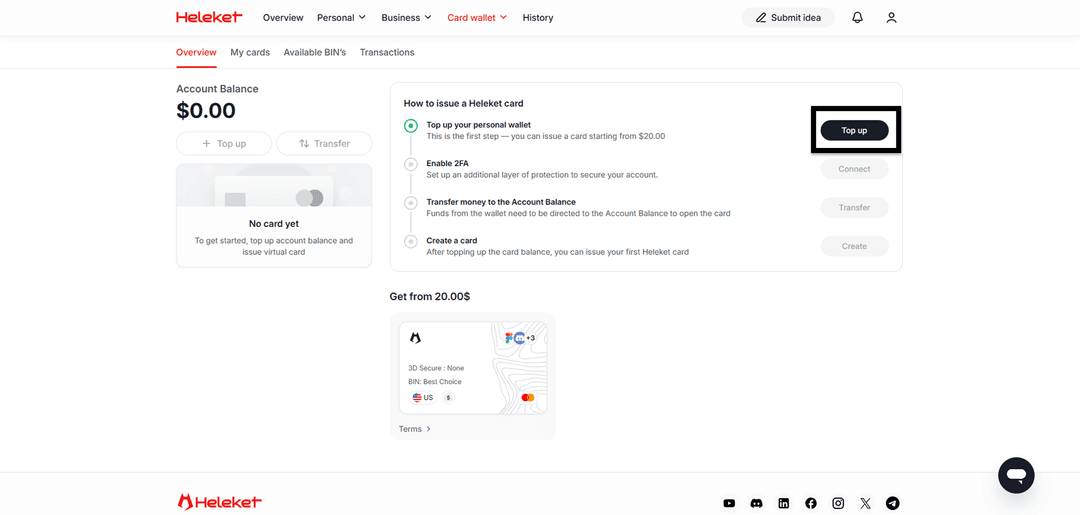
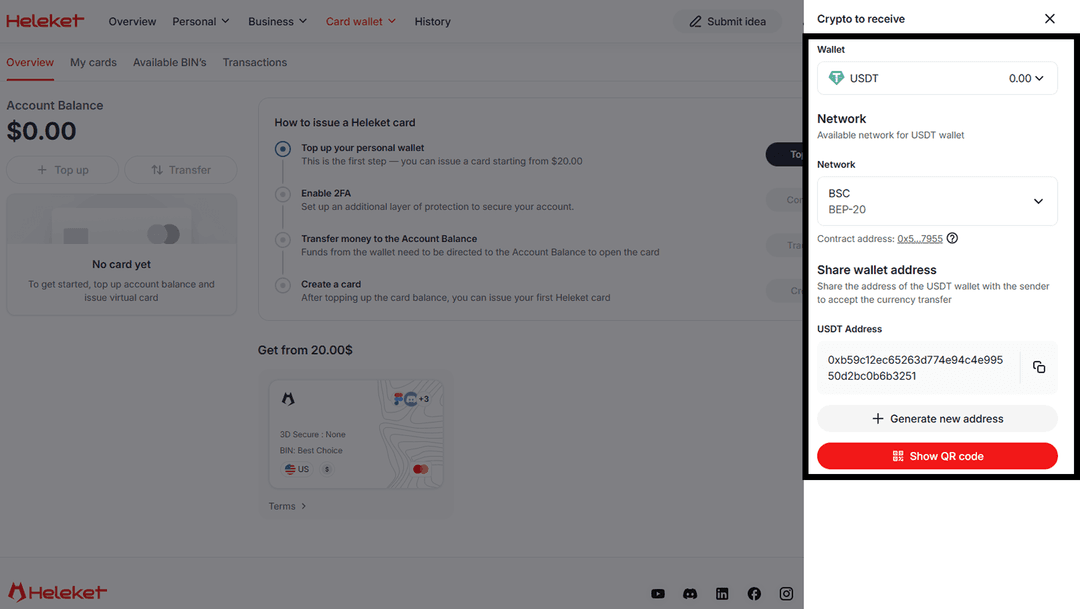
- Activate two-factor authentication (2FA).
- Execute transfer of funds from wallet to main account.
- Upon completing balance top-up, initiate card creation.
Step-by-Step Guide: Disney+ Subscription Payment
The subscription payment process using Heleket is analogous to using a traditional bank card. Disney perceives the virtual payment instrument as a legitimate international card.
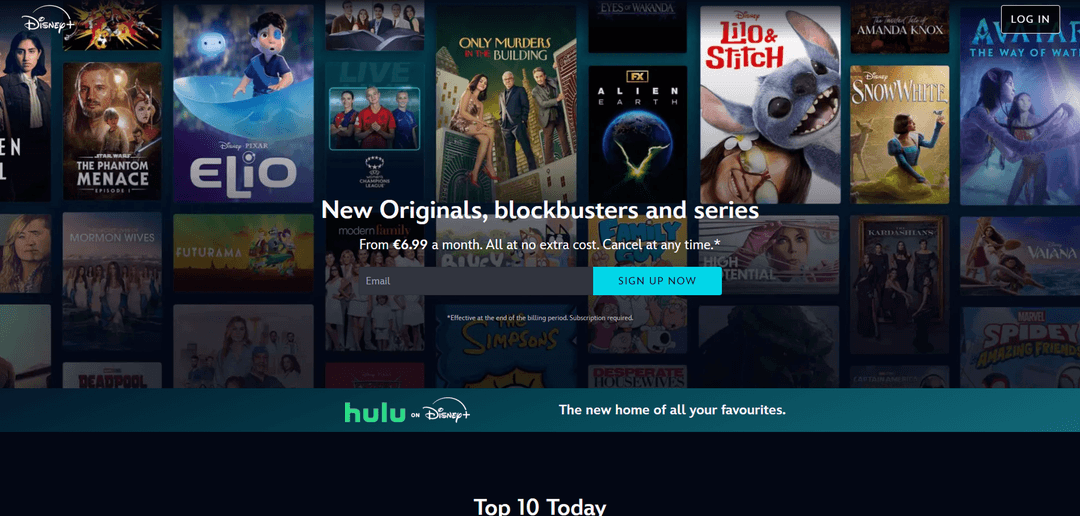
Open Disneyplus.com portal. Activate Sign up now for registration or Log in if you have an existing profile.
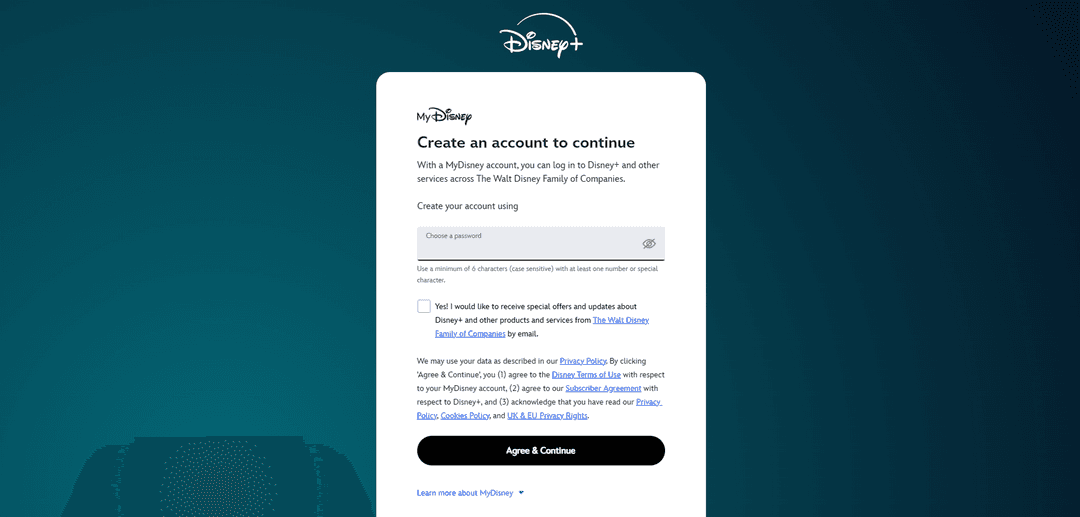
Fill in profile registration data.
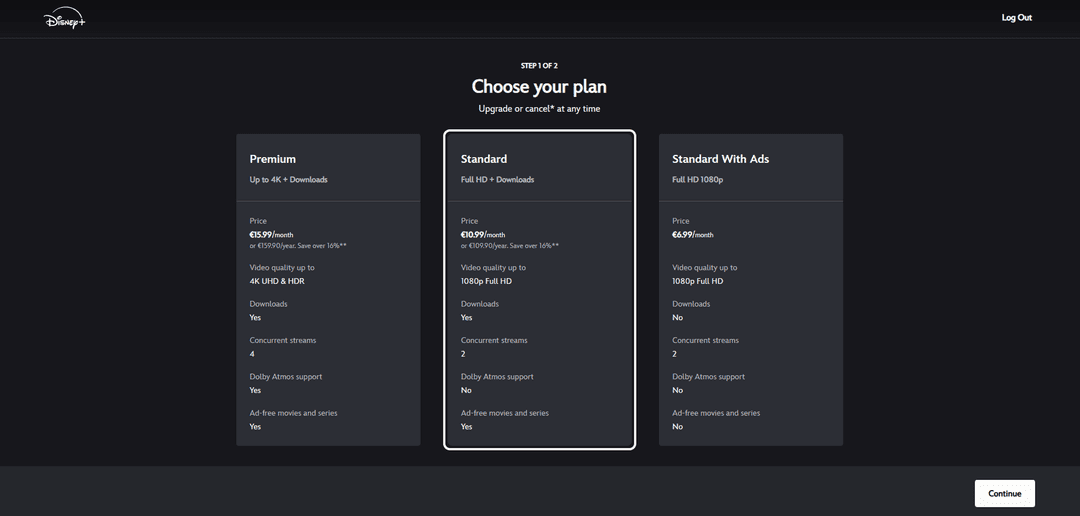
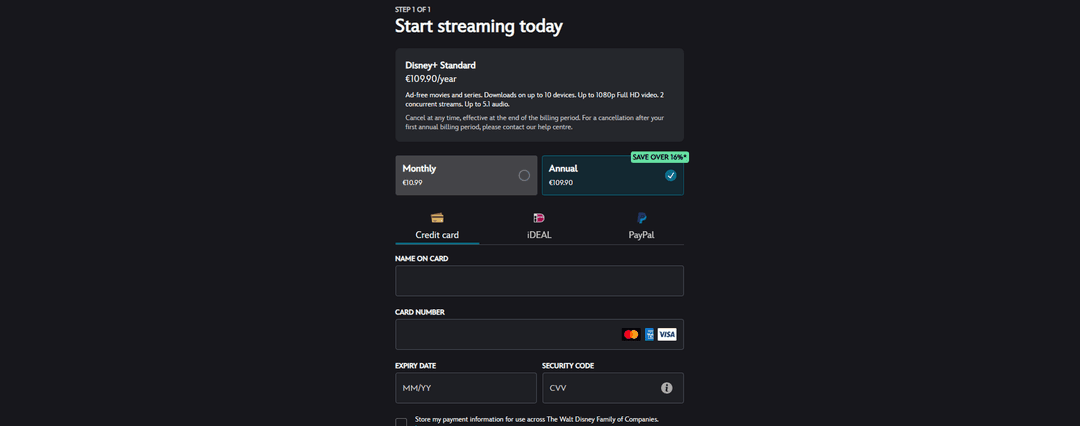
Choose subscription plan.
Specify Credit card payment method.
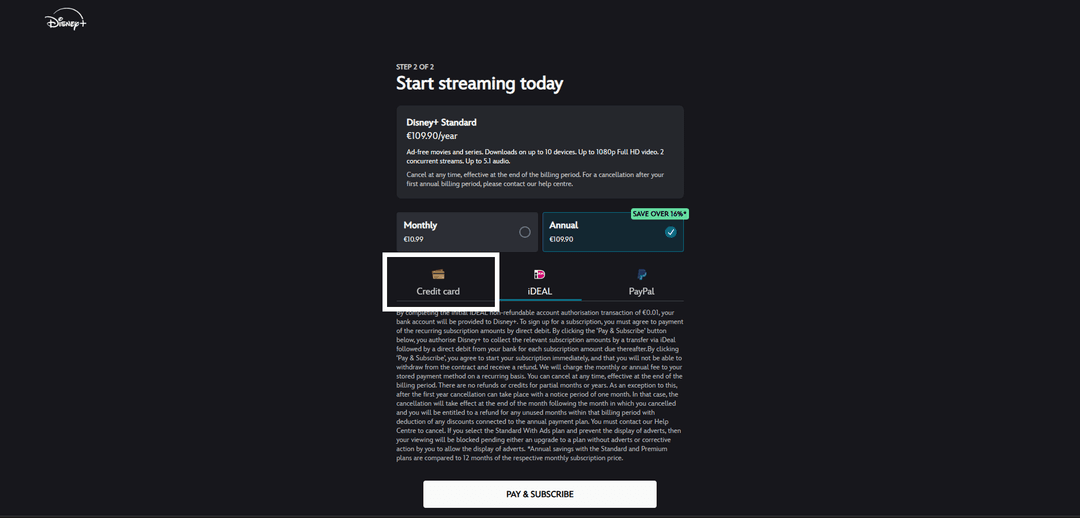
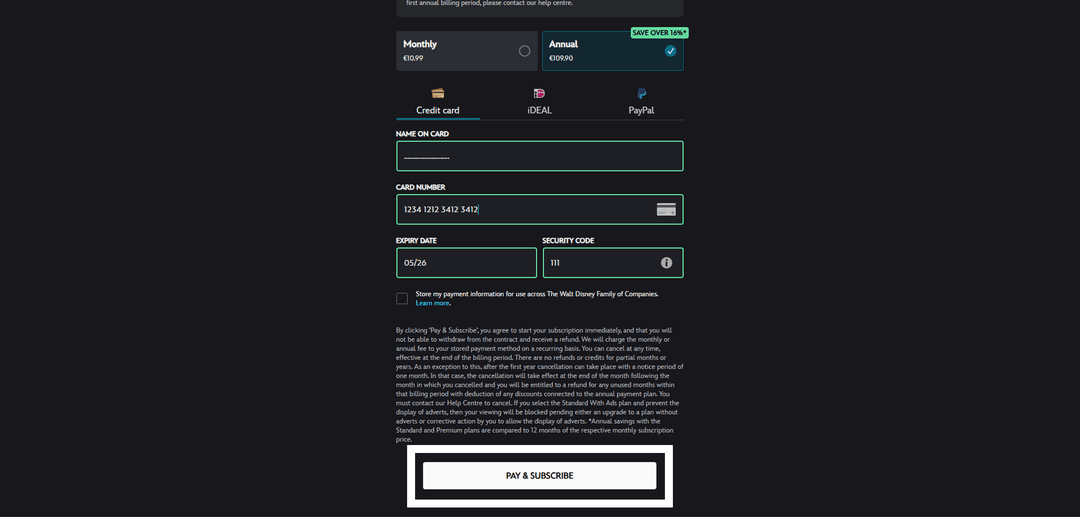
Fill fields with Heleket virtual card details. The payment card region (USA) must match yours. Use the tools to change your geolocation.
Complete transaction with confirmation.
If payment fails, verify:
- Presence of sufficient balance on card account
- Correctness of all entered card data
- Transaction currency match — card functions in US dollars
If difficulties arise — contact Heleket support.