
Cards
How to Buy Games in Epic Games Store from Russia
#service-payments
Buying games on Epic Games Store, just like on other platforms, remains a challenge for many. Some find their bank cards getting declined at checkout. Cryptocurrency holders discover that digital assets can't be used for direct purchases.
There's a way out — Heleket virtual card. Fund it with crypto that instantly converts to dollars. Pay for any games just like with a regular Visa — directly and without markups.
Comparative Analysis of Payment Methods
Bank cards. Require opening a bank account. International transactions aren't always successful. Risk of blocking on overseas purchases.
Alternative virtual cards. Many services insist on document verification. High top-up fees. Not accepted by all platforms.
PayPal and similar systems. Bank card linking is required. Regional restrictions apply. Currency conversion fees charged.
Why Heleket stands out:
- Instant card issuance
- Top-up via cryptocurrency
- Compatible with all foreign services
- No documents for setup
- Low fee structure
One card works for purchases not just on Epic but on other gaming platforms too. To get started, you only need an email and an initial payment. Details below.
Getting a Heleket Card
Registration
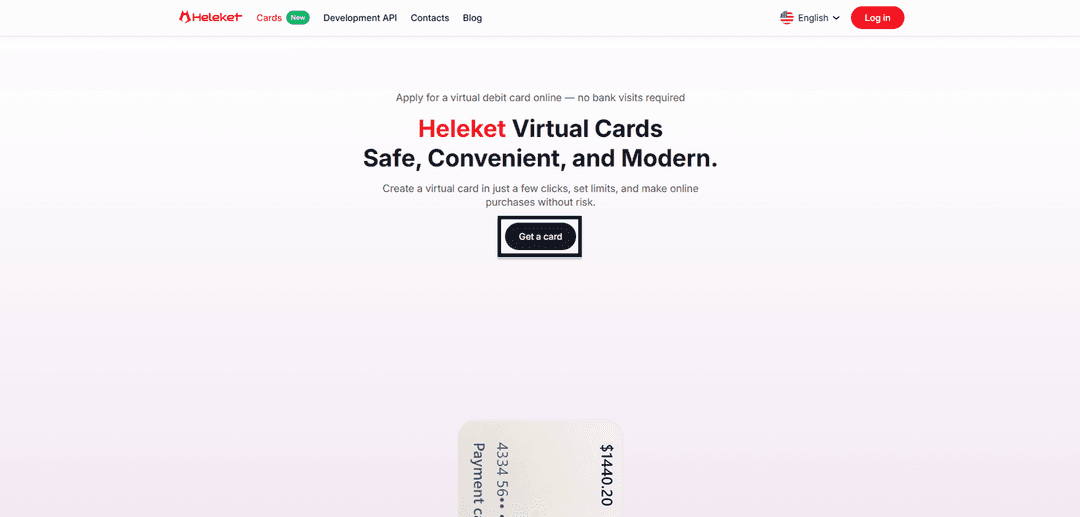
- Open the Cards section on the Heleket portal and click to get a card.
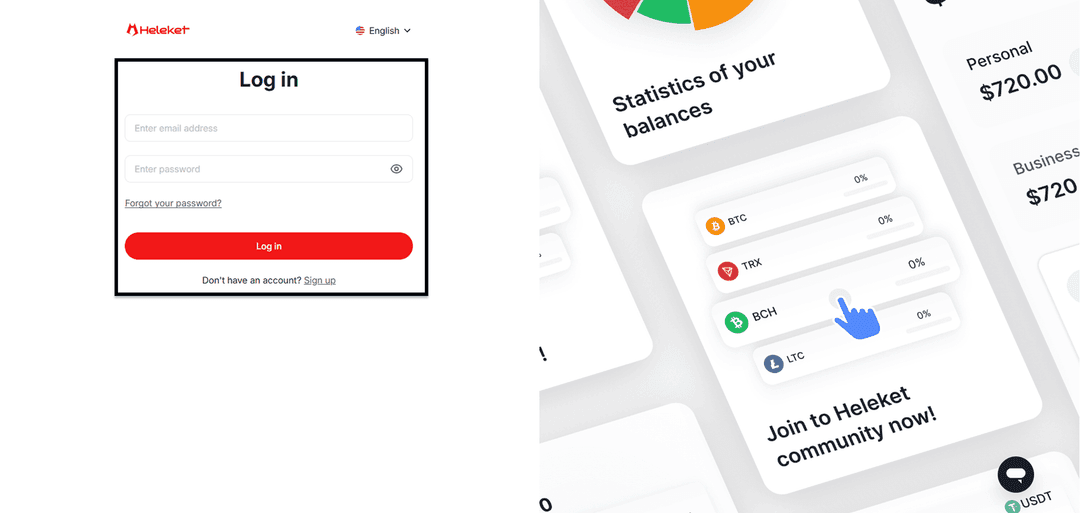
- Complete Heleket registration or log in if you already have a profile.
Card Activation
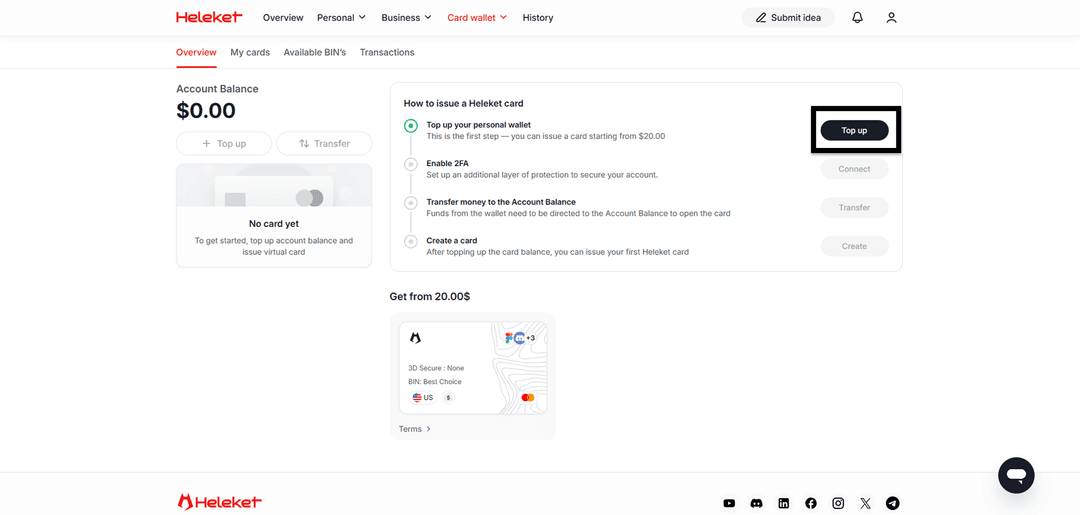
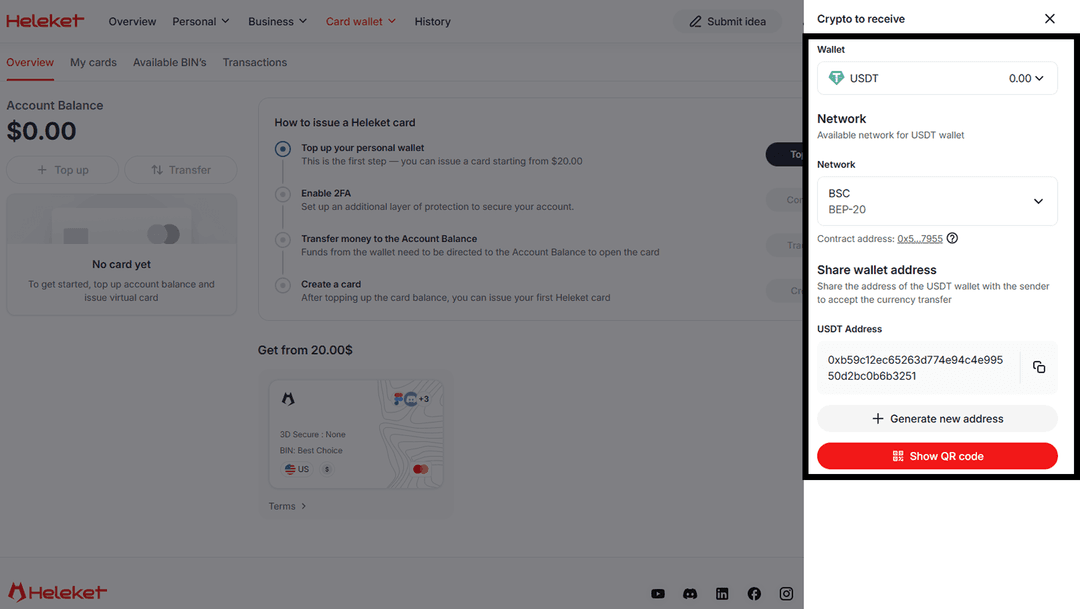
- Add at least $20 to your personal Heleket wallet. Click "top up", then select your wallet and network.
- Enable two-factor protection (2FA).
- Transfer funds from your wallet to the card account.
- After the balance is credited, request card issuance.
Guide: Purchasing a Game on Epic Games Store
The buying process mirrors payment with a standard card. Epic Games Store recognizes Heleket as a regular payment card.
Authorization
Open epicgames.com and click Sign in.

Sign into your existing account or register a new one.

Making a Purchase
Locate the desired game in the catalog and click on it.

On the game page, click "Buy Now".

Select card payment and fill in the form with Heleket details.
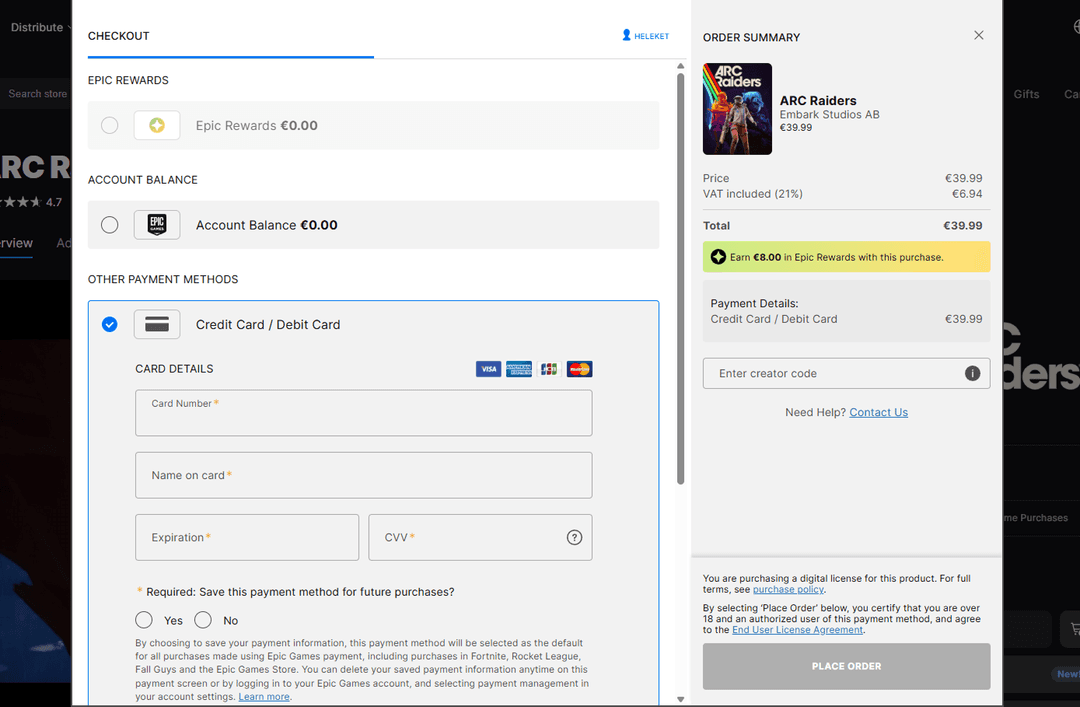
If payment is refused:
- Check the card balance
- Verify the details are correct
- Confirm the card is activated
After completing the purchase, the game becomes available for download through the Epic Games launcher.
If difficulties arise — reach out to Heleket support.