
Cards
How to Pay for Microsoft 365 Subscription from Russia
#service-payments
Word, Excel, PowerPoint, OneDrive cloud storage — all part of Microsoft 365. But subscribing directly from Russia won't work: Russian cards are blocked for international payments, and Microsoft doesn't accept crypto.
Heleket virtual card solves both problems. You fund it with crypto — the system automatically converts to dollars. Microsoft sees a regular international Visa and accepts payment without questions.
Why Standard Methods Don't Work
Russian bank cards are disconnected from international payment systems. Even if a payment goes through — there's a high chance of your bank blocking it.
PayPal requires linking a card that supports foreign transactions. A dead end.
Buying keys from resellers is a gamble. The key might already be activated or get blocked after a couple of months.
Heleket: How It Works
Heleket issues virtual cards funded with cryptocurrency. Conversion happens automatically — dollars appear on your card.
What you get:
- Card ready minutes after registration
- Top up with any popular crypto
- Works everywhere Visa is accepted
- No documents or verification needed
- Transparent fees with no surprises
Beyond Microsoft 365, the card works for any foreign service — from Netflix to Adobe.
Getting Your Card: Three Steps
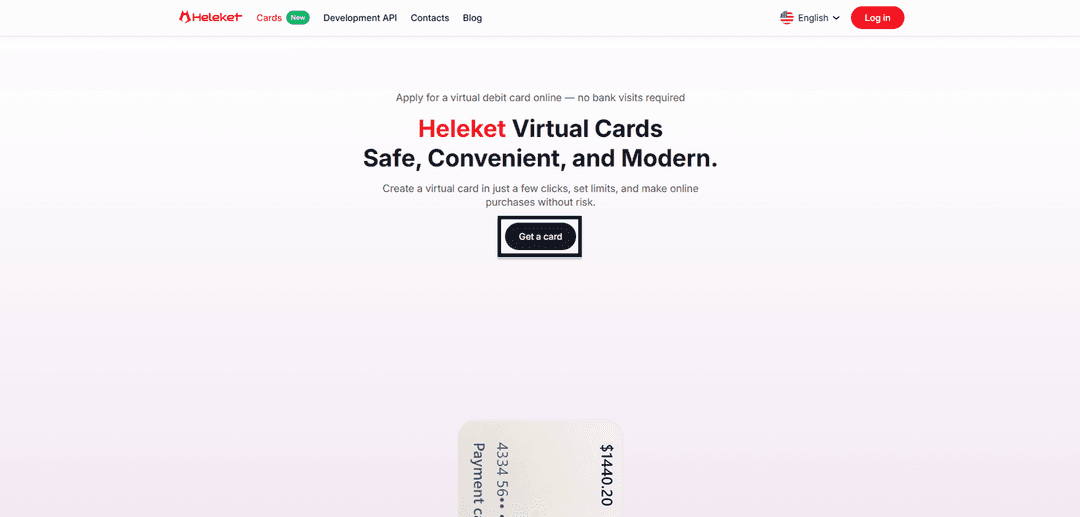
Step 1. Go to the Cards section and request issuance.
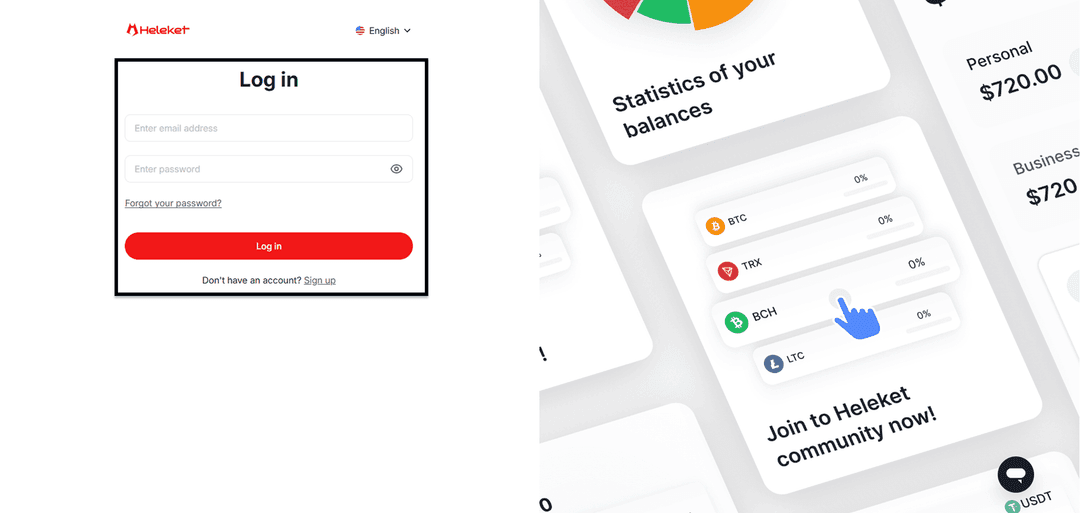
Step 2. Create an account or sign into an existing one.
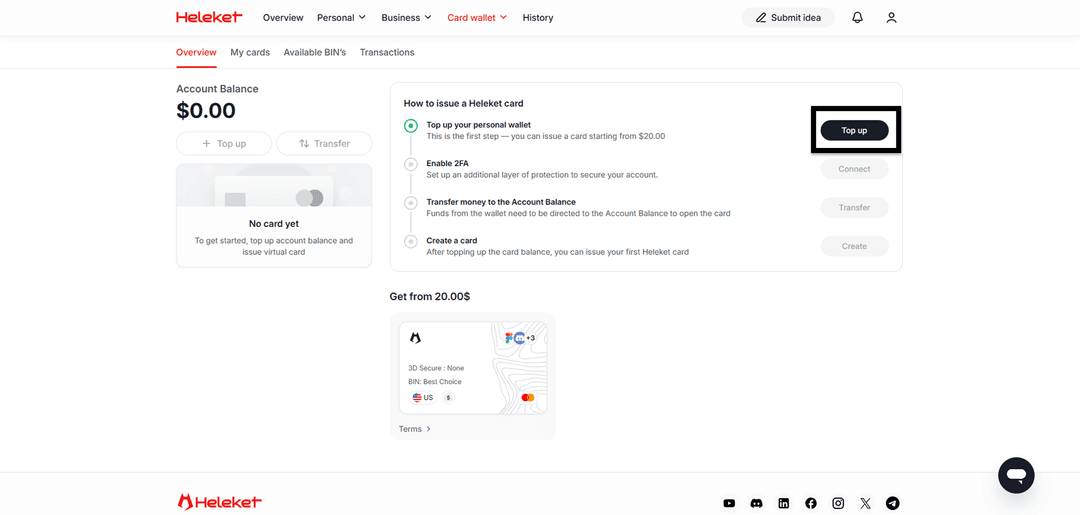
Step 3. Fund your wallet with at least $20, enable 2FA, and transfer funds to the card.
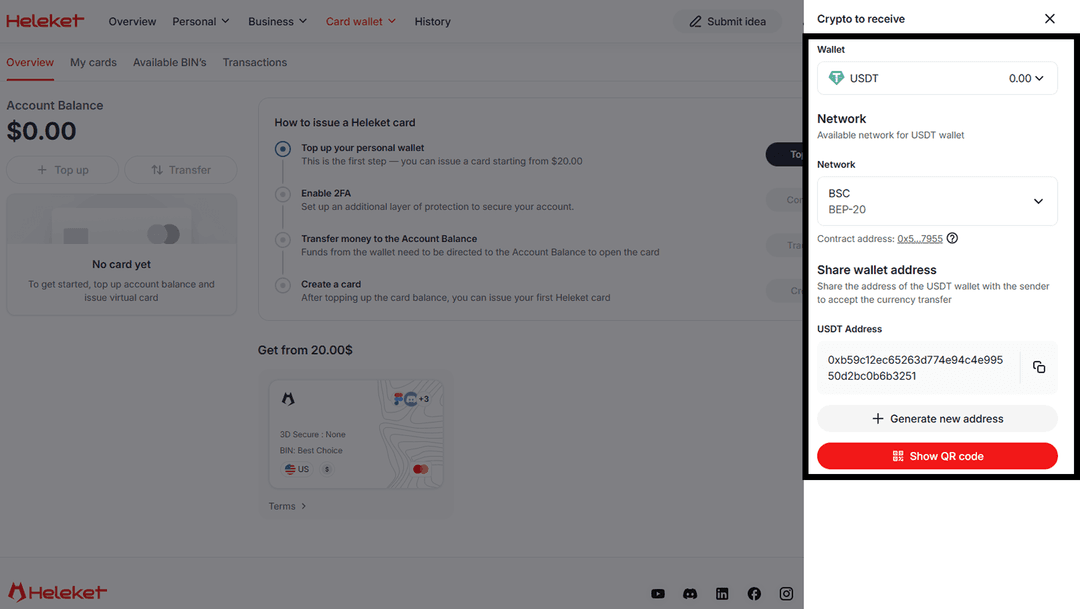
Once funds are credited, the card is ready to use.
Subscribing to Microsoft 365
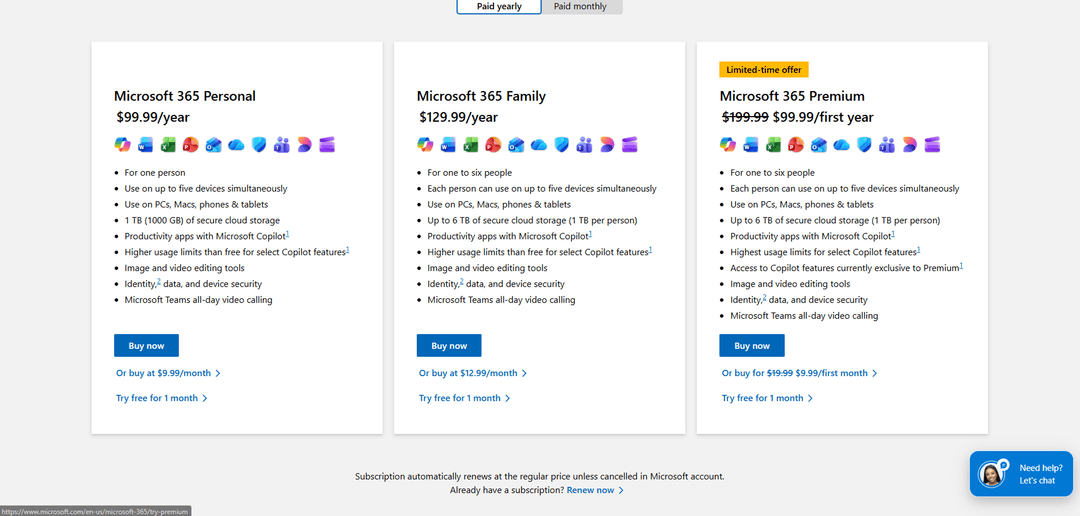
Open the Microsoft 365 page and choose your package — Personal, Family, or one of the business plans.
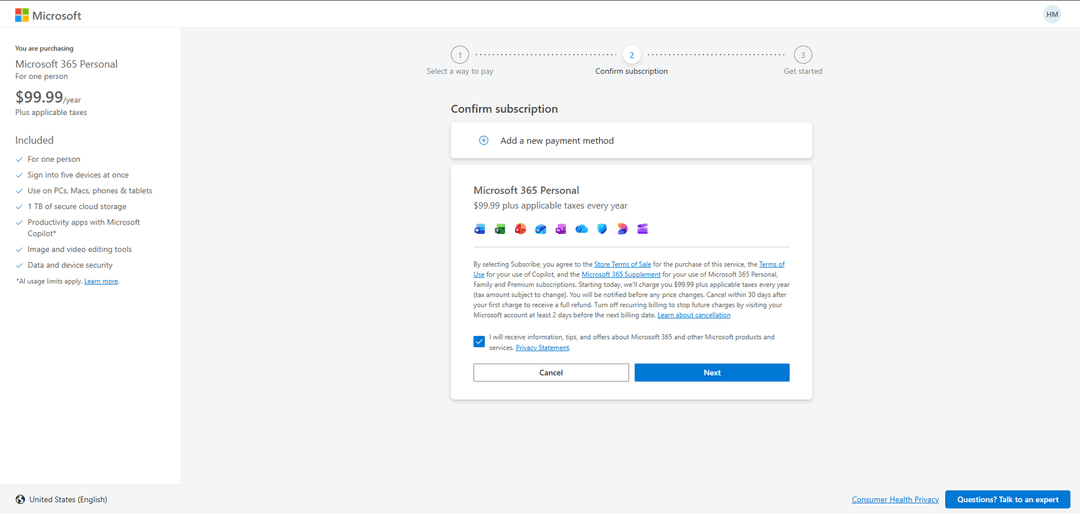
In the payment section, click "Add a new payment method".
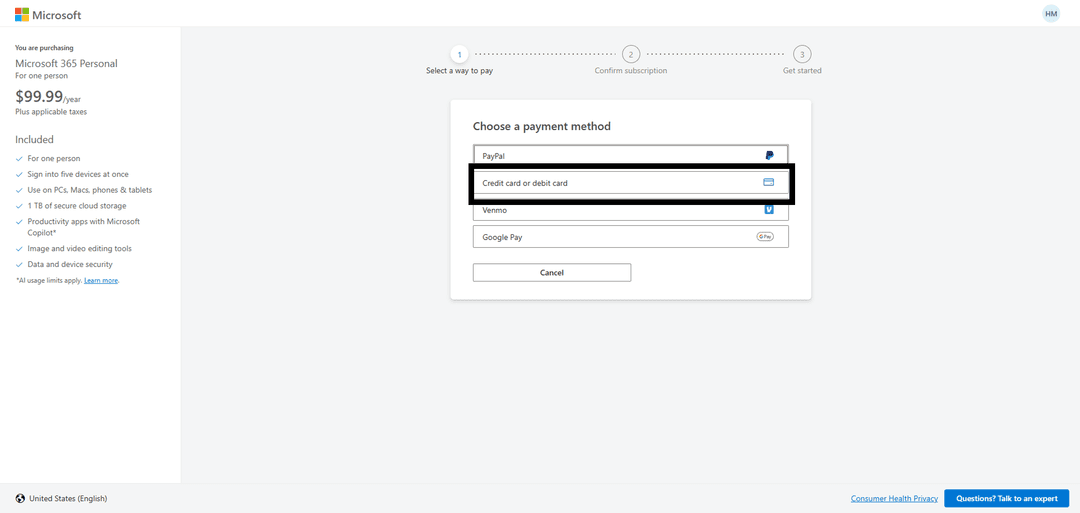
Select "Credit card or debit card".
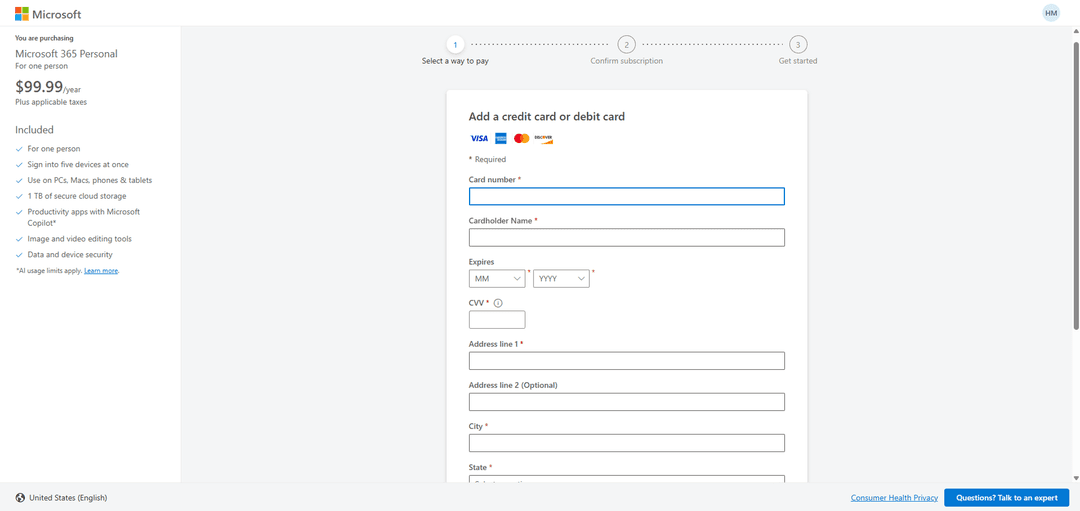
Enter your Heleket card details and complete the payment.
What to Do If Payment Fails
Three things to check:
- Balance — the card must have enough funds including possible fees
- Details — number, expiry date, and CVV entered correctly
- Card status — make sure it's active in your Heleket dashboard
If everything checks out but payment still fails — contact Heleket support. They usually respond within minutes.