Cards
How to Pay for a Midjourney Subscription from Russia
#service-payments
Generating images through Midjourney opens up endless creative possibilities. However, Russian users face the problem that local bank cards are not accepted, and the service ignores cryptocurrency payments entirely.
The Heleket card removes this barrier. Top up the card with cryptocurrency, it gets converted into dollars, and you can pay for Midjourney just as if you were using a regular foreign bank card.
Traditional Methods: Why They Don't Work
Russian bank cards don't work with Visa and Mastercard, so they can't be used to pay for foreign services.
Foreign virtual cards require lengthy verification via a foreign passport. Due to fees, you end up paying more. Half of all services reject them.
Electronic wallets require a foreign bank account, which is a problem for most users from Russia.
How Heleket Works
The service generates virtual dollar-denominated cards that are topped up with cryptocurrency. The exchange rate is fixed at the moment of the transaction.
Key features:
-
A card can be issued immediately after registration in just a couple of minutes.
-
The card can be topped up with all popular cryptocurrencies. Currently, 17 coins are accepted — for example, Bitcoin, USDT, Ethereum, Solana, Monero, Dash, Tron, and others. The full list can be found here.
-
The card is accepted by all platforms that work with Visa or Mastercard.
-
No extra documents or passports are required — you only need to register.
-
The top-up fee is 3.5%. Issuing a card costs $5. To receive it, your wallet must have at least $20. Other conditions can be viewed in your personal account after registration.
Our cards are accepted by any foreign service that can be paid with international bank cards. So if you need to pay for other services after Midjourney, you can easily do so.
Three Steps to Get a Card
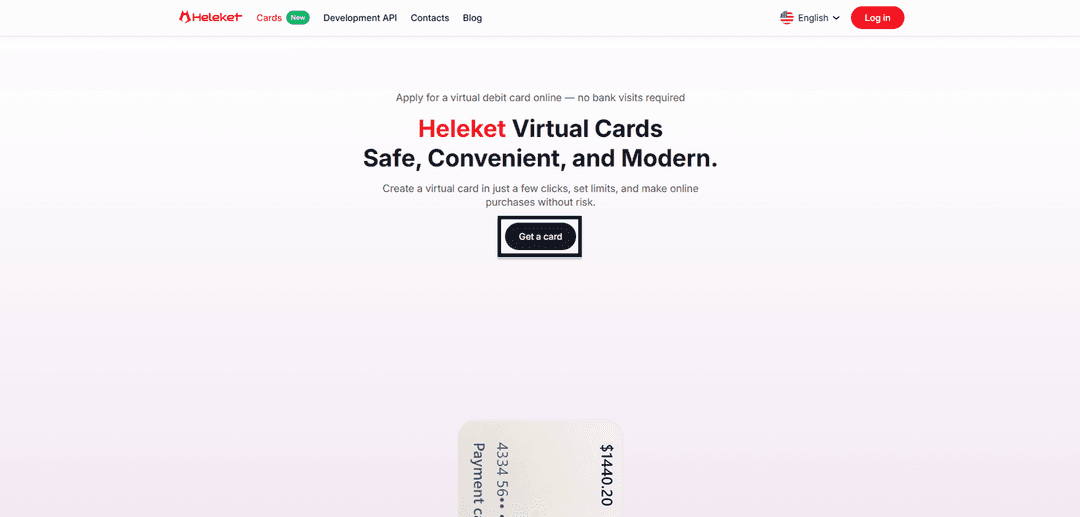
- To issue a card, first go to Heleket.com. Then go to the Cards section and click "Get."
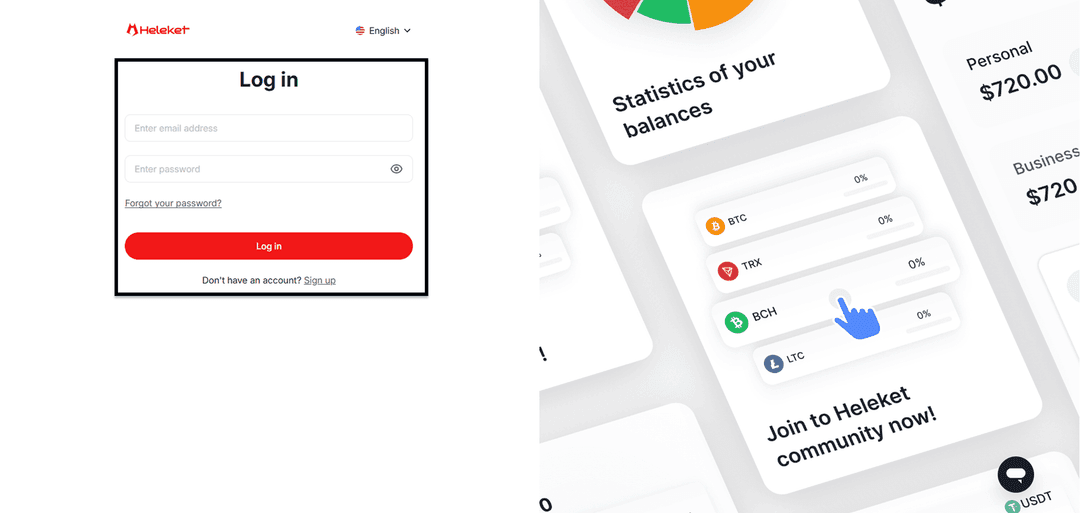
- You will see a registration form. Enter your email and create a password.
- Now you need to transfer $20 to your Heleket wallet. Starting from this balance, you can issue a virtual card. To do this, you will need to make a standard crypto transfer. In your account, click "Top Up," select the currency, choose the network, and send funds to the specified address.
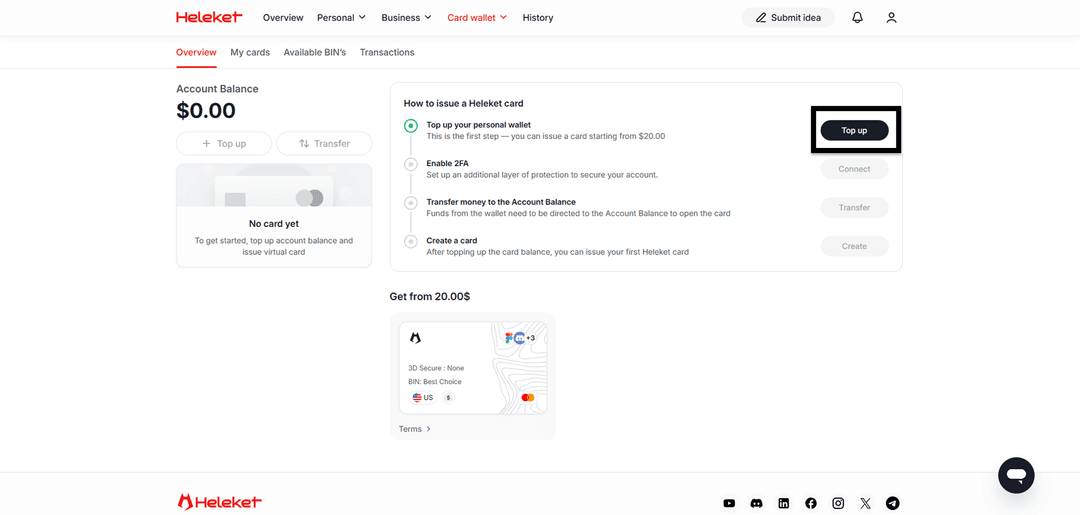
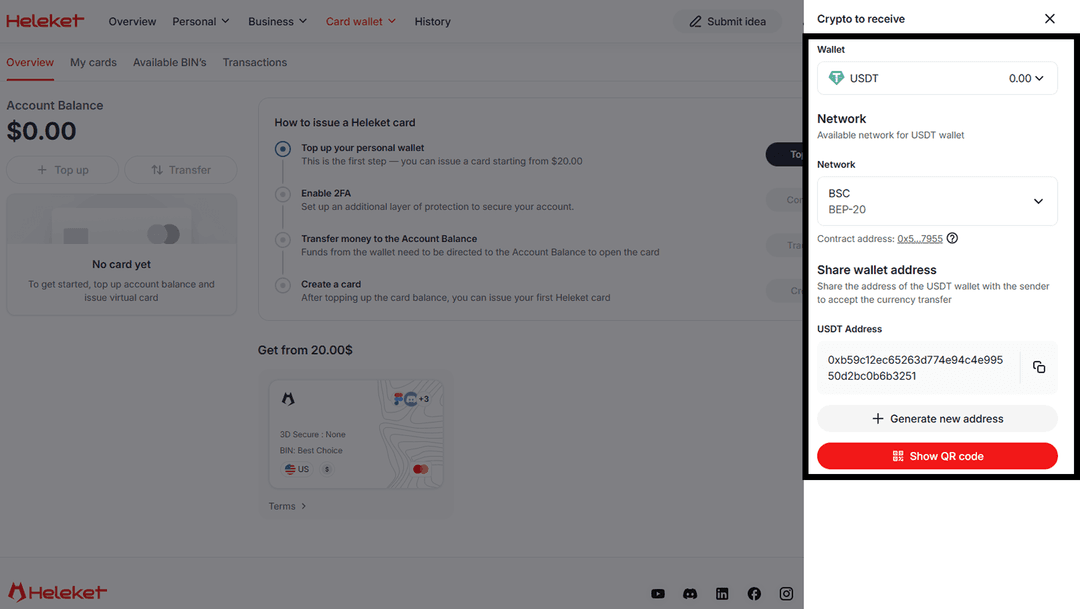
After topping up, click "Enable" next to the two-factor verification option. Once the transfer is complete, you will be able to issue your card. To do so, click "Create."
Done — your card is ready to use.
Activating a Midjourney Subscription
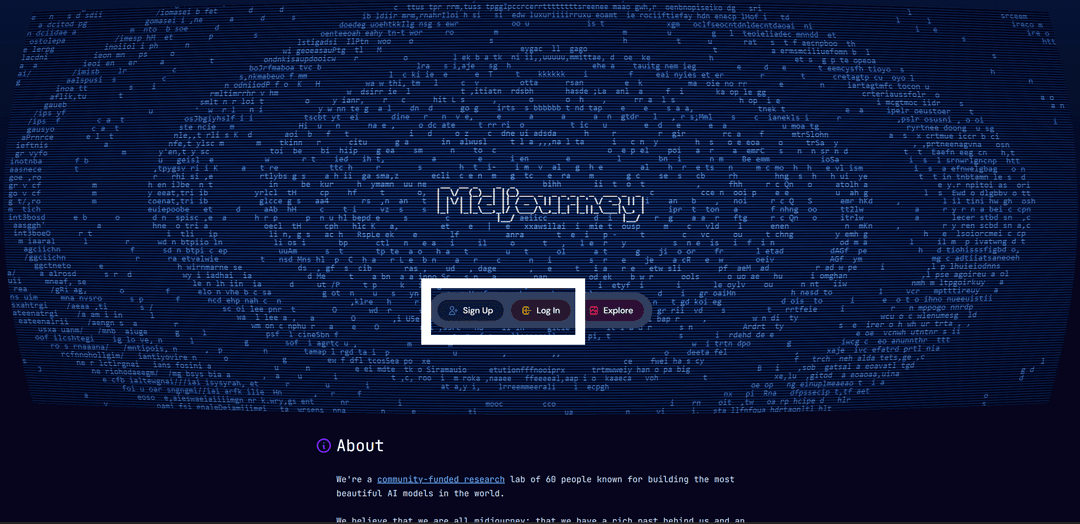
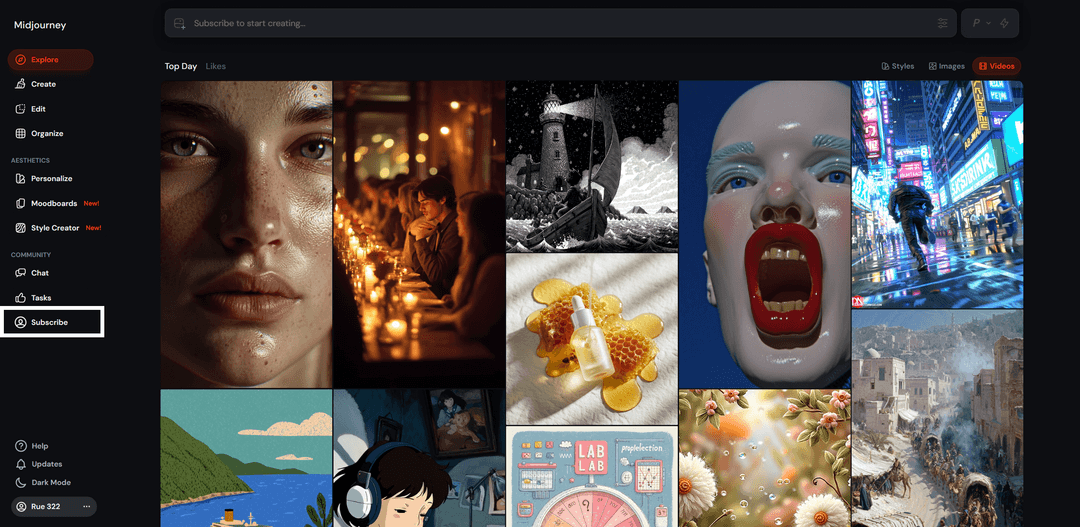
Go to Midjourney.com, then sign in to your account or register if you don't have one yet.
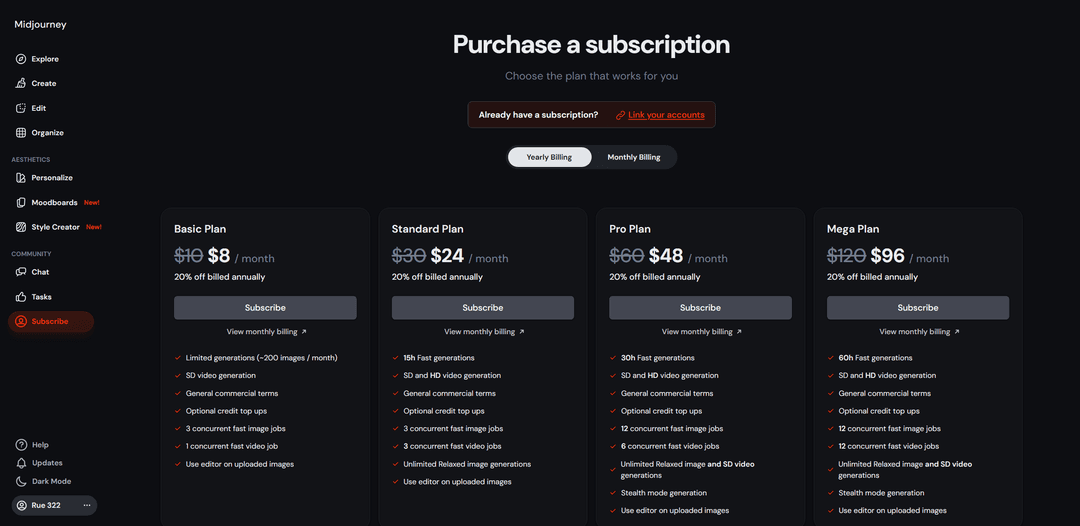
The Basic plan ($8/month) limits you to 200 image generations per month, and Midjourney can only generate videos in SD quality (480p). Suitable for those who will use the AI rarely.
With the Standard plan ($24/month), photo and video generations are 15x faster than the Basic plan. Videos are generated in HD (720p). The number of creations is unlimited starting from this plan. This option suits most users.
The Professional plan ($48/month) offers generation 30x faster, with videos still in HD (720p). The Mega plan differs from the previous one mainly by enhanced generation speed — 60x faster. These two plans are for those who plan to create a very large number of images and videos with Midjourney.
In the payment form, enter your card details: card number, expiry date, security code, and cardholder name. If you issued our Heleket virtual card, this information can be found in your personal account after registration. The payment card region (USA) must match yours. Use the tools to change your geolocation.
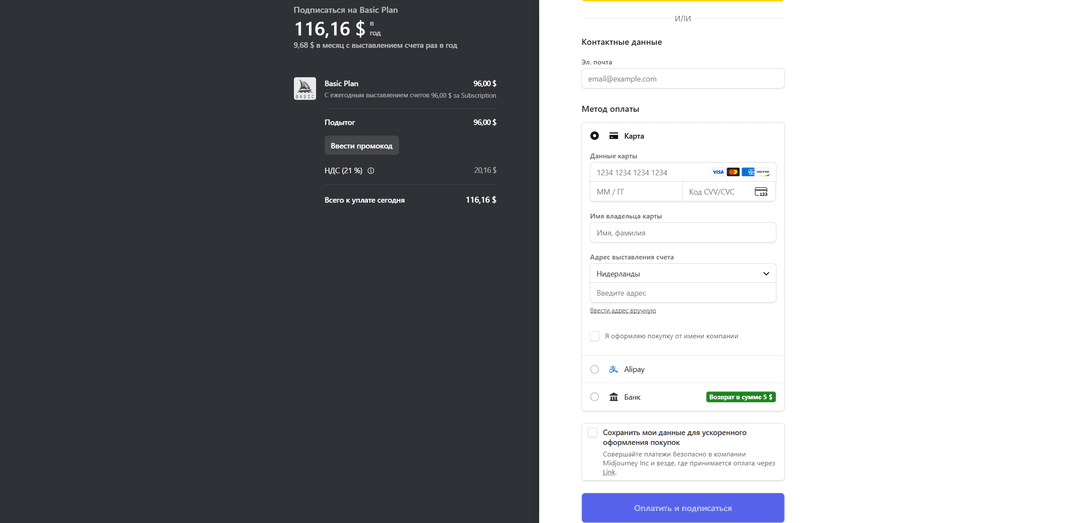
If your payment is successful, you will see a corresponding confirmation message.
If Your Payment Is Declined:
-
Make sure there is enough money on the card to pay for the subscription. As a precaution, add a couple of dollars more than needed to cover any fees.
-
Make sure you have followed all the steps in the instructions and issued the card correctly. You can check the card balance and status in your personal account.
-
Double-check that you entered the card details correctly. They must match the card data in your personal account.
Heleket technical support is available on Telegram. They will respond if you have any questions.