Cards
How to Pay for NVIDIA GeForce NOW Subscription from Russia
#service-payments
Getting an NVIDIA subscription, like other online platforms, turns into a problem for many. Some users have their bank cards simply rejected by the system. Crypto asset holders discover that directing them toward purchases is impossible.
A solution exists — Heleket virtual card. Fund it with cryptocurrency that instantly converts to dollars. Works for paying any online service just like a standard Visa — directly and without overpaying.
Comparative Overview of Payment Methods
Bank cards. Require opening a bank account. International transactions often get blocked. Overseas purchases may lead to restrictions.
Other virtual cards. Frequently request document-based identity verification. High fees on deposits. Far from all platforms accept them.
PayPal and payment services. Bank card linking is mandatory. Country restrictions apply. Currency exchange fees charged.
What makes Heleket great:
- Card issuance takes minutes
- Crypto funding
- Works with any foreign services
- Set up without documents
- Modest fees
One card covers not just NVIDIA but other gaming platforms too. To start, you only need an email and an initial deposit. Instructions below.
Getting a Heleket Card
Registration
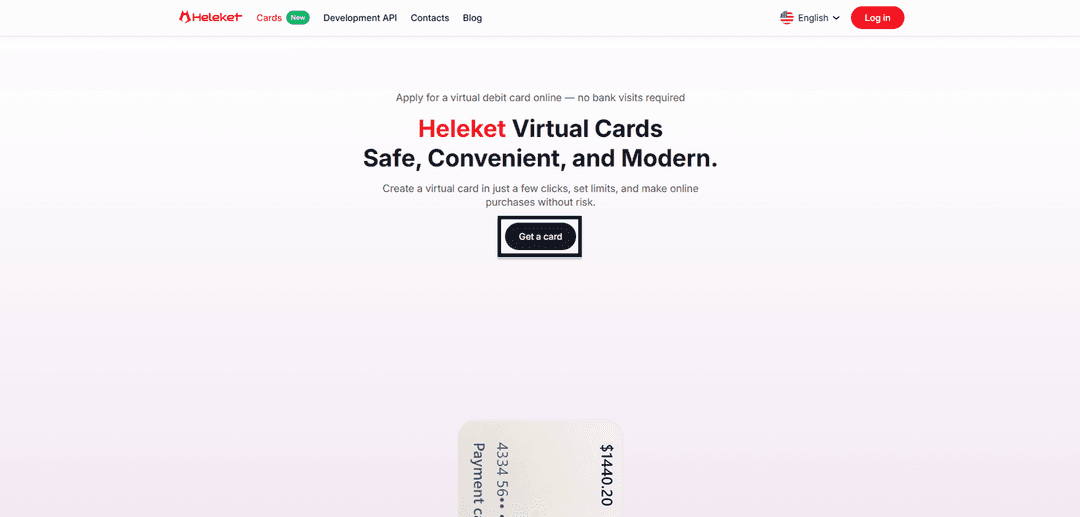
- Open the Cards section on the Heleket website and click the get card button.
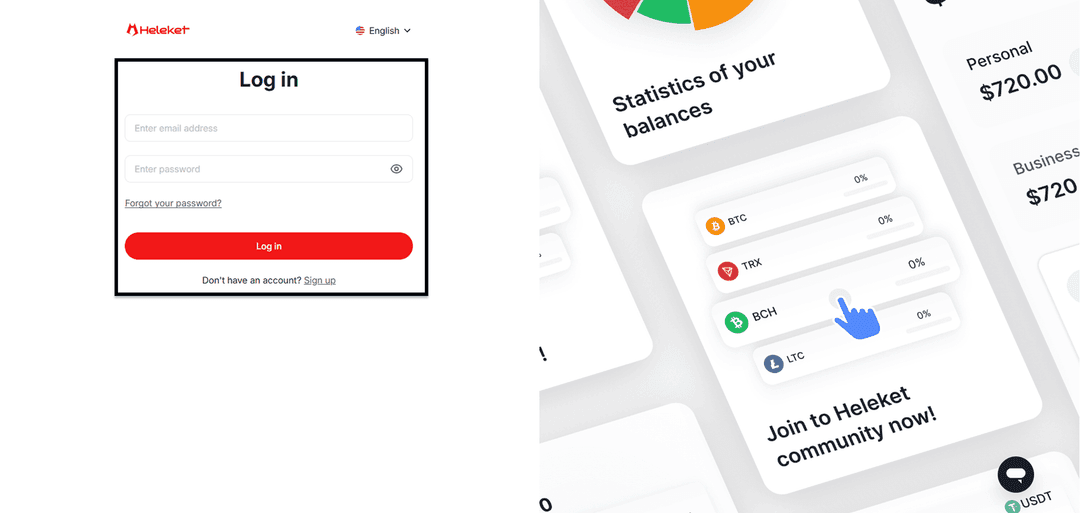
- Complete Heleket registration or sign in if you have an account.
Card Issuance
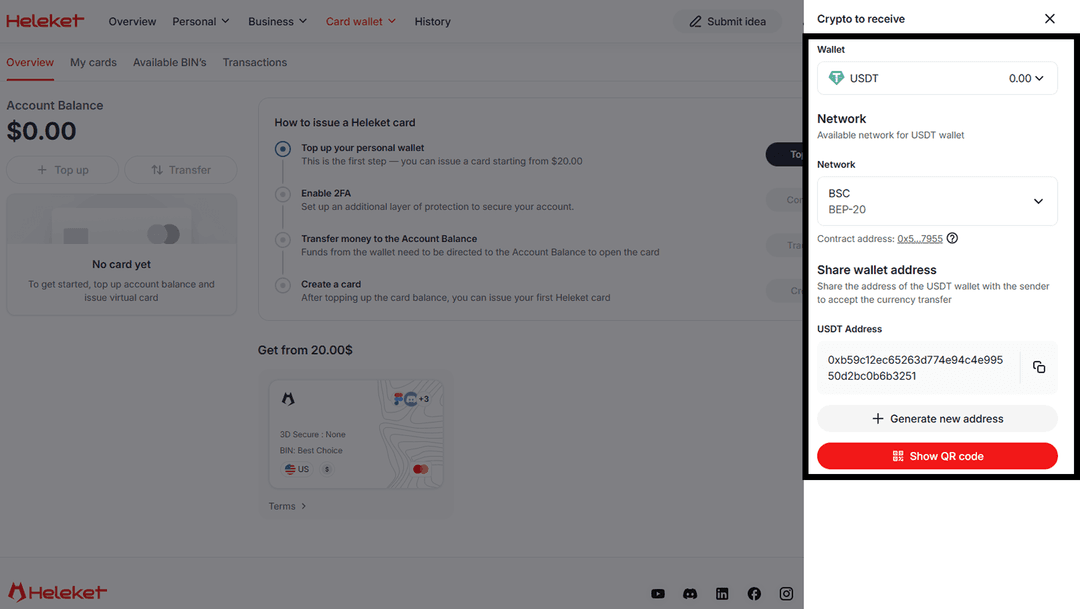
- Add at least $20 to your personal Heleket wallet. Click "top up" and specify your wallet and network.
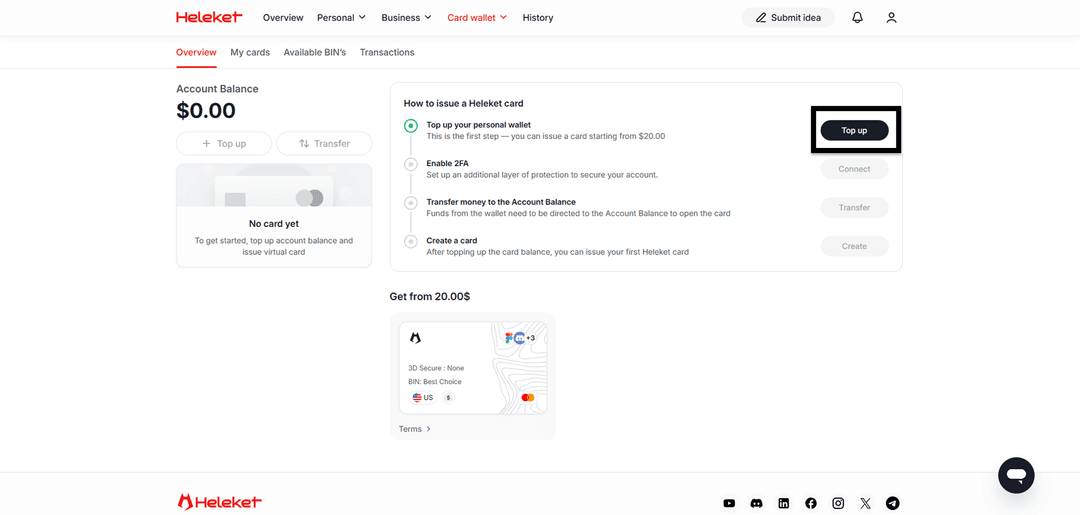
- Enable two-factor authentication (2FA).
- Transfer funds from your wallet to the card account.
- Once credited, request card issuance.
Subscribing to GeForce NOW
The payment procedure mirrors a standard card purchase. NVIDIA treats Heleket as a regular payment card.
1. Authorization
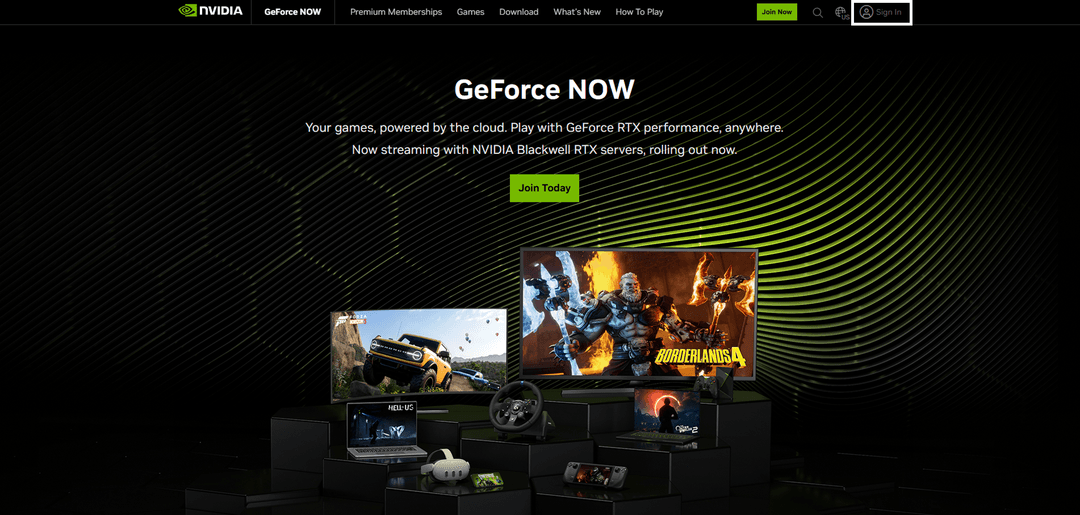
Go to NVIDIA GeForce NOW and click "Sign In".
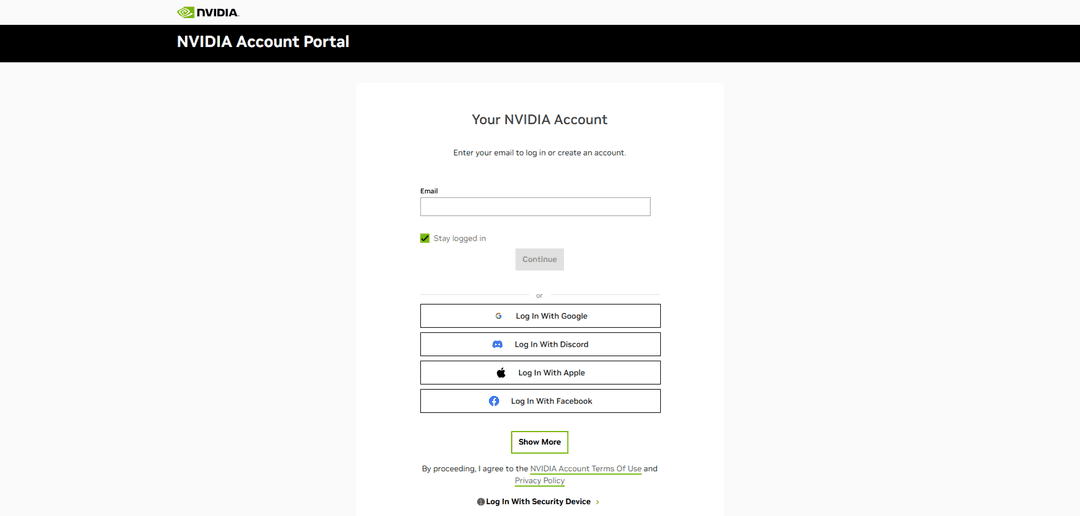
Sign into your NVIDIA account or set up a new one.
2. Setting Up Subscription
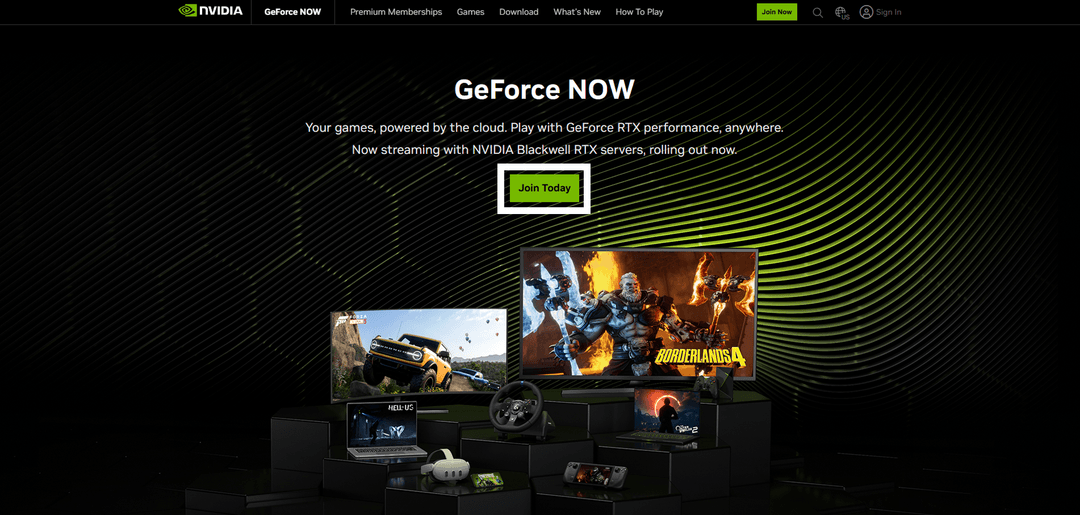
On the main page, click "Join Today".
Pick your subscription plan.
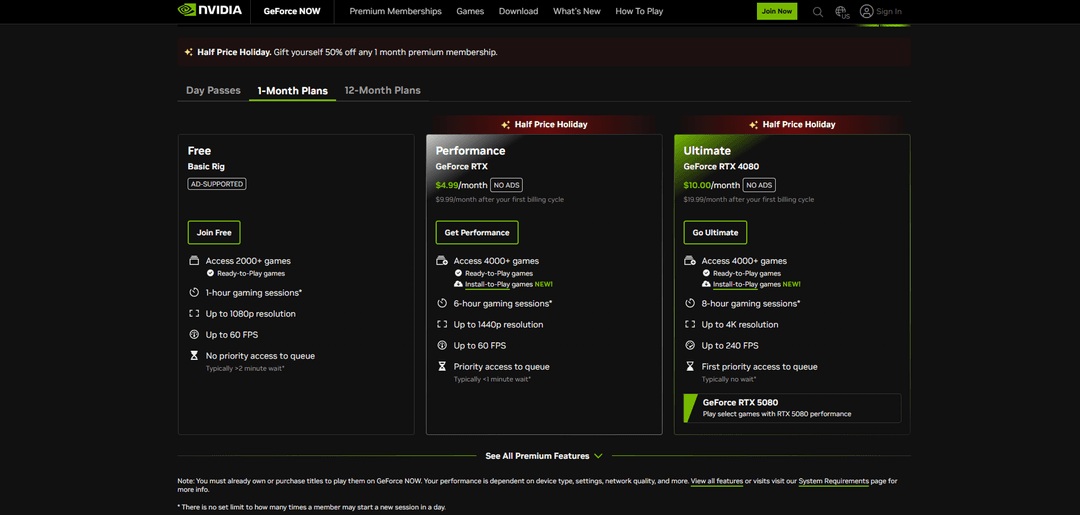
Select card payment and enter your Heleket details. Also complete the Billing Details section. The payment card region (USA) must match yours. Use the tools to change your geolocation.
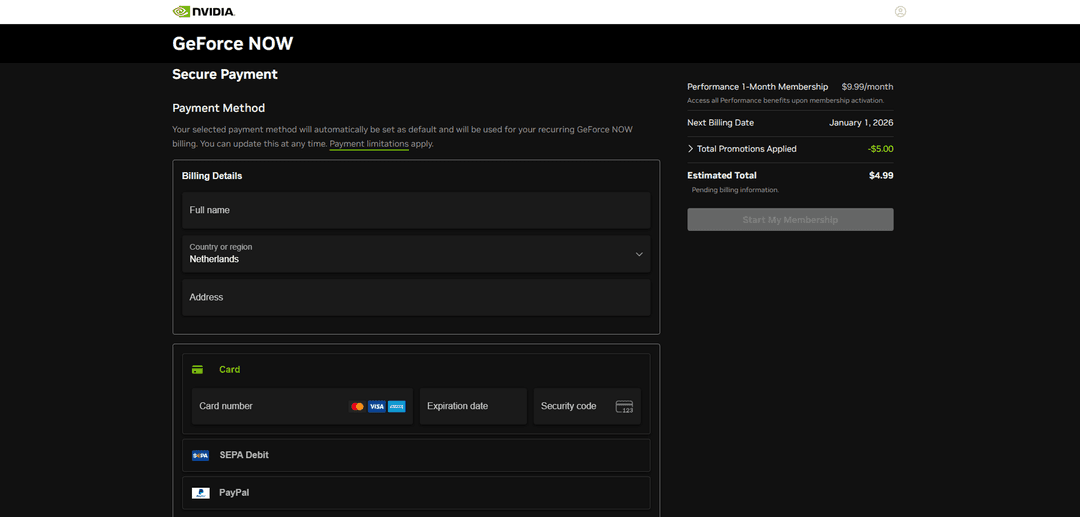
Click "Start My Membership". Subscription activated.
If payment is declined:
- Check the card balance
- Verify the details are correct
- Confirm the card is active
Once the subscription activates, you gain full access to your chosen plan. Launch games without free version limitations.
If questions arise — contact Heleket support.