
Cards
How to Buy International Flight Tickets on Skyscanner or Aviasales from Russia
#service-payments
Online flight booking becomes an impossible task for users from certain regions. Payment systems reject bank cards. Cryptocurrency holders cannot use their digital assets to purchase tickets.
Comparison with Other Payment Methods
Bank cards. Require opening a bank account. Often don't work for international payments. Get blocked when trying to pay for foreign services.
Other virtual cards. Often require document verification. Inflated fees for account top-up. Not accepted by all platforms.
PayPal and payment systems. Require linking a bank card. Geographic restrictions apply. Additional fees charged for currency conversion.
Heleket advantages:
- Card issued within minutes
- Top-up via cryptocurrency
- Works for all international subscriptions
- No documents required for issuing
- Minimal fees
One card works not only for purchasing flight tickets but also for other online services. You only need an email and initial top-up to issue the card. The process of obtaining the card is described below.
How to Create a Heleket Card
Registration
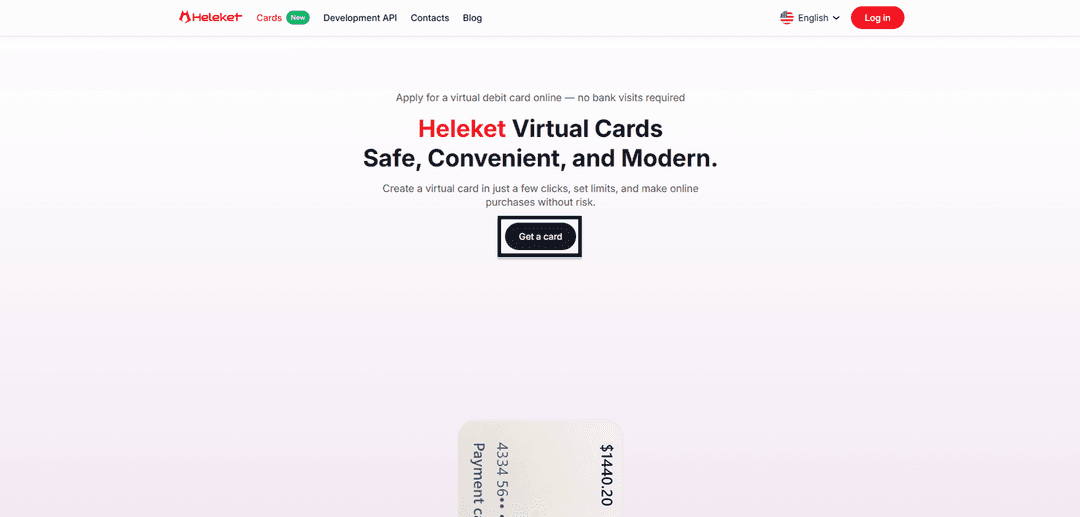
- Go to the Cards section on the Heleket website and click get card.
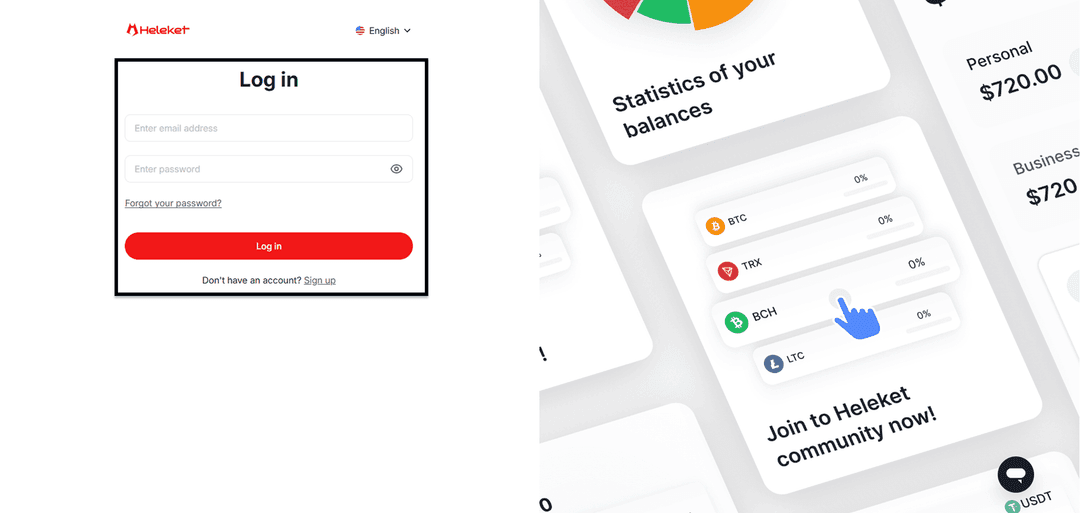
- Create a Heleket account or log in to an existing one.
Creating the Card
- Deposit at least $20 to your personal Heleket wallet. Click top up. Select wallet and network.
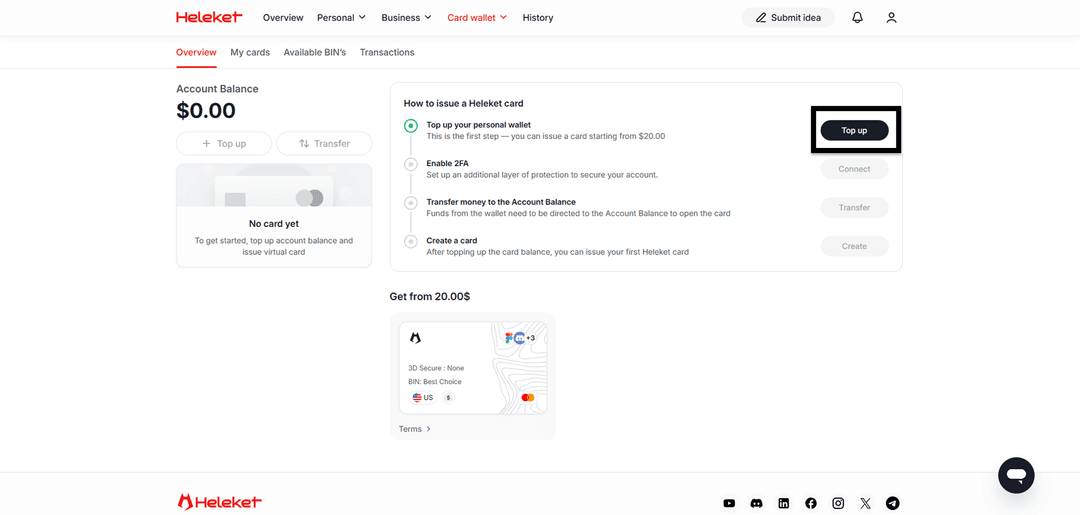
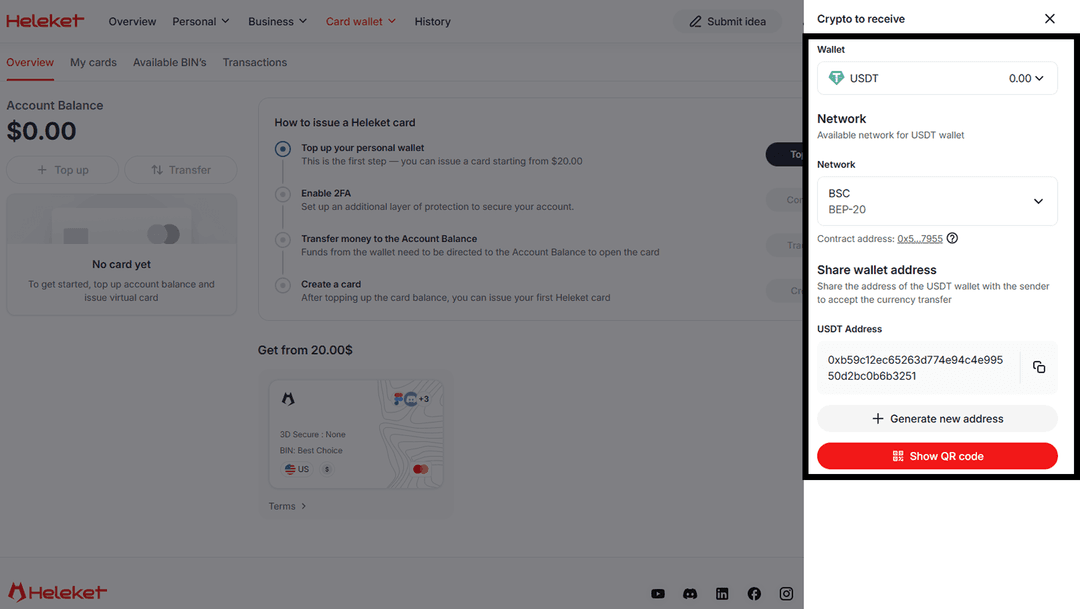
- Activate two-factor authentication.
- Transfer funds from wallet to account.
- Once the balance is topped up, issue the card.
Step-by-Step Guide: Skyscanner Payment
Paying for a flight ticket through Heleket is no different from standard bank card payment. Skyscanner accepts the virtual card as a regular international card.
Open Skyscanner.com and log in to your profile.
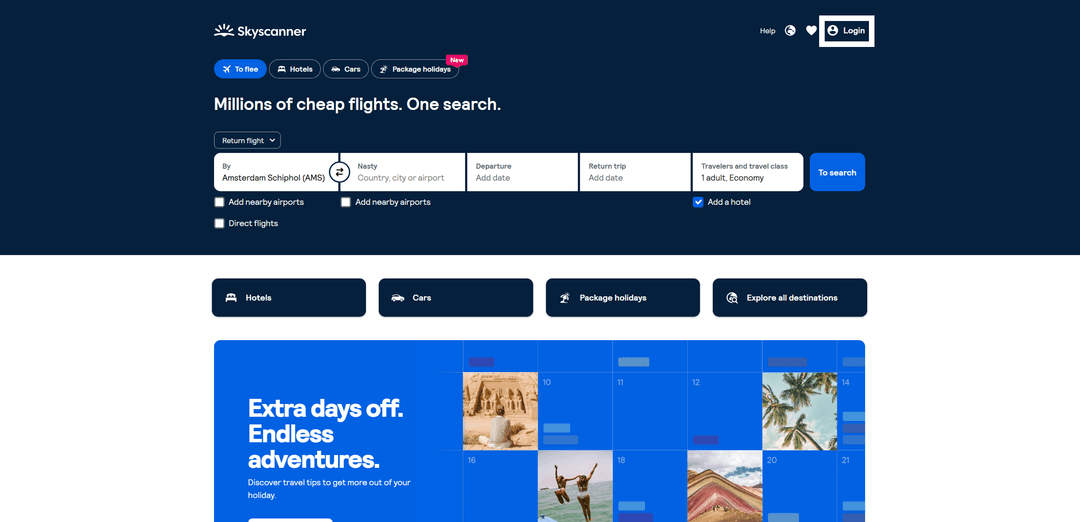
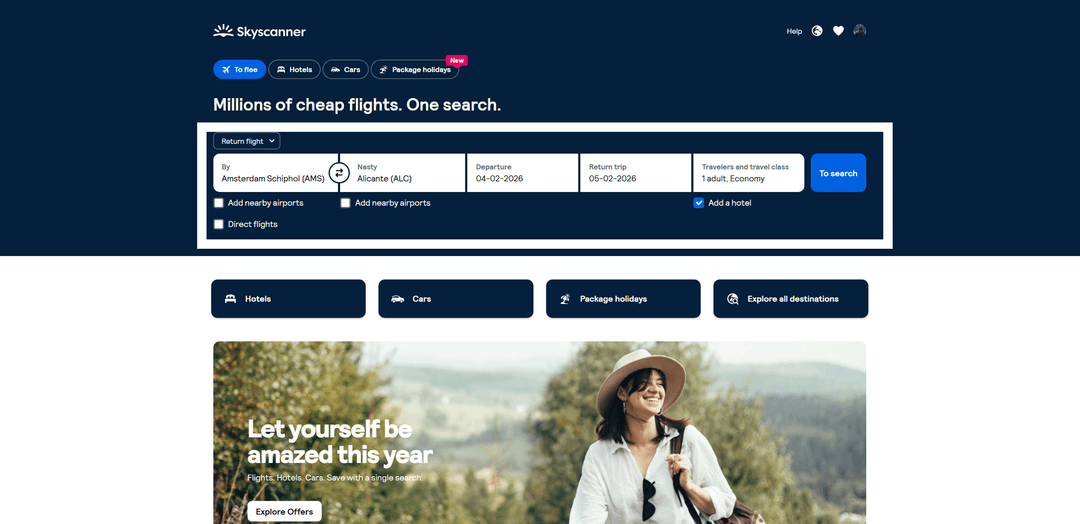
Enter your route and click To search.
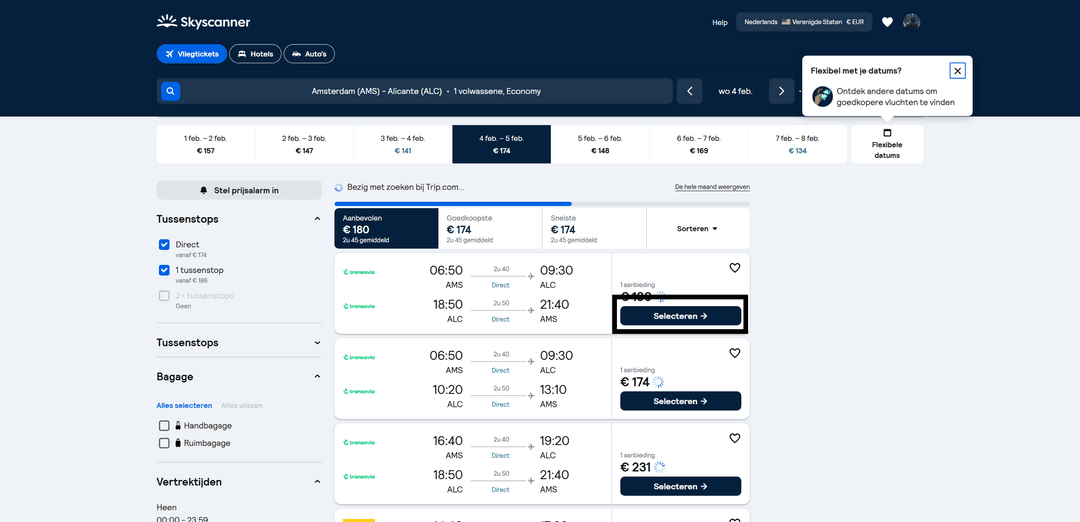
Select a suitable ticket.
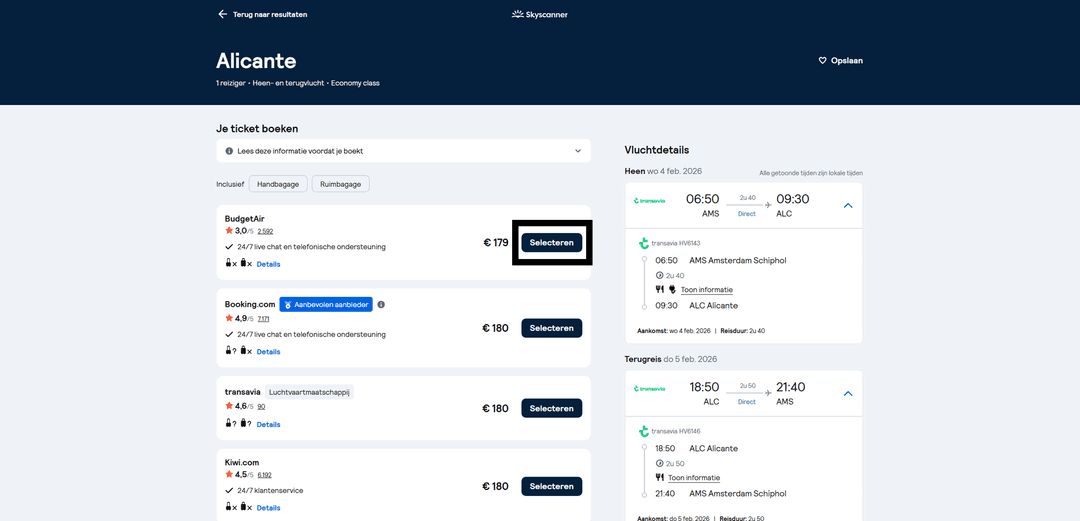
Choose a platform to purchase the ticket.
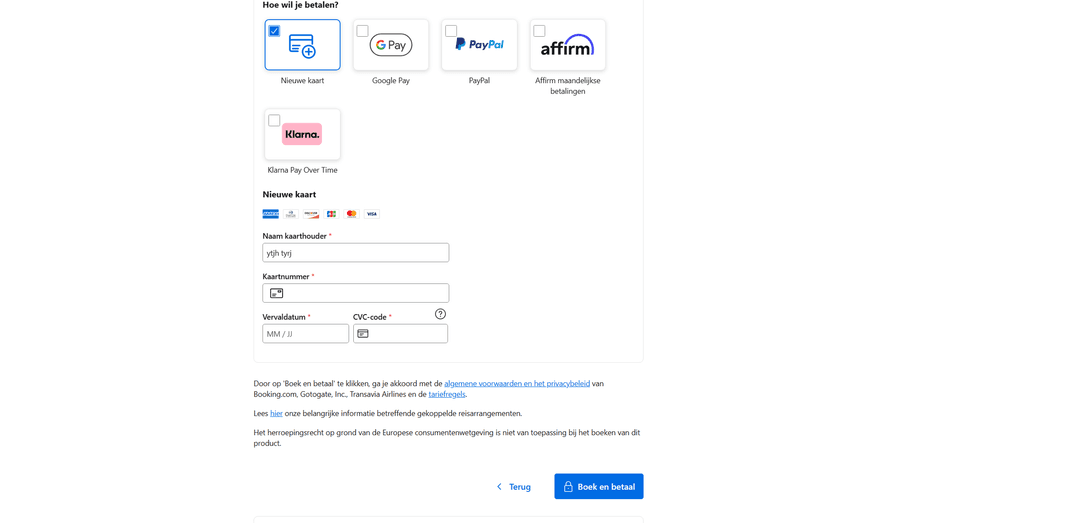
Complete the booking and fill in personal details. Then select card payment method and enter your Heleket virtual card details.
Step-by-Step Guide: Aviasales Payment
Aviasales also accepts the virtual card as a regular international card.
Open Aviasales.com and log in to your account.
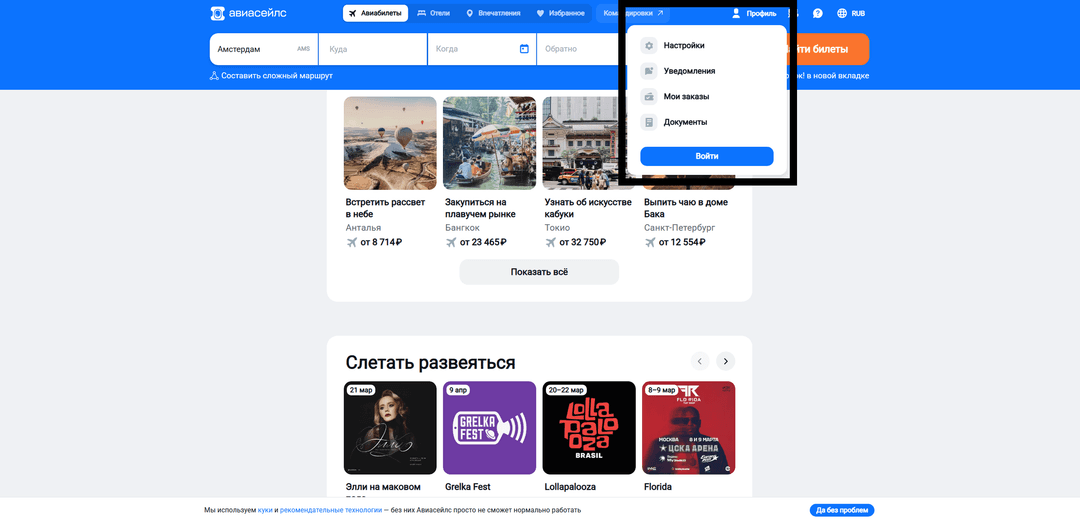
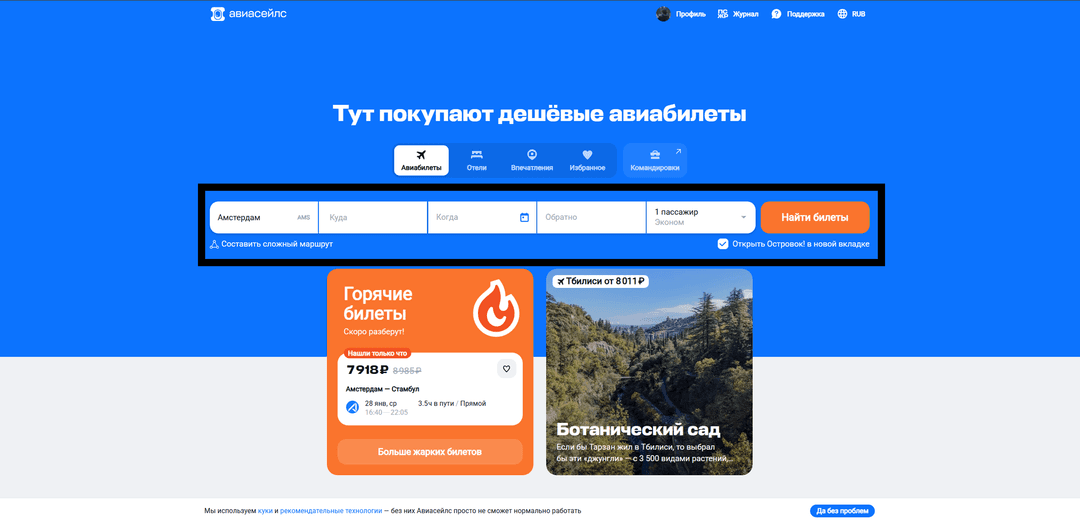
Enter your flight direction.
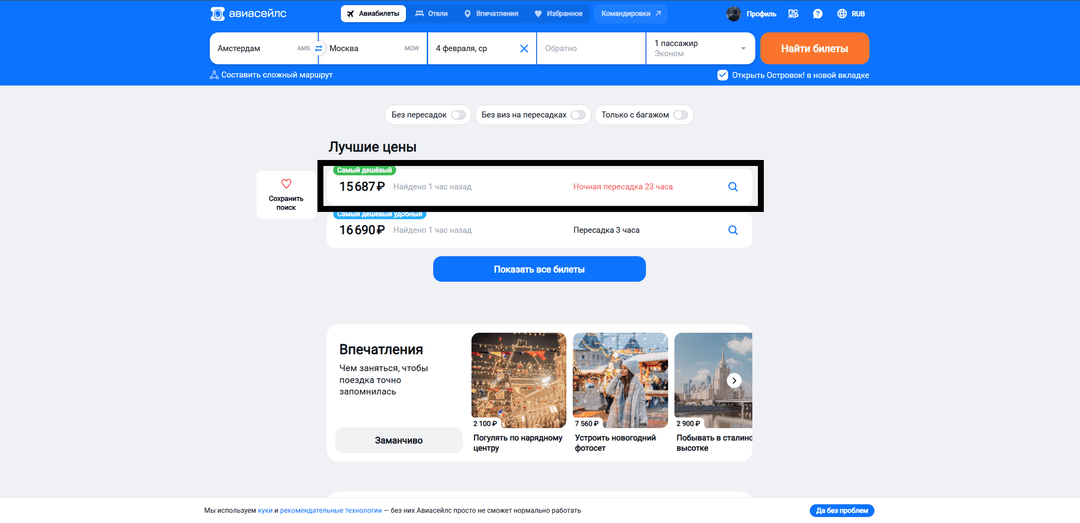
Select a suitable flight.
Enter personal information.
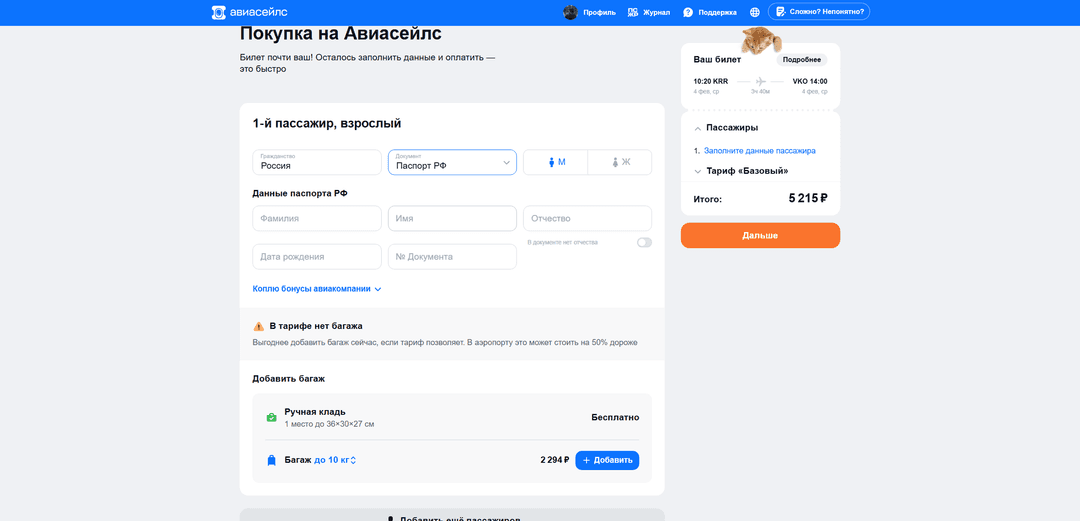
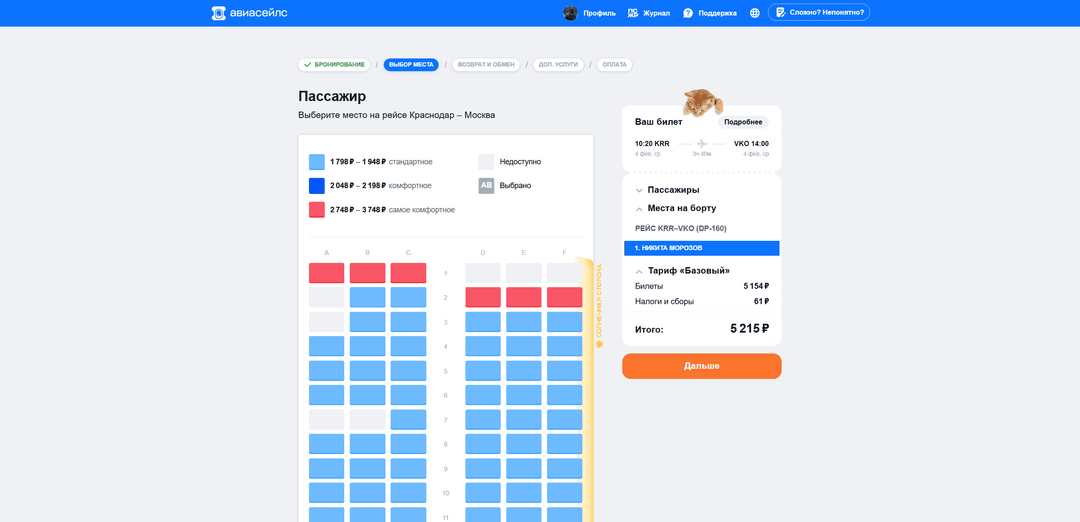
Select your desired seat.
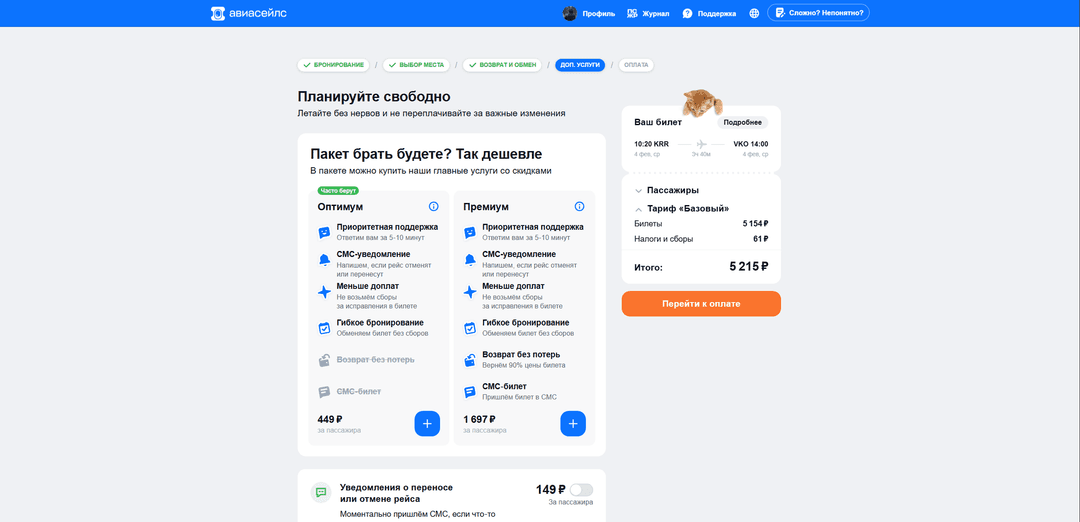
Choose a fare package.
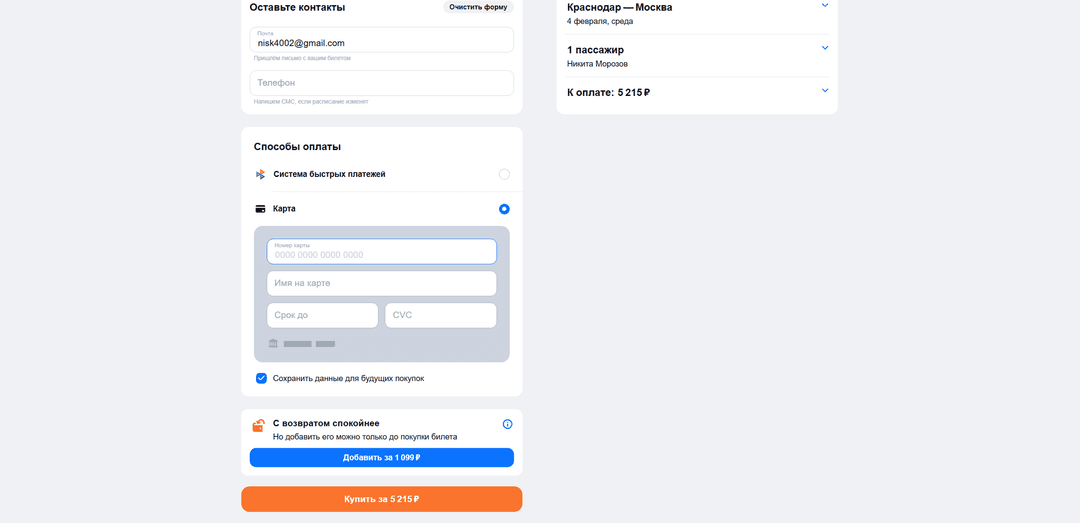
Enter contact details and input your Heleket virtual card information.
If payment is declined, check:
- Whether there are sufficient funds on the card balance
- Correctness of entered card details
- Transaction currency — the card works with dollars
If you have questions — contact Heleket support.