
Cards
How to Pay for Spotify Premium Subscription from Russia
#service-payments
Getting a Spotify subscription along with other foreign platforms isn't easy for everyone. Some face rejection when paying with bank cards. Others hold cryptocurrency but can't spend it directly on online purchases.
The way out — Heleket virtual card. Top up with crypto and it instantly converts to dollars. Use the card to pay for any digital service just like a regular Visa — directly and without overpaying.
Comparison of Payment Methods
Bank cards. Require a bank account. International transactions don't always succeed. Overseas purchases risk being blocked.
Alternative virtual cards. Most services request documents for verification. Top-up fees are high. Not accepted by all platforms.
PayPal and e-wallets. Bank card linking is mandatory. Country restrictions apply. Conversion comes with extra charges.
Heleket advantages:
- Card ready in a couple of minutes
- Fund with crypto assets
- Compatible with all international services
- No verification needed
- Reduced fees
One card covers not just Spotify but other platforms as well. To start, you only need an email address and an initial deposit. Step-by-step guide follows.
Getting a Heleket Card
Registration
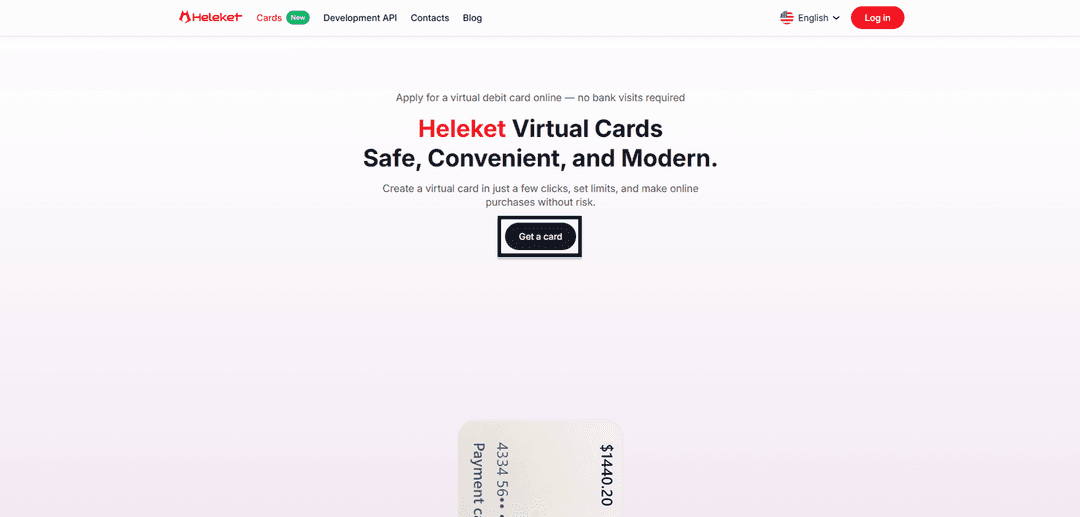
- Open the Cards section on the Heleket portal and click the get card button.
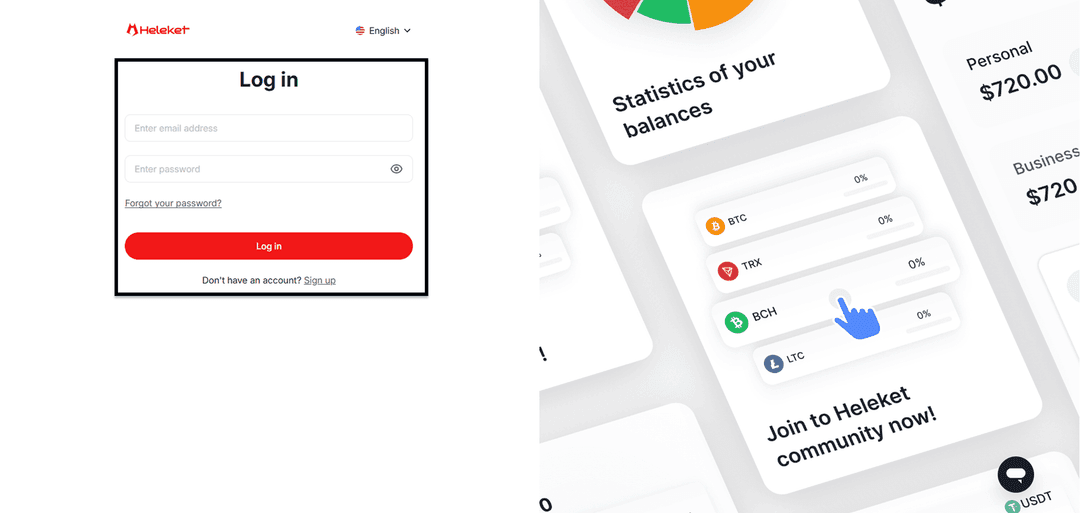
- Set up a Heleket account or log in if already registered.
Card Issuance
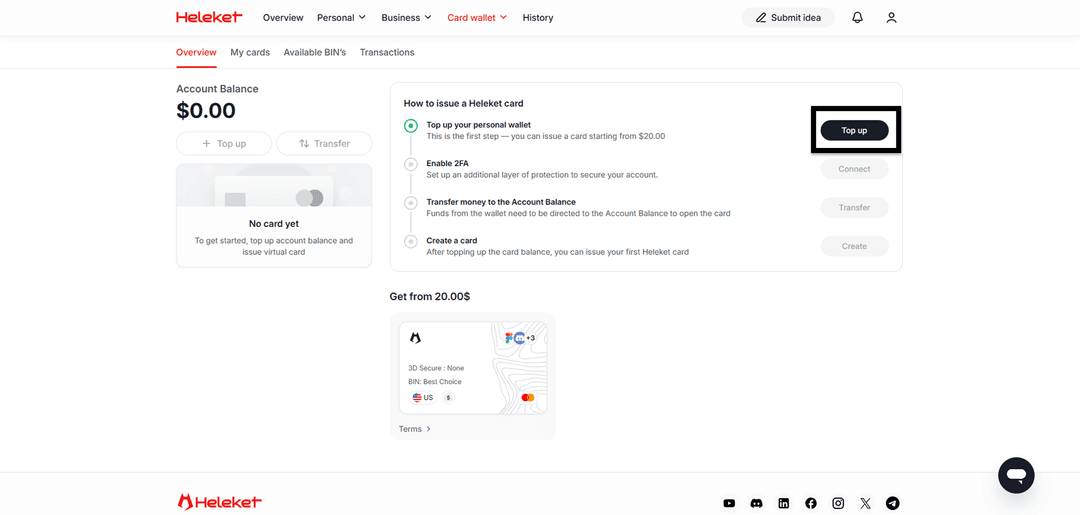
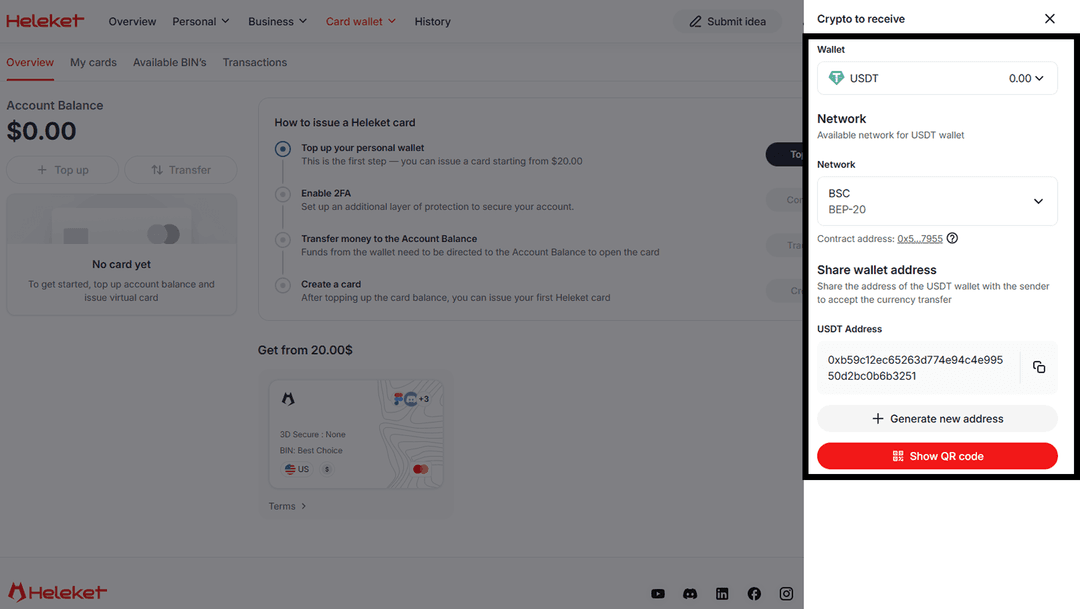
- Deposit at least $20 to your personal Heleket wallet. Click "top up" and specify the wallet and network.
- Enable two-factor protection (2FA).
- Move funds from the wallet to the card account.
- Once the balance is credited, order your card.
Guide: Paying for Spotify via Heleket
The Spotify payment process is no different from a regular card purchase. The platform recognizes Heleket as a standard bank card.
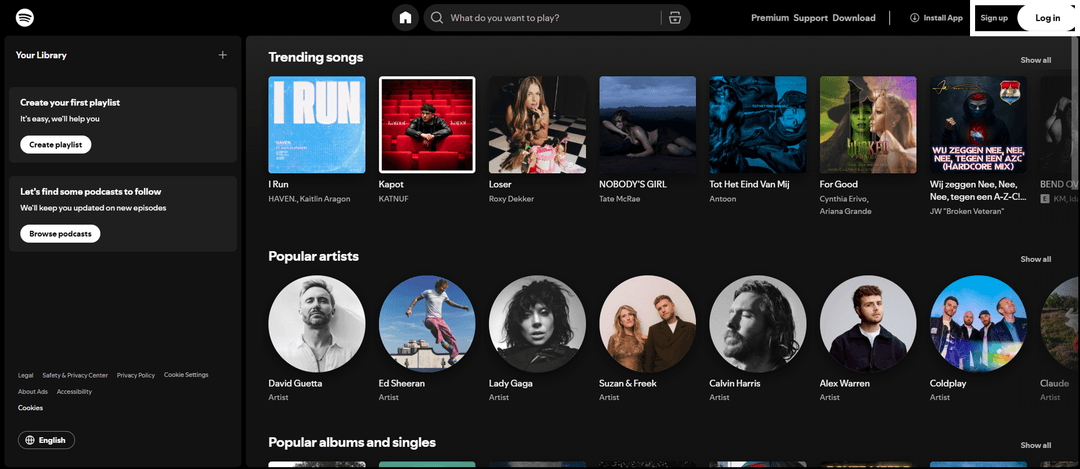
Go to Spotify and click Sign in to register or Log in if you already have a profile.
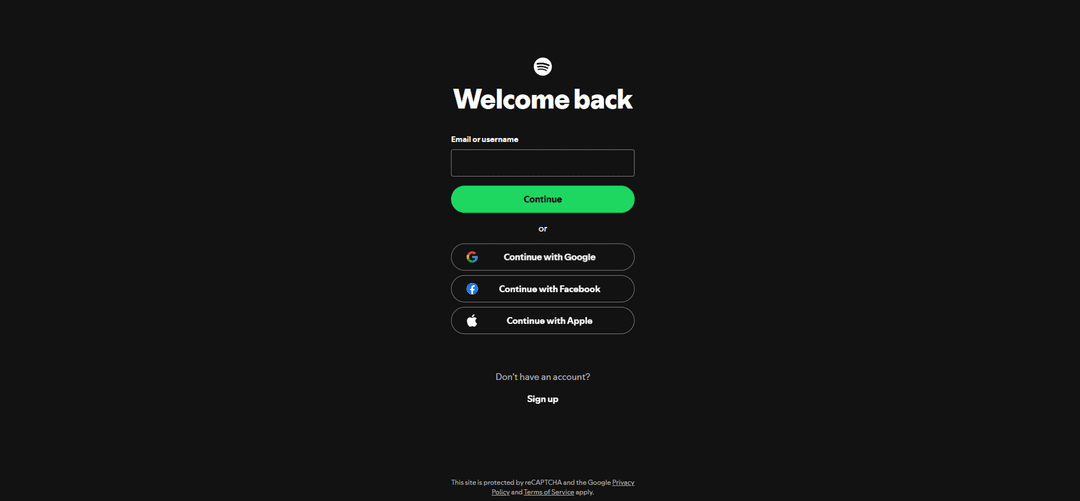
Enter your credentials.
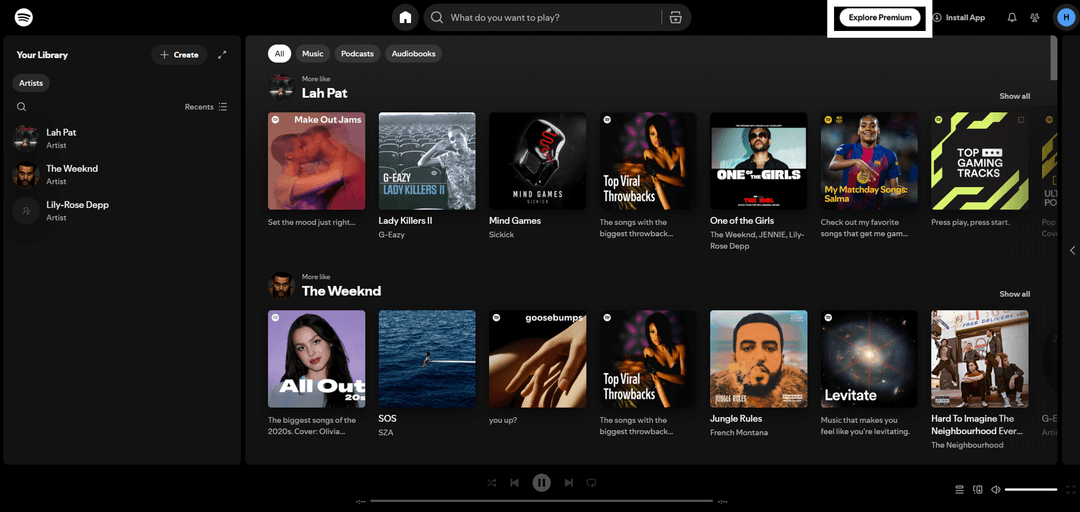
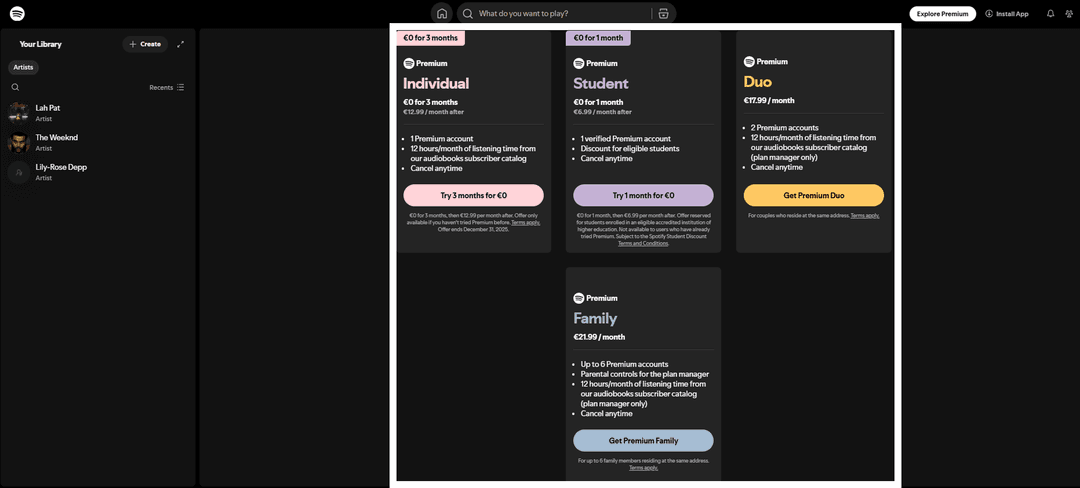
Click View all Plans.
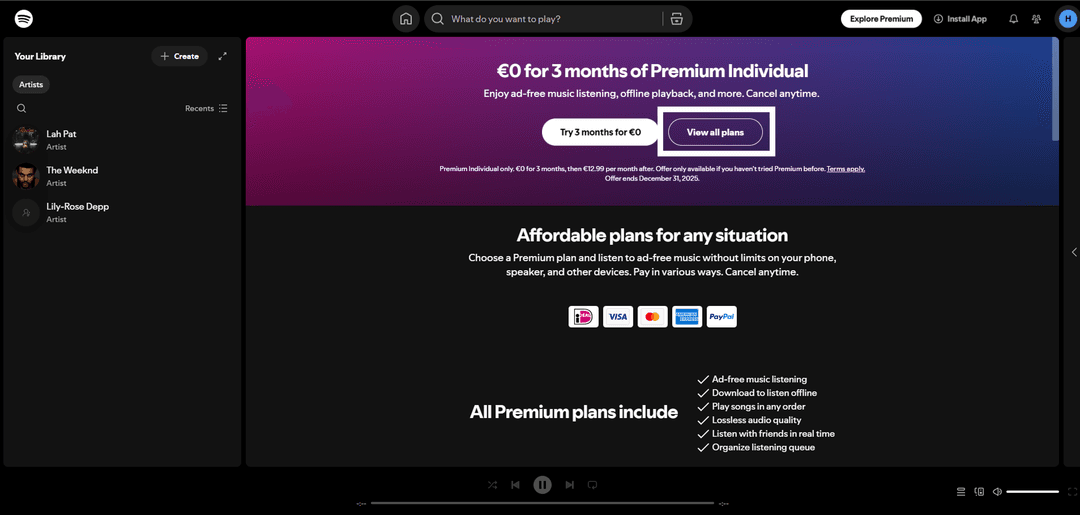
Choose your plan.
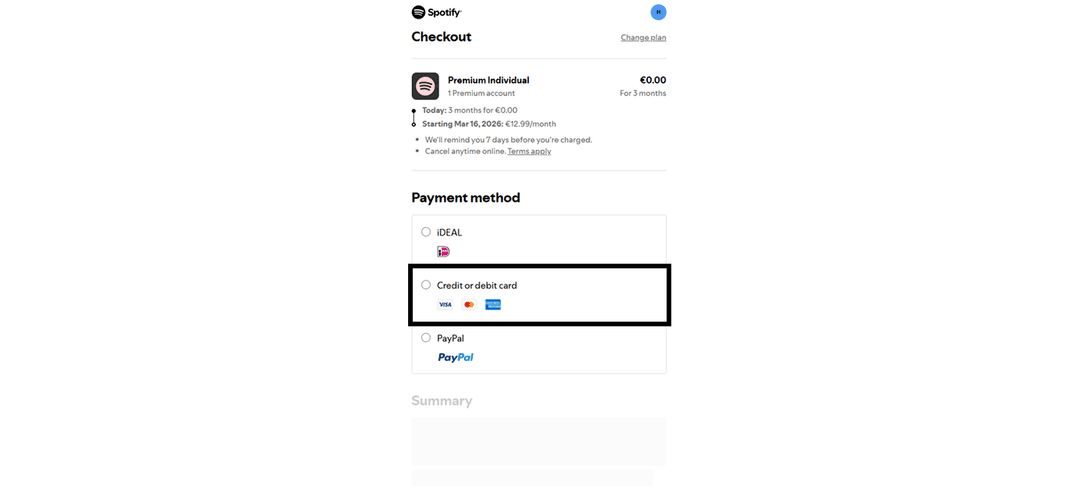
Select card payment.
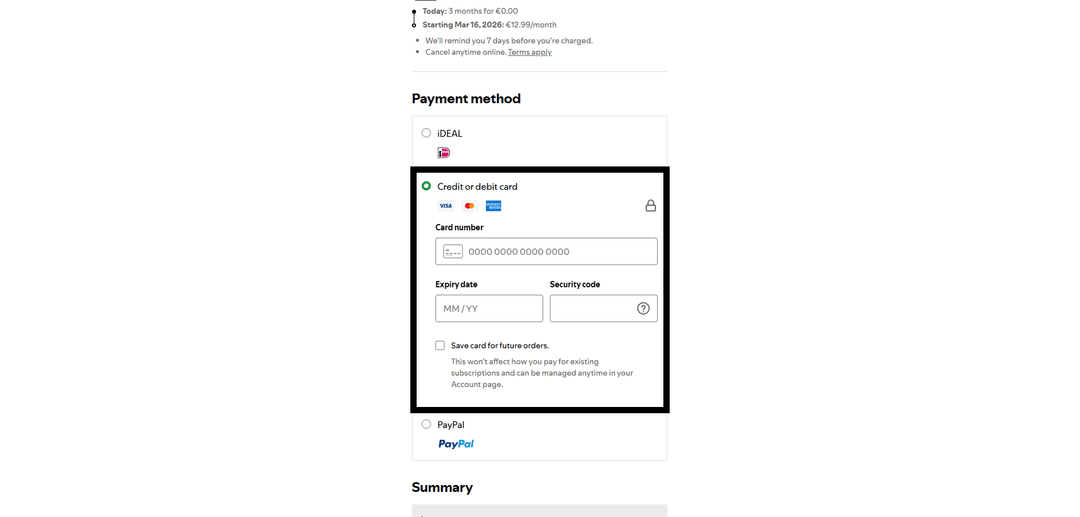
Fill in the form with Heleket details. The payment card region (USA) must match yours. Use the tools to change your geolocation.
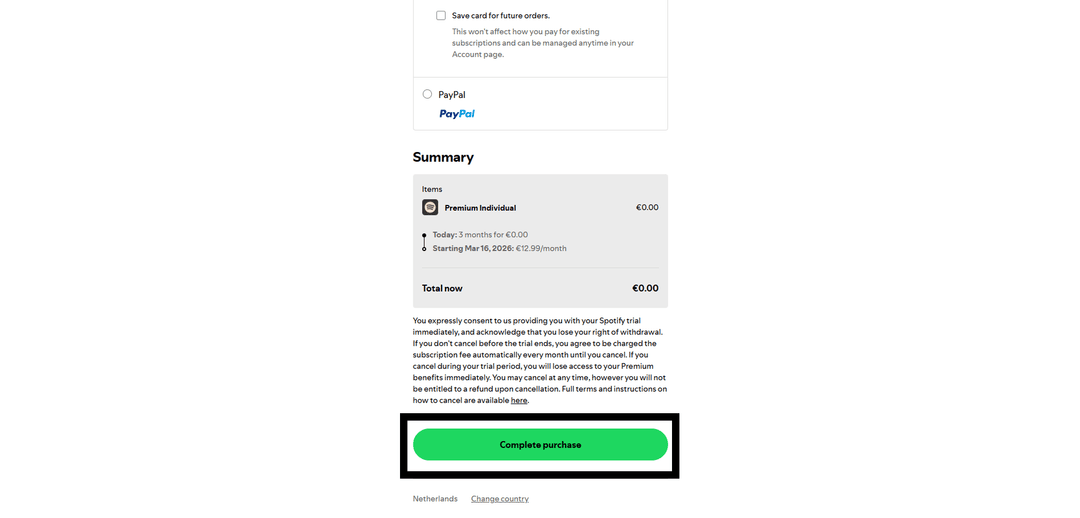
Confirm the transaction.
If payment fails:
- Check the card balance
- Make sure the details are correct
- Verify the card is activated
If issues arise — contact Heleket support.