Cards
How to Top Up Your Steam Wallet in Russia
#service-payments
Buying games on Steam, like on other gaming platforms, doesn't work out for everyone. Some find their bank cards get rejected at checkout. Others have cryptocurrency but can't spend it directly on purchases.
The solution — Heleket virtual card. Top up with crypto and it automatically converts to dollars. Pay for any games just like with a standard Visa — no intermediaries, no extra charges.
Payment Methods Comparison
Bank cards. Need an open bank account. International payments don't always go through. May get blocked on overseas purchases.
Other virtual cards. Many services request document verification. Deposit fees are inflated. Platform compatibility is limited.
PayPal and payment services. Require bank card linking. Country restrictions exist. Currency conversion costs extra.
Heleket benefits:
- Card issued in just minutes
- Deposit via cryptocurrency
- Works for all international purchases
- No documents needed to set up
- Minimal fees
One card lets you pay not just on Steam but on other gaming platforms too. To get one, you only need an email and an initial deposit. Instructions below.
Getting a Heleket Card
Registration
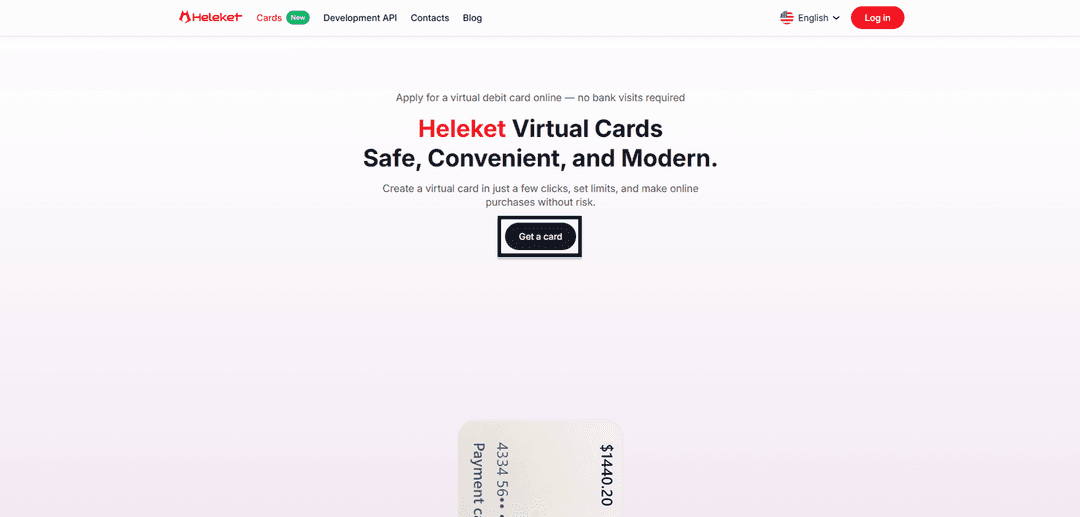
- Go to the Cards section on the Heleket website and click the get card button.
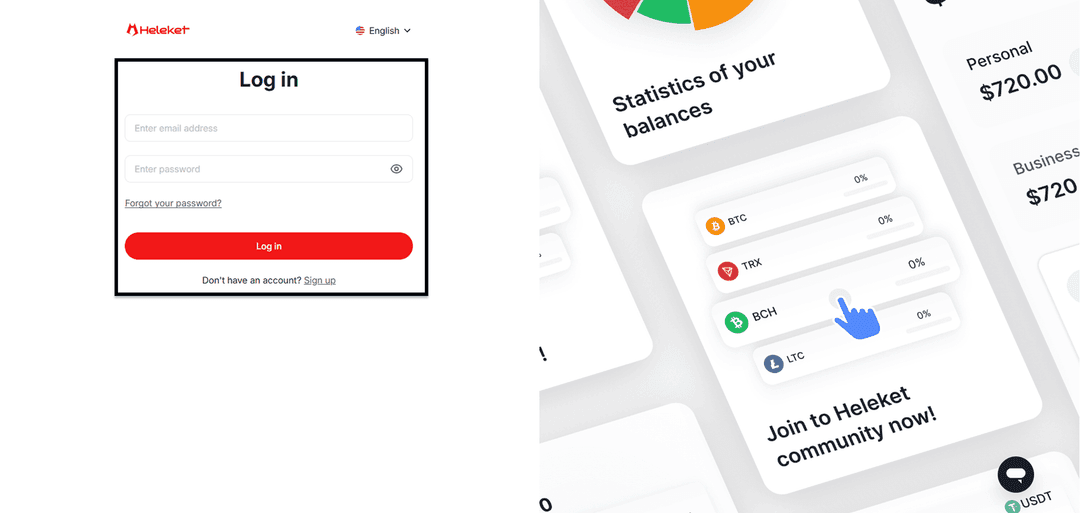
- Create a Heleket account or sign into an existing one.
Card Issuance
- Add at least $20 to your personal Heleket wallet. Click "top up", then specify your wallet and network.
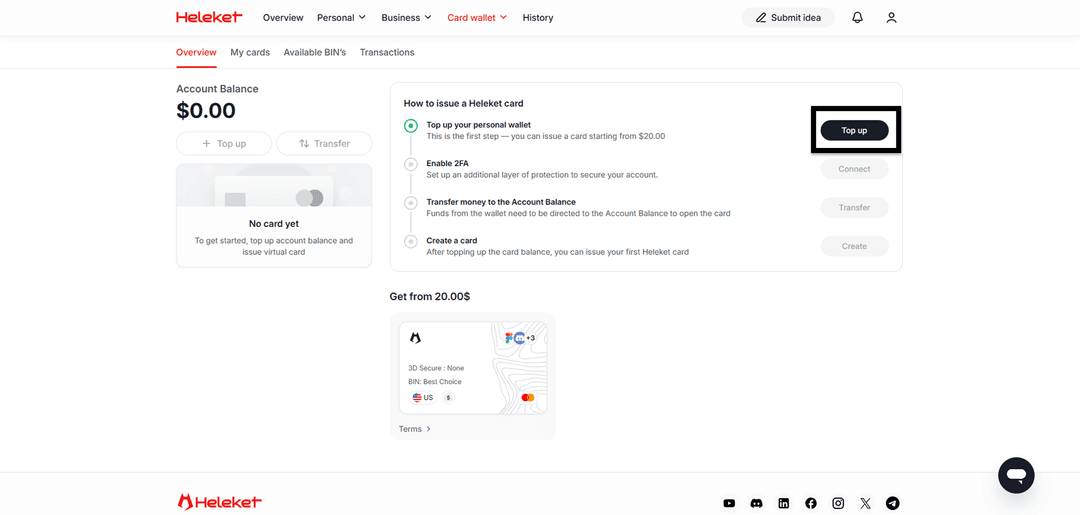
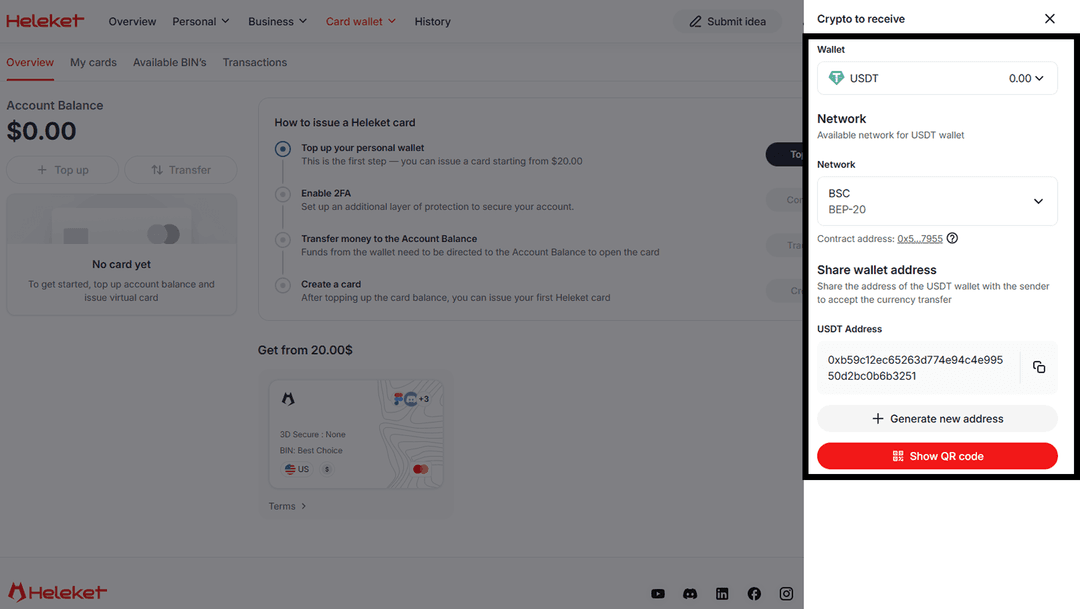
- Enable two-factor authentication (2FA).
- Transfer funds from your wallet to the card account.
- Once the balance is topped up — request card issuance.
Guide: Buying Games on Steam via Heleket
The Steam payment process is no different from a regular card purchase. The platform treats Heleket as a standard bank card.
Account Login
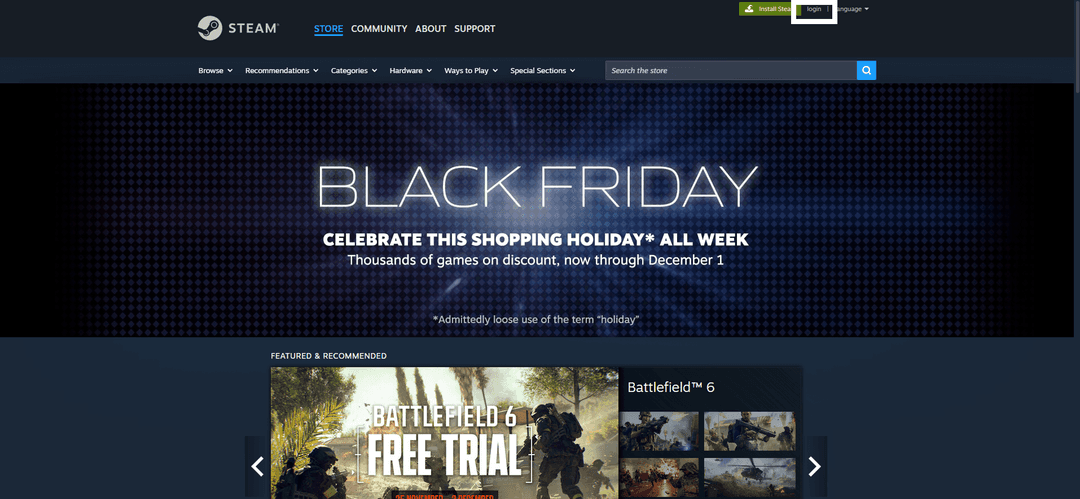
Launch Steam and click login.
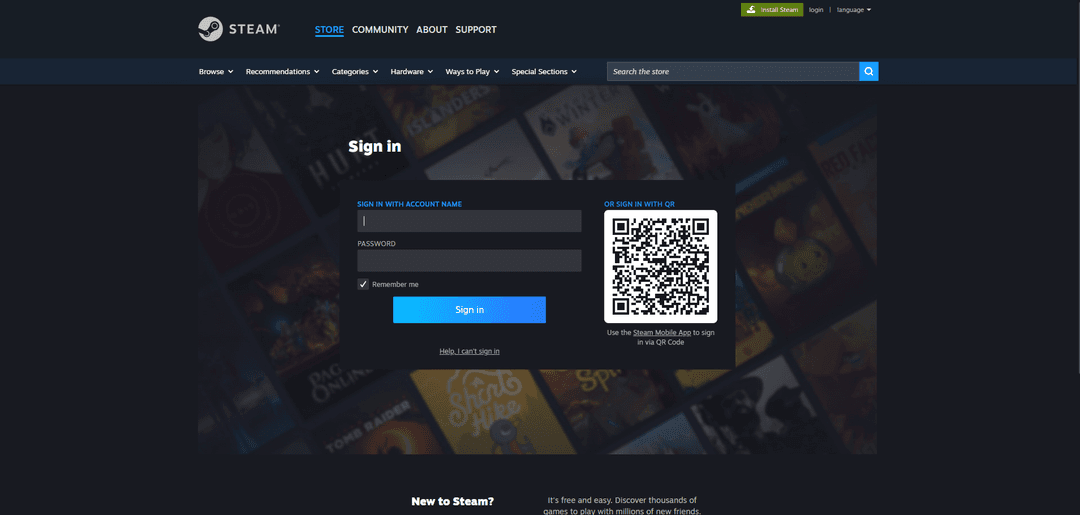
Sign into your account or register a new one.
Purchase
Find the game you're interested in.
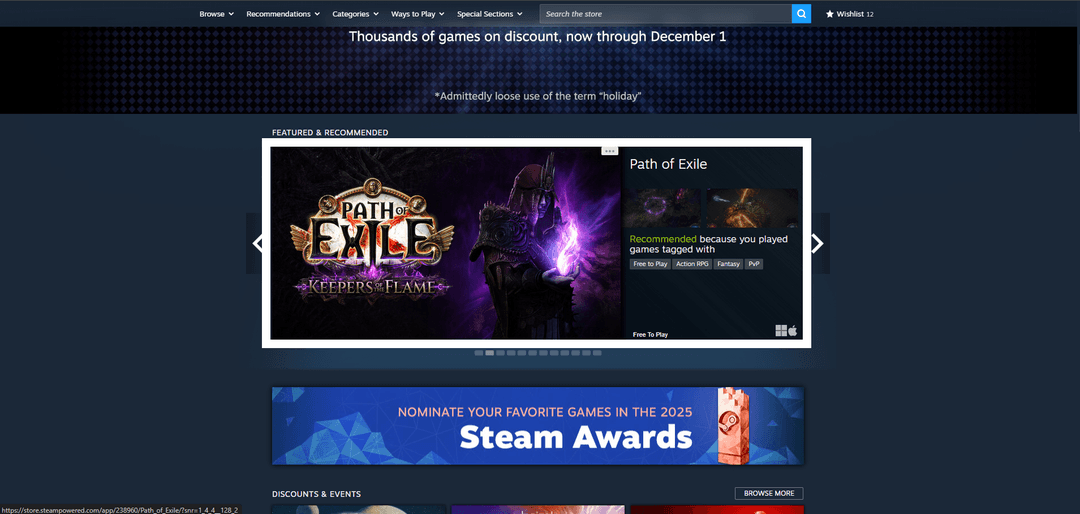
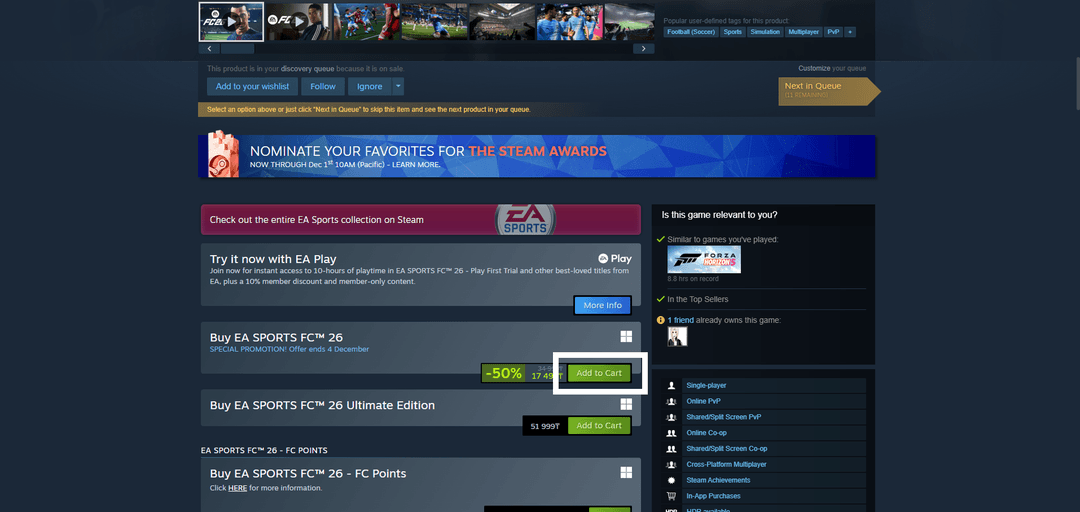
Scroll down and click "add to cart".
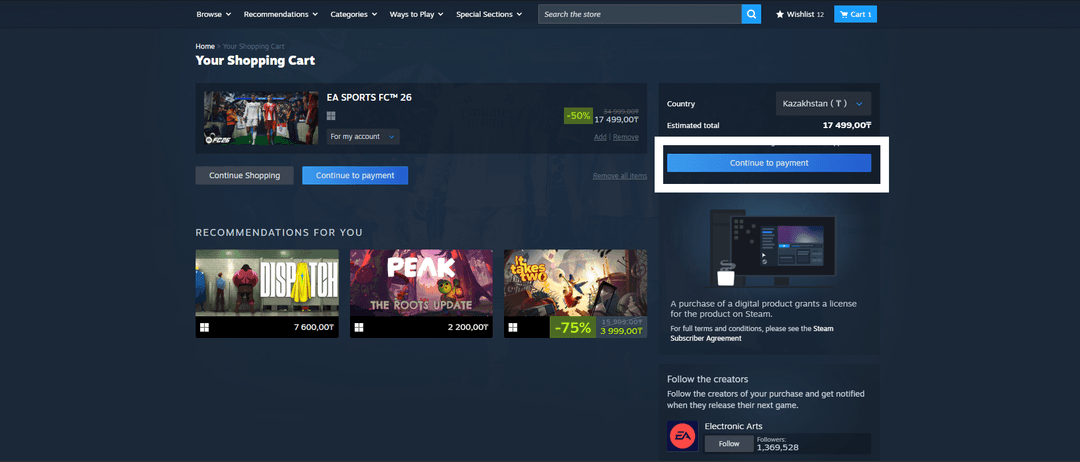
Click "proceed to checkout".
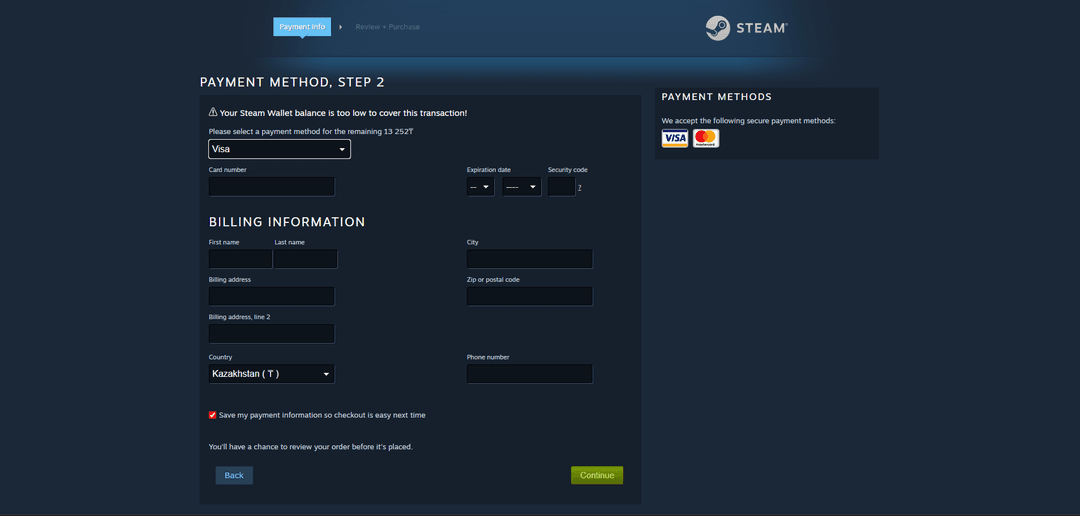
Select card payment and enter your Heleket details.
If the transaction is declined:
- Make sure there are enough funds on the card
- Verify the entered details are correct
- Confirm the currency matches — the card operates in dollars
After completing the purchase, the game will appear in your library.
If you have questions — contact Heleket support.