
Cards
How to Pay for Twitch Subscription from Russia
#service-payments
Supporting your favorite streamer financially isn't always straightforward. Some users face issues because their bank cards aren't accepted internationally. Crypto holders often find they can't spend their digital assets directly on online purchases.
There's a solution — Heleket virtual card. Top up your balance with cryptocurrency, which instantly converts to US dollars. Then use the card to pay on any platform just like a regular Visa — directly and without extra fees.
How Heleket Compares to Other Options
Traditional bank cards. Require opening a bank account. International payments often fail. Foreign transactions may trigger blocks.
Other virtual card providers. Most demand identity verification. Top-up fees tend to be steep. Platform compatibility isn't guaranteed.
PayPal and similar services. Must be linked to a bank account. Geographic restrictions apply. Currency conversion costs extra.
Heleket advantages:
- Card issued within minutes
- Fund with cryptocurrency
- Works for all international subscriptions
- No documents needed
- Low fees
One card covers not just Twitch but any online service. To get started, you only need an email address and an initial deposit. Here's how it works.
Getting Your Heleket Card
Account Setup
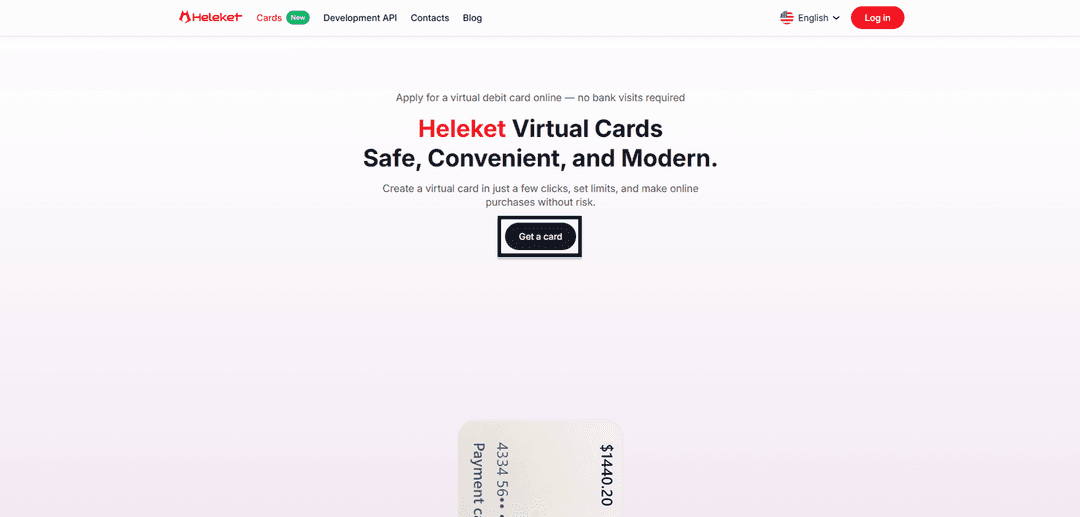
Head to the Cards section on the Heleket website and click the button to get a card.
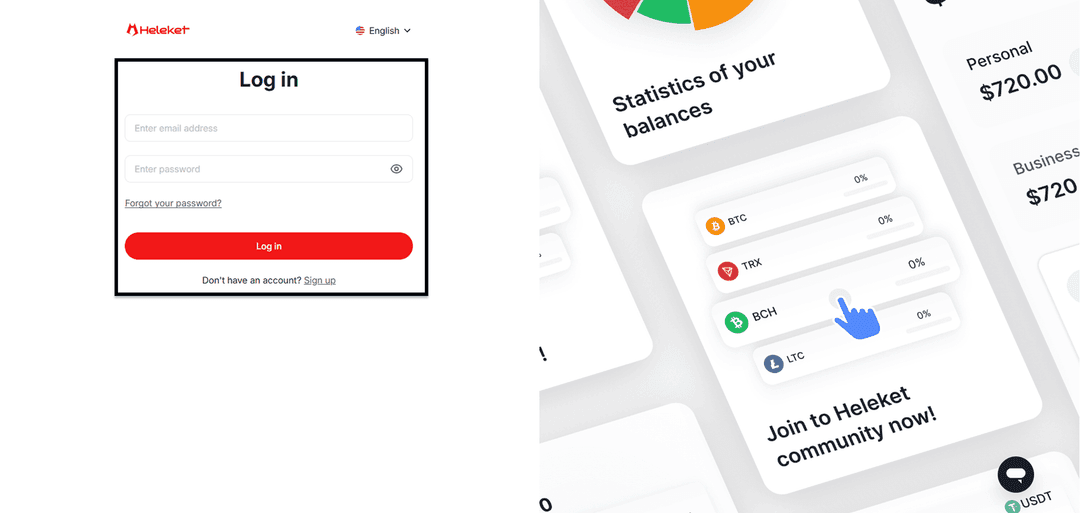
Set up a Heleket account or sign in if you already have one.
Card Activation
Add at least $20 to your personal Heleket wallet. Click the top-up option, select your wallet and network.
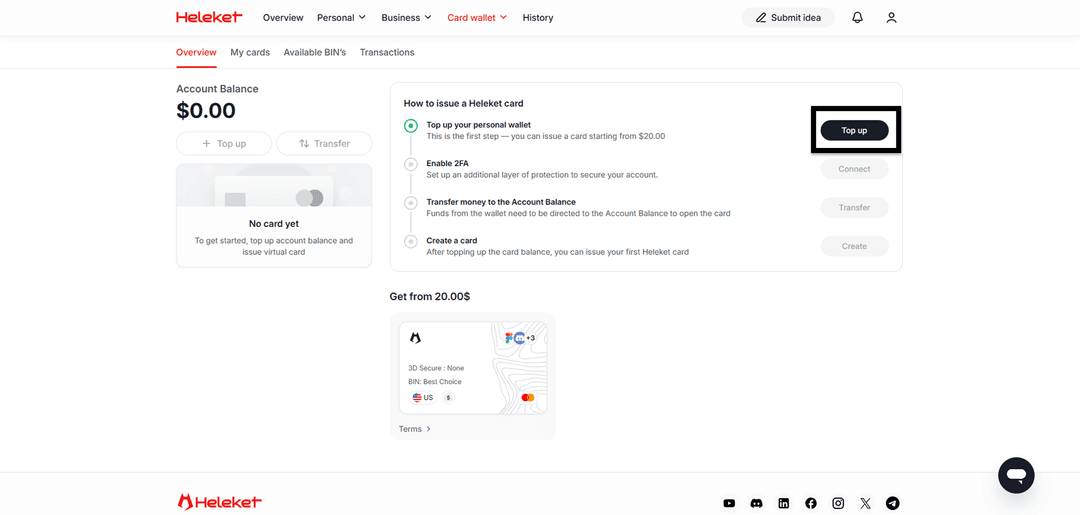
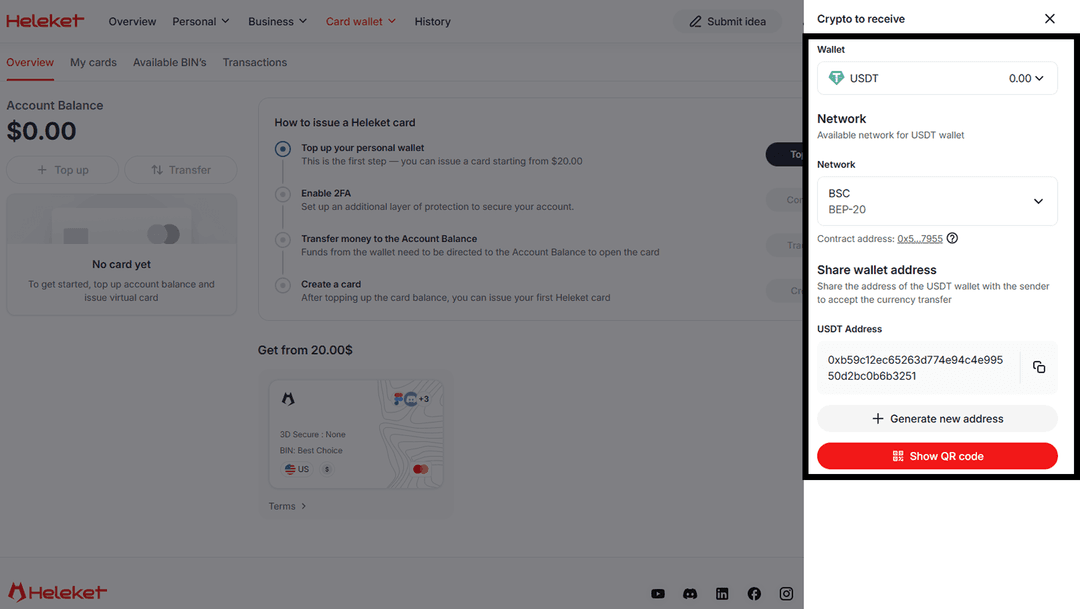
Enable two-factor authentication (2FA).
Move funds from your wallet to the card account.
Once the balance shows up — issue your card.
Subscribing on Twitch: Step-by-Step
Paying through Heleket works exactly like any standard bank card transaction. Twitch treats the virtual card as a regular international card.
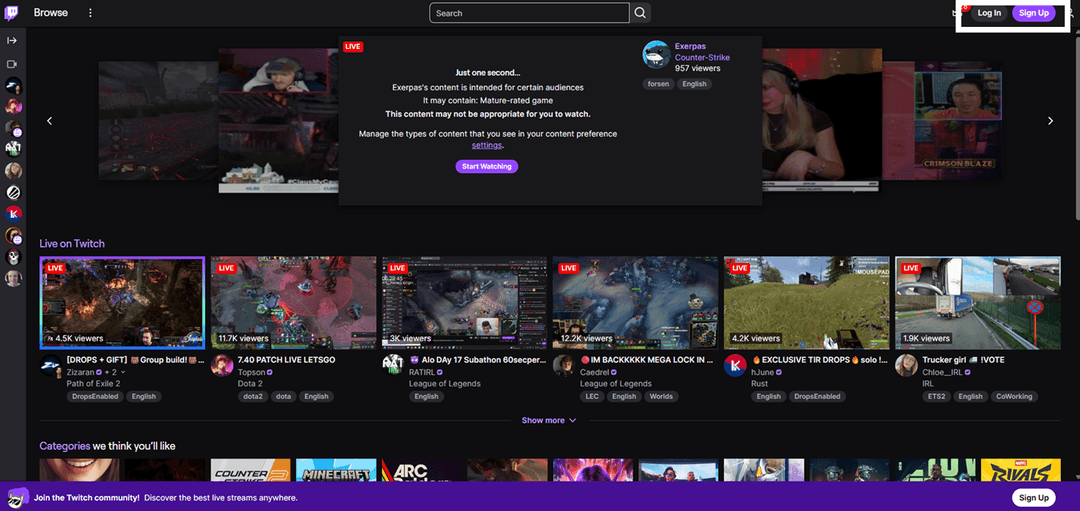
Go to Twitch.tv. Click Sign up to create an account or Log in if you're already registered.
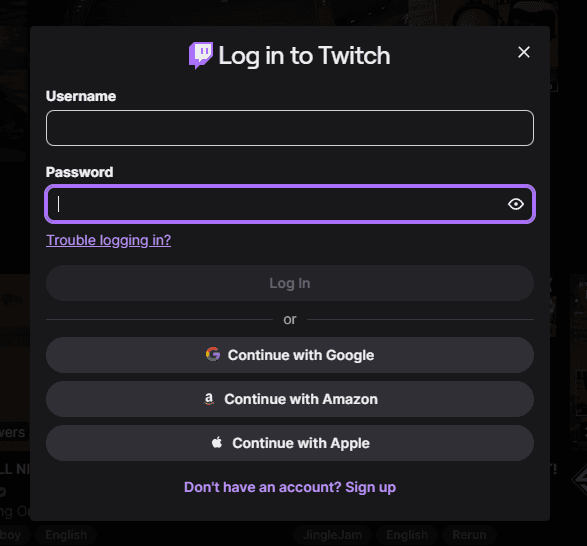
Enter your login credentials.
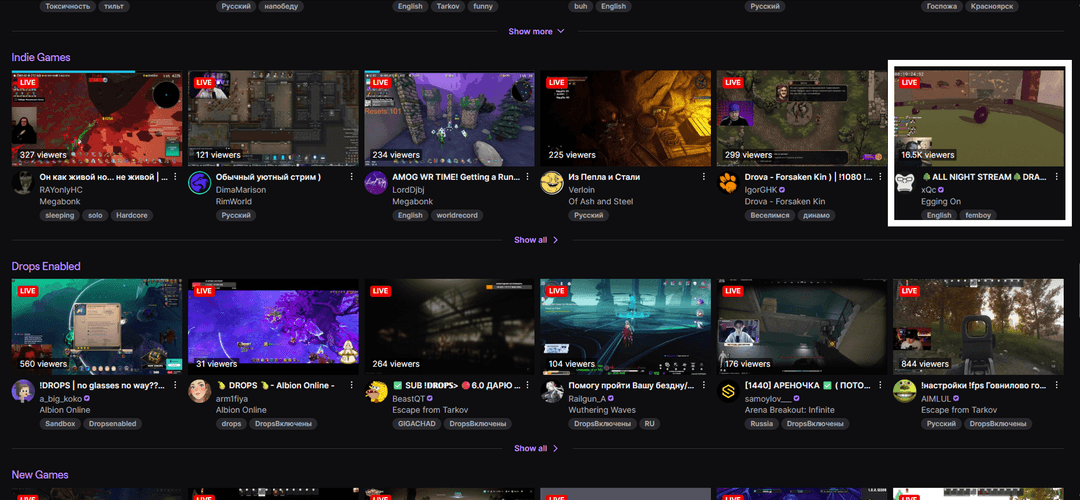
Find the channel of the streamer you want to support.
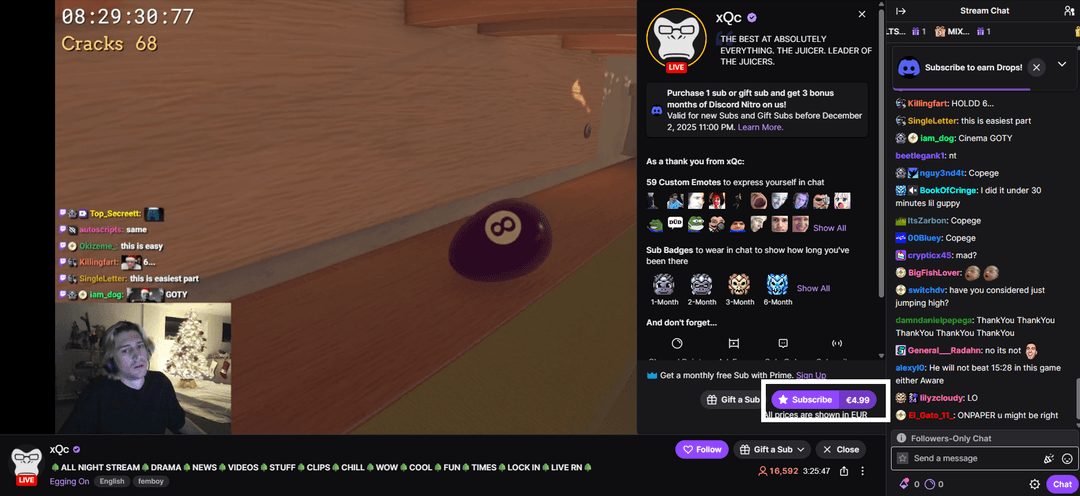
Click Subscribe.
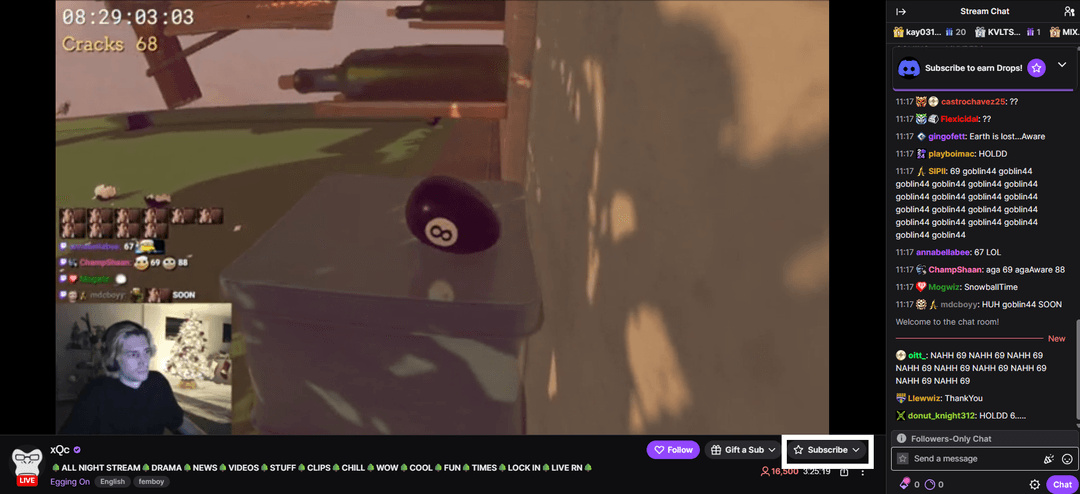
Confirm by clicking Subscribe again.
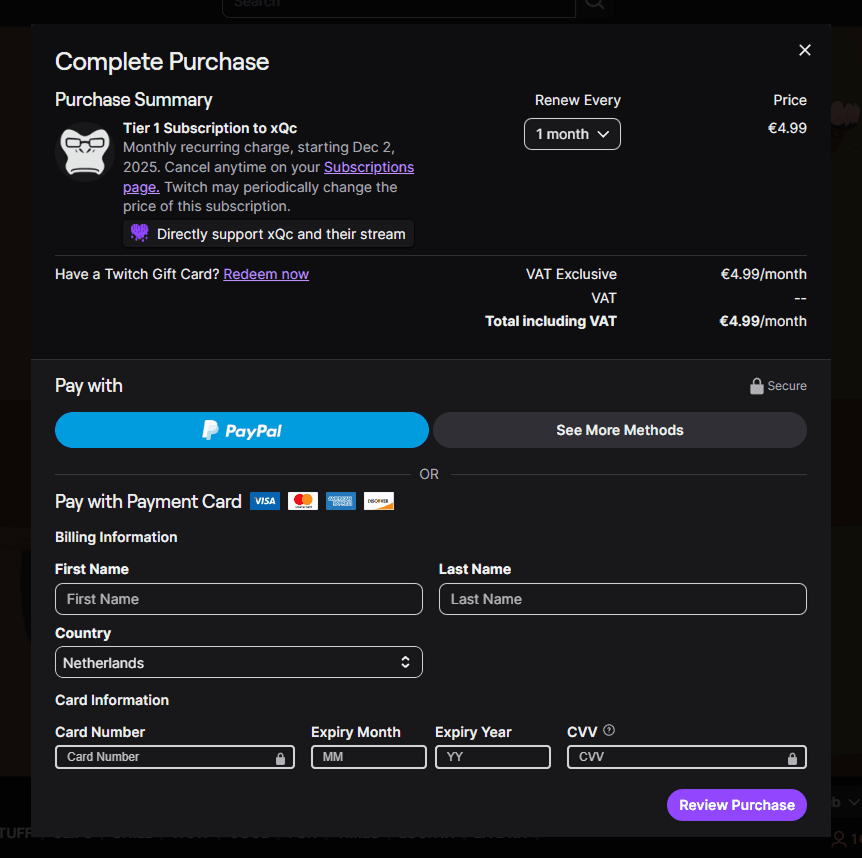
Fill in the payment form with your Heleket virtual card details. The payment card region (USA) must match yours. Use the tools to change your geolocation.
If the payment gets declined, check:
- Sufficient balance on the card
- Card details entered correctly
- Currency match — the card operates in US dollars
For any questions, reach out to Heleket support.