
Cards
How to Pay for Uber and Bolt from Russia
#service-payments
Heleket card solves this problem. It's a virtual card that accepts cryptocurrency and instantly converts it to dollars. Works for any service — from taxi rides to streaming subscriptions. No bank accounts or unnecessary intermediaries.
Comparison with Other Payment Methods
Bank cards. Need a bank account, which not everyone can access. International transactions often get declined. Blocking when paying for foreign platforms is common.
Other virtual cards. Most request document uploads for identity verification. High percentages when depositing money. Don't work with all websites and apps.
PayPal and similar services. Require connecting a regular bank card. Don't operate in all countries. Charge extra fees for currency exchange.
What Heleket provides:
- Instant issuance — card ready in minutes
- Accepts cryptocurrency directly
- Compatible with all international services
- No documents required during registration
- Transparent and low commissions
One card replaces multiple solutions — suitable for both taxis and any other online purchases. Just need an email address and first deposit. Creation instructions below.
How to Create a Heleket Card
Registration
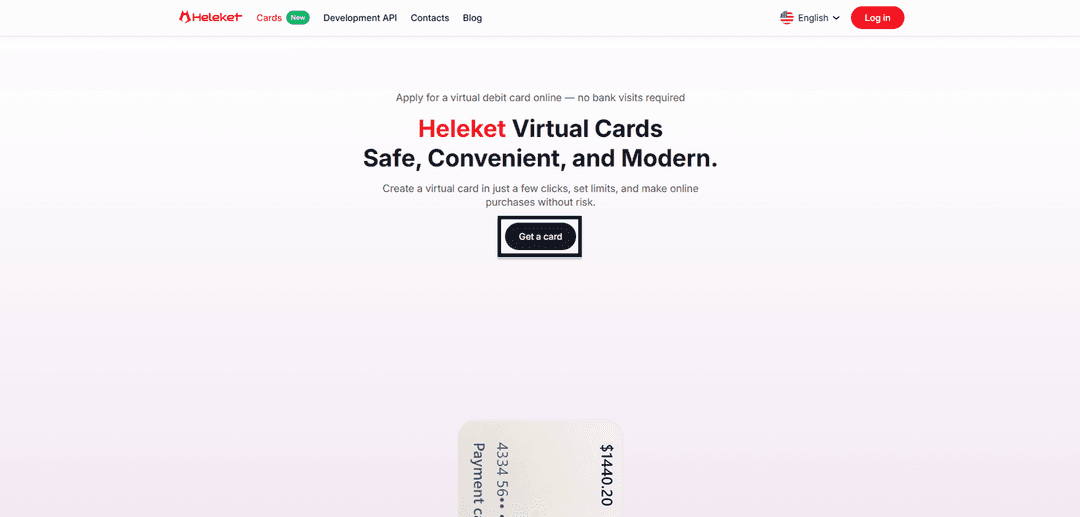
- Visit the Cards page on Heleket website and click the card acquisition button.
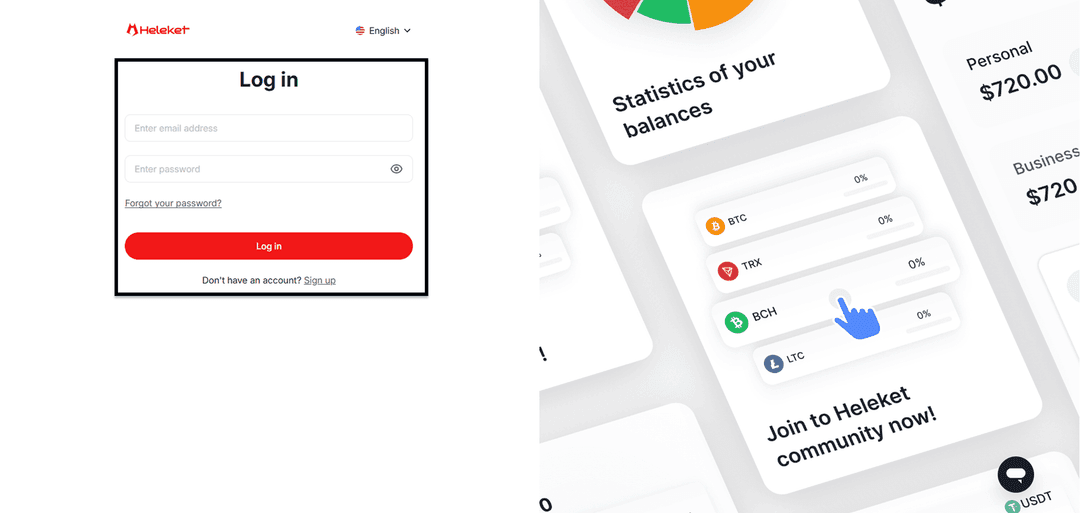
- Set up a new Heleket account or use an existing one.
Creating the Card
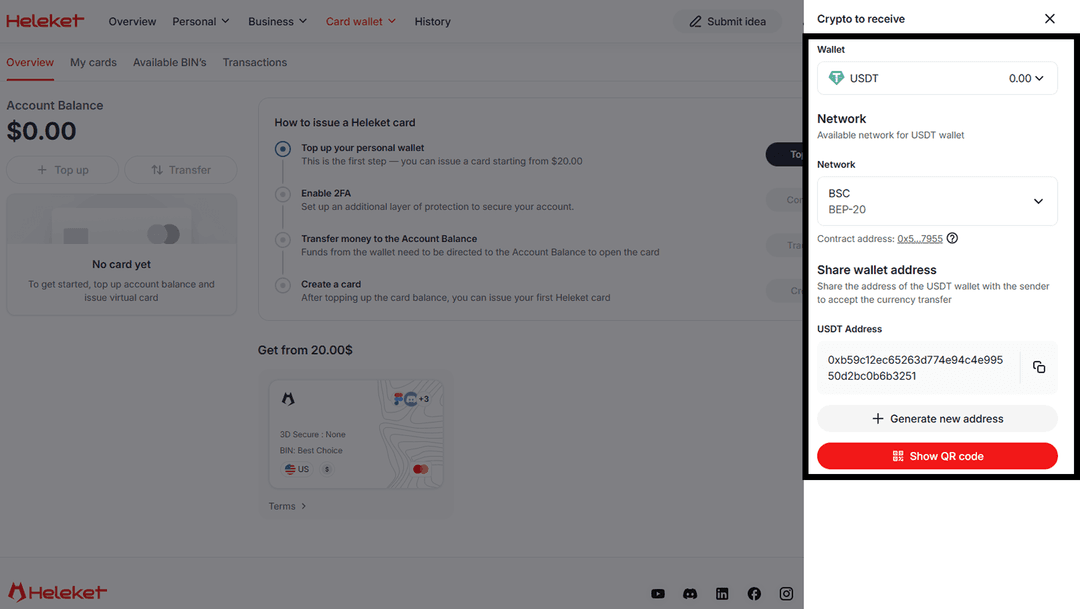
- Transfer at least $20 to your Heleket wallet. Hit the deposit button. Choose your wallet and blockchain network.
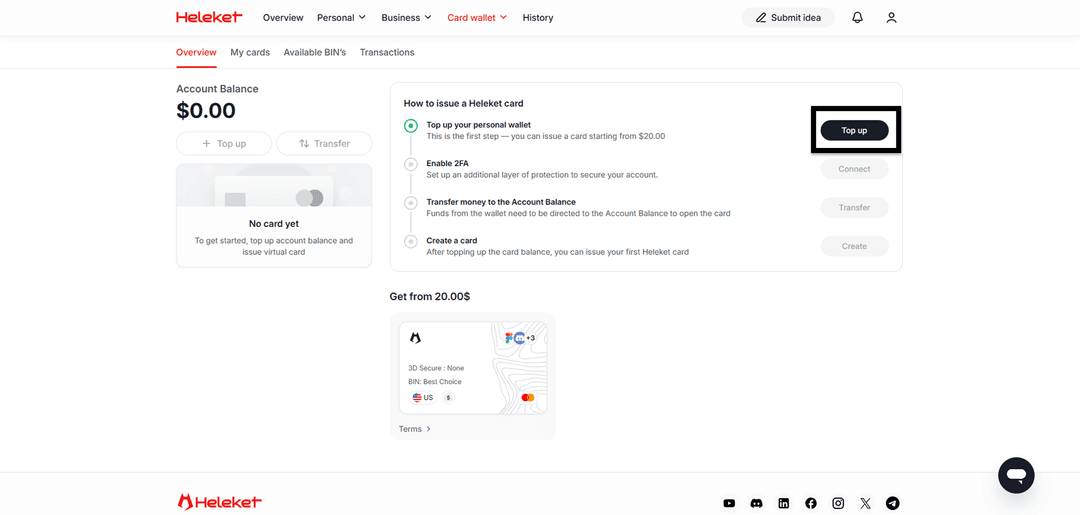
- Enable account protection via 2FA.
- Move funds from wallet to main account.
- Once balance appears, order the card.
Step-by-Step Guide: Uber Payment
The payment process for an Uber ride with Heleket card is identical to using any bank card. Uber's system recognizes the virtual card as a full-fledged payment instrument.
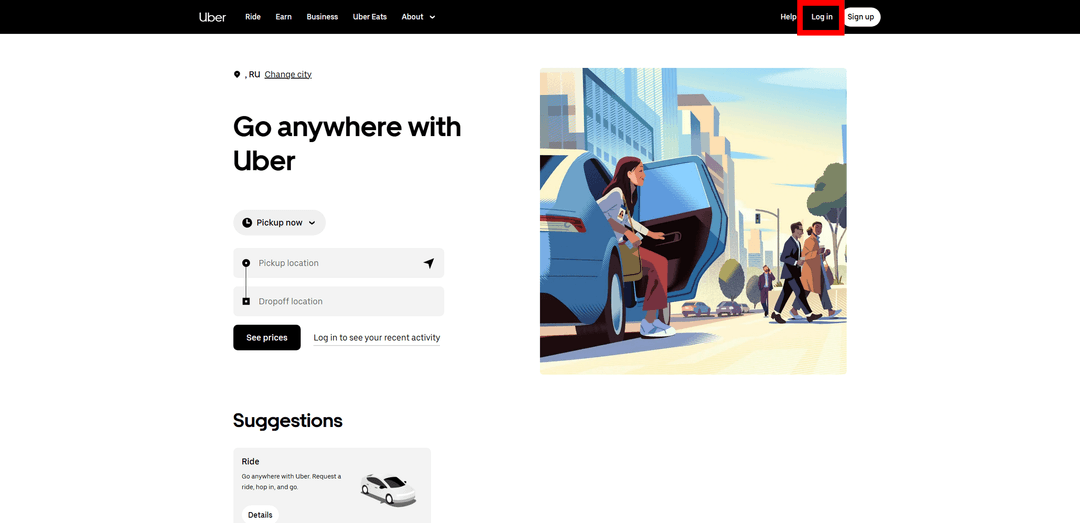
Visit Uber.com and sign in through Log in.
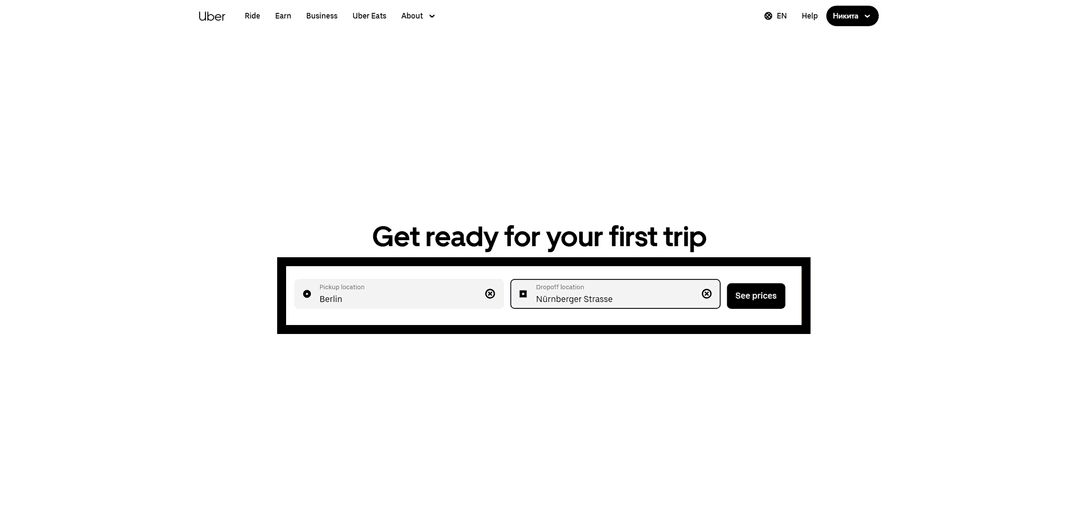
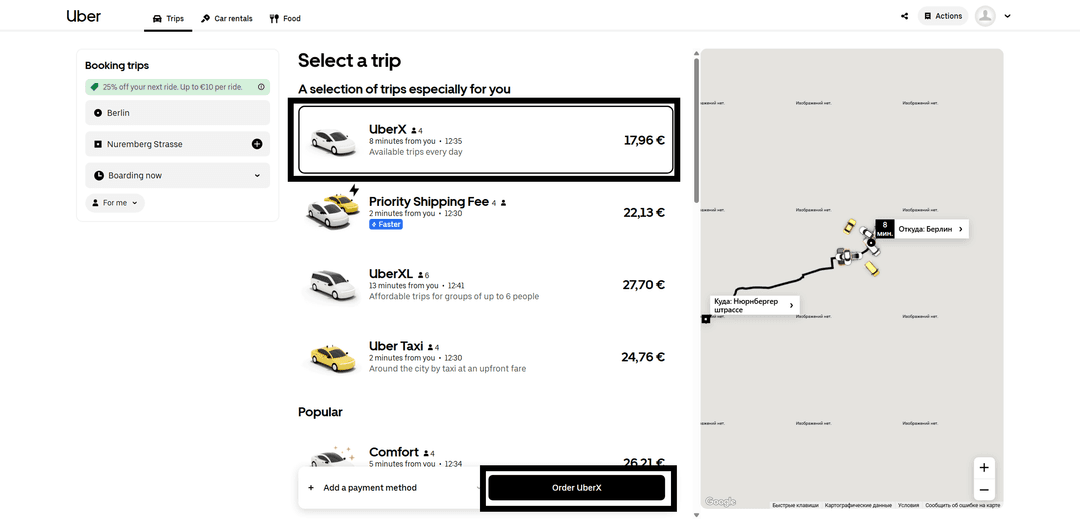
Set route points and click See prices.
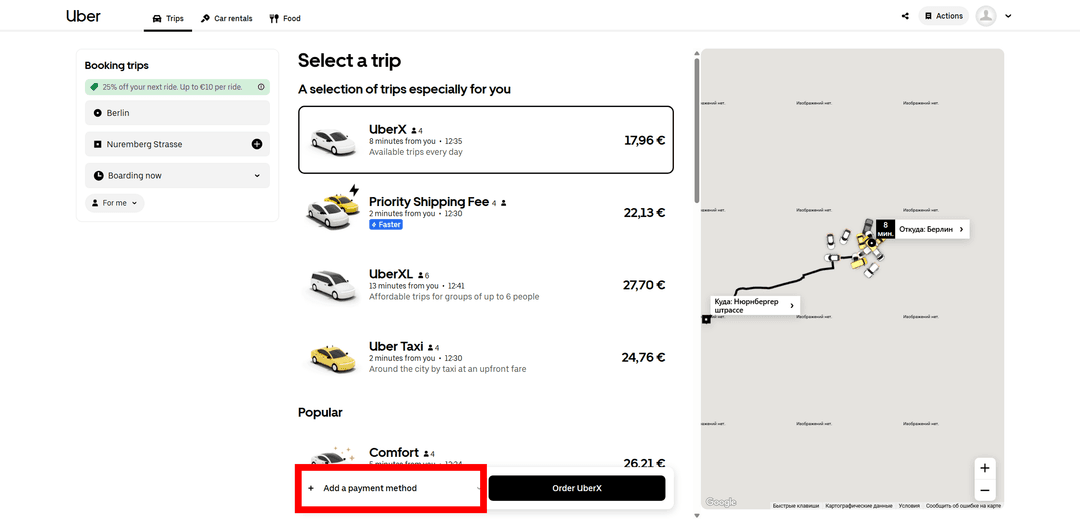
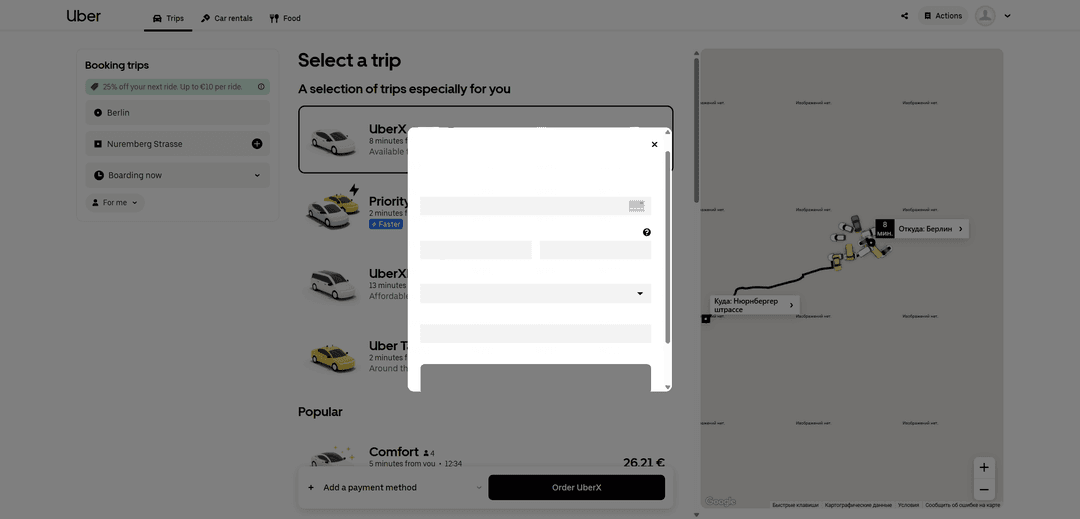
Click Add a payment method.
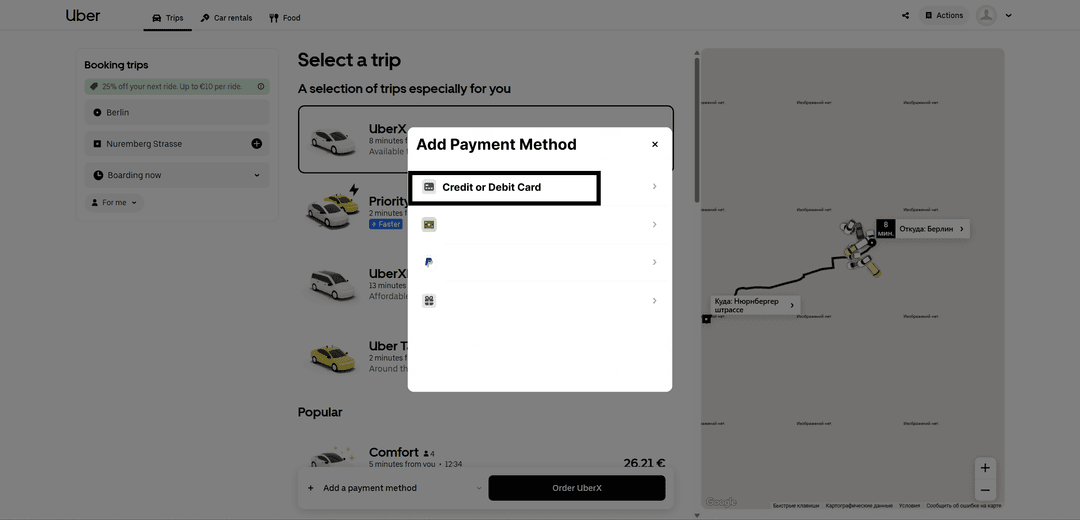
Choose Credit or Debit Card option.
Fill in fields with card information.
Confirm order via Order Uber.
Step-by-Step Guide: Bolt Payment
With Heleket card, Bolt payment proceeds as smoothly as with a regular bank card.
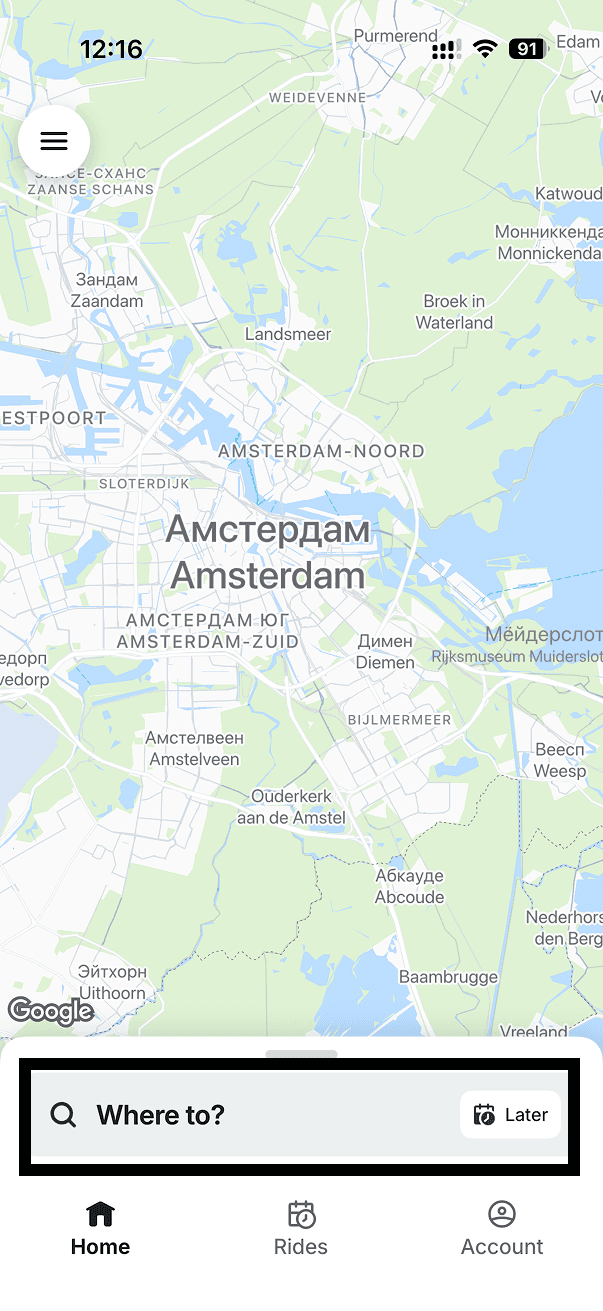
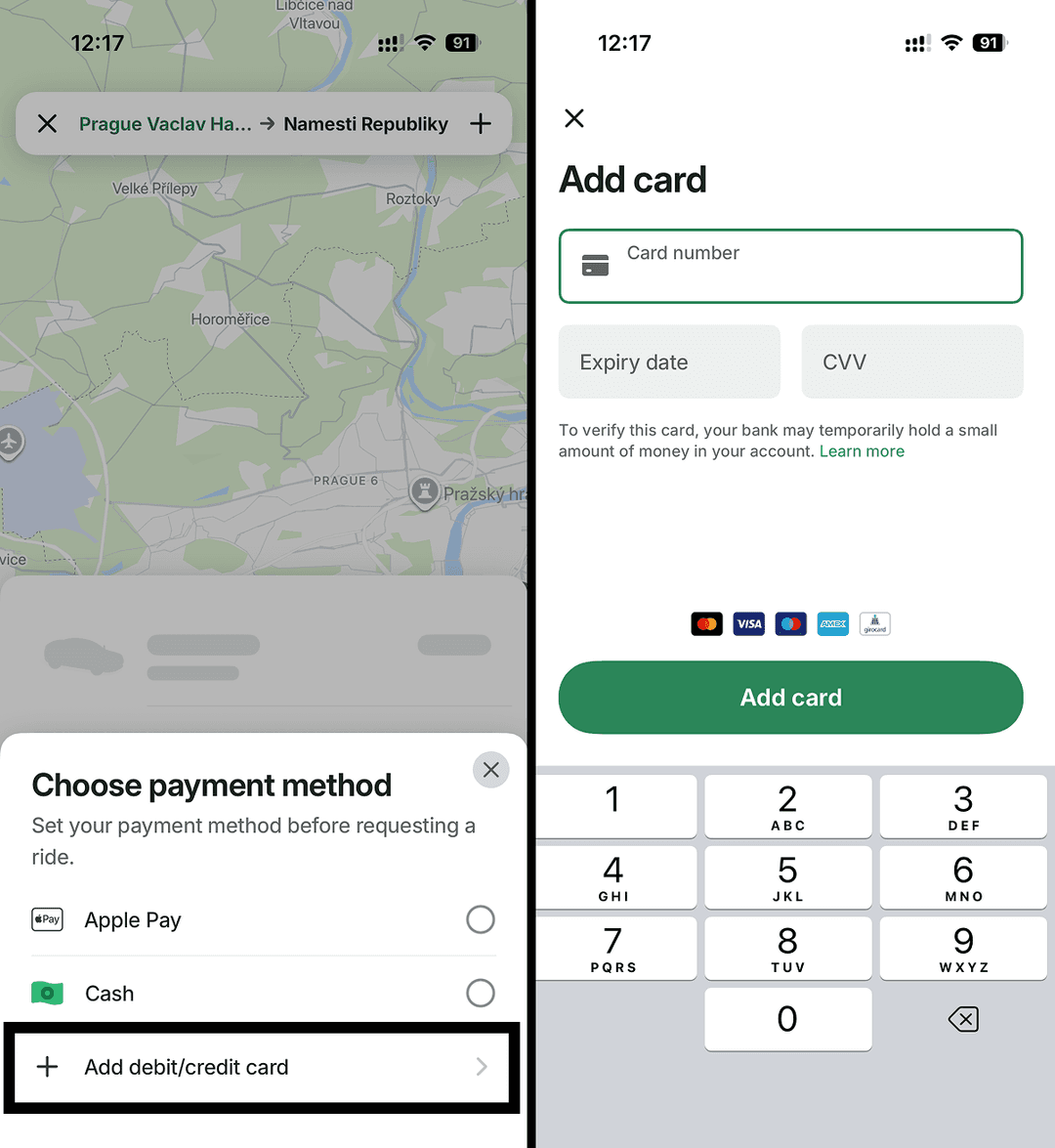
Launch the Bolt mobile app and tap the search bar.
Set departure and destination points.
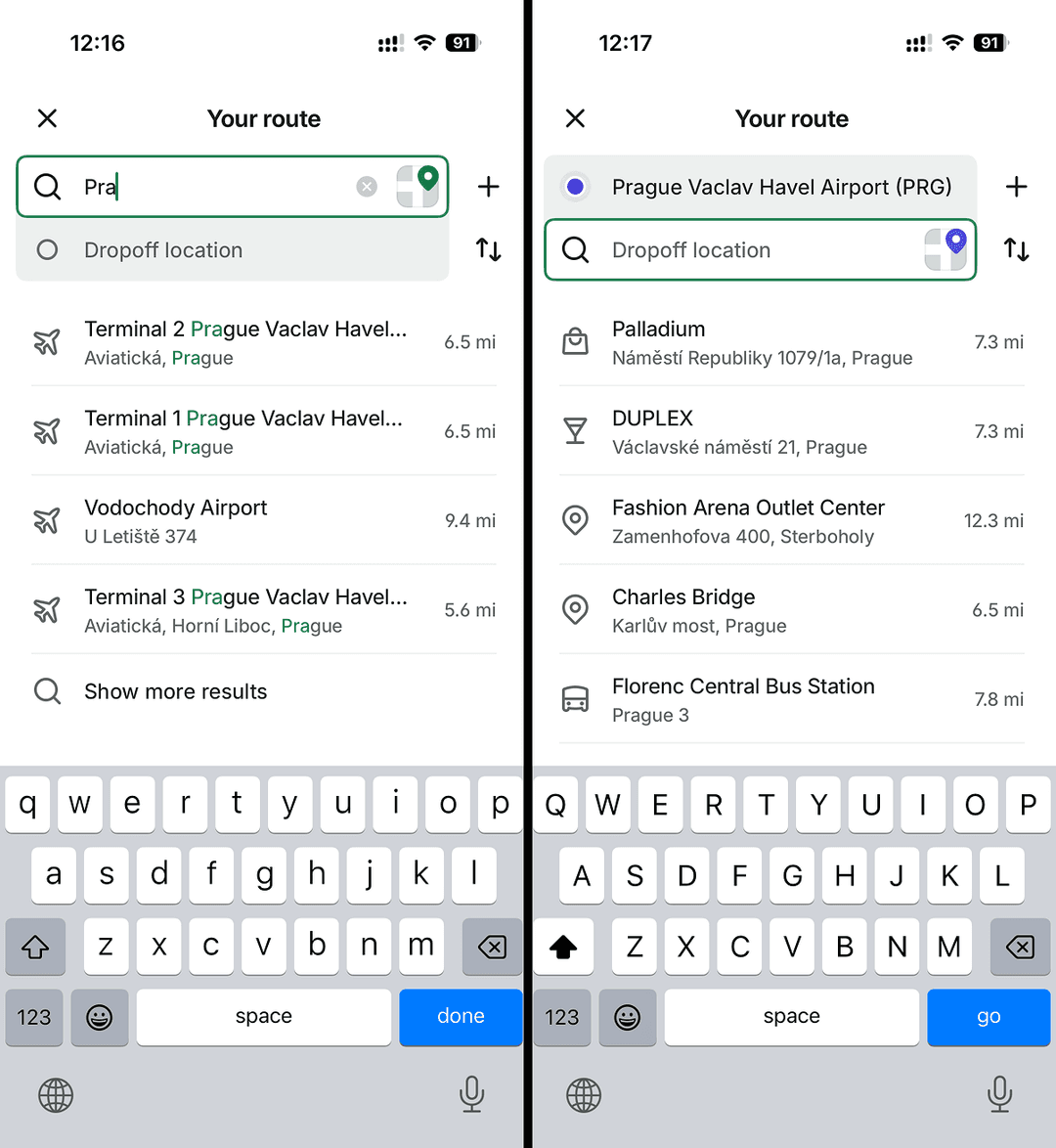
The app will display payment options. Tap Add debit/credit card. Fill the form with Heleket virtual card information and complete the ride payment.
If payment fails, verify that:
- Card has sufficient funds for payment
- Card information entered without errors
- Correct currency selected — card operates in US dollars
Have questions? Contact Heleket support service.