
Cards
How to Buy V-Bucks and Battle Pass in Fortnite from Russia
#service-payments
Purchasing V-Bucks, like other in-game currencies, becomes a real headache for many. Some users find their bank cards simply don't get accepted. Crypto holders face the inability to direct digital assets toward purchases.
There's a way out — Heleket virtual card. Fund it with crypto that instantly converts to dollars. Pay for any online service just like with a standard Visa — no middlemen, no extra charges.
Comparing Payment Options
Bank cards. Assume having a bank account. International payments often fail. Risk of blocking on foreign transactions.
Other virtual cards. Most demand document verification. Inflated top-up fees. Limited platform compatibility.
PayPal and alternatives. Require bank card linking. Geographic restrictions. Separate currency conversion charges.
Heleket advantages:
- Card issued in mere minutes
- Cryptocurrency funding
- Works for any international purchases
- No verification required
- Reduced fees
One card pays not just for V-Bucks but other work tools too — cloud services, project platforms, content creation solutions. To get started, you only need an email and an initial deposit. Details below.
Getting a Heleket Card
1. Registration
- Go to the Cards section on the Heleket website and click to get a card.
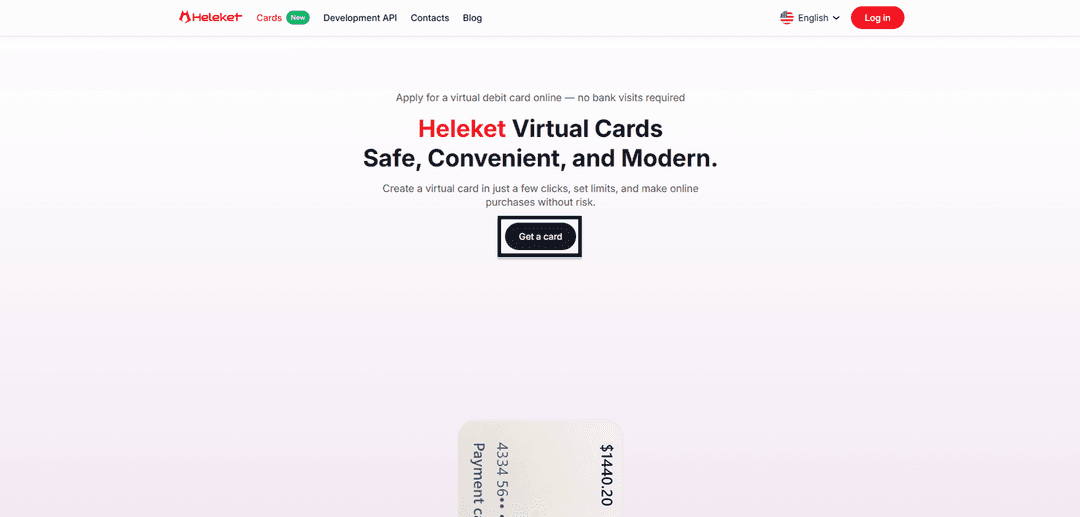
- Register with Heleket or log in if you already have an account.
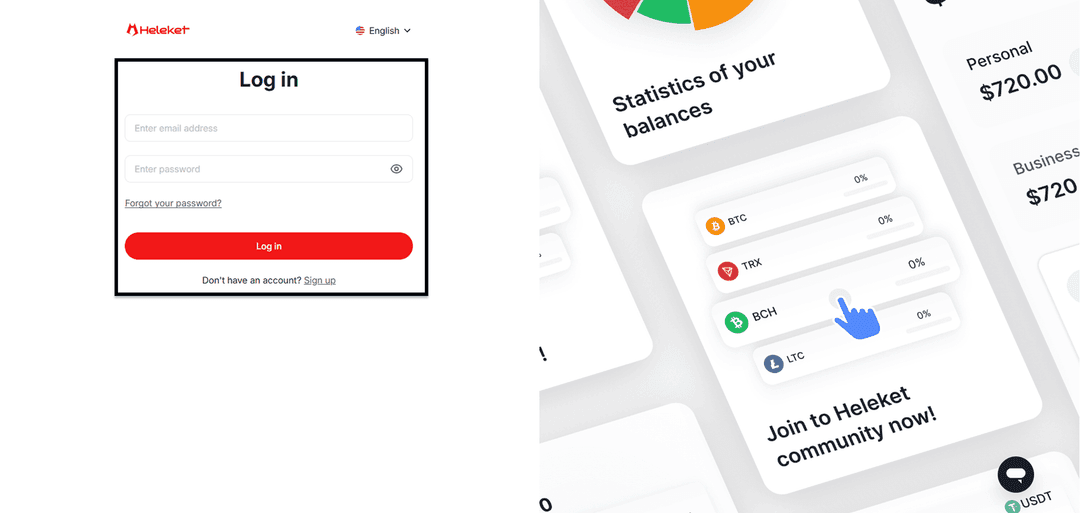
2. Card Issuance
- Add at least $20 to your personal Heleket wallet. Click "top up" and specify your wallet and network.
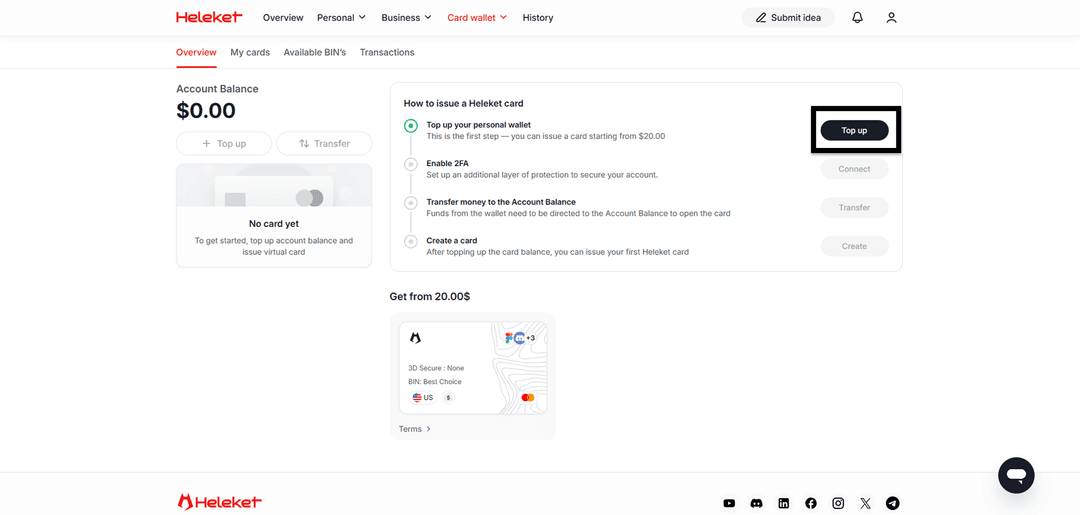
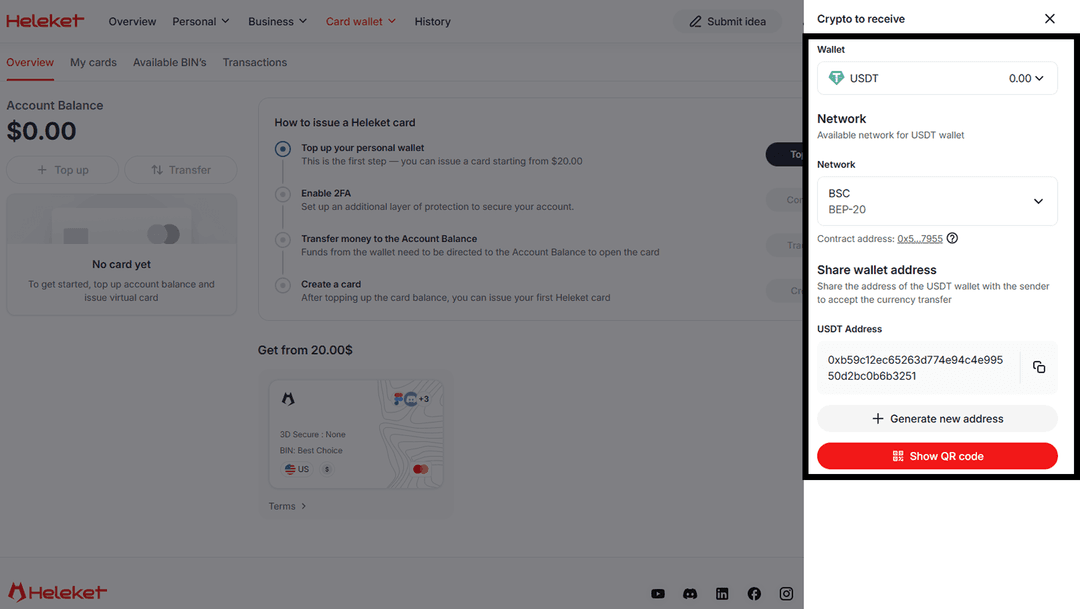
- Enable two-factor protection (2FA).
- Move funds from your wallet to the card account.
- Once the top-up is complete, order your card.
Guide: Buying V-Bucks in Fortnite
The payment procedure mirrors a standard card purchase. Epic Games treats Heleket as a regular payment method.
1. Authorization
Open the official Epic store. Click Log in.
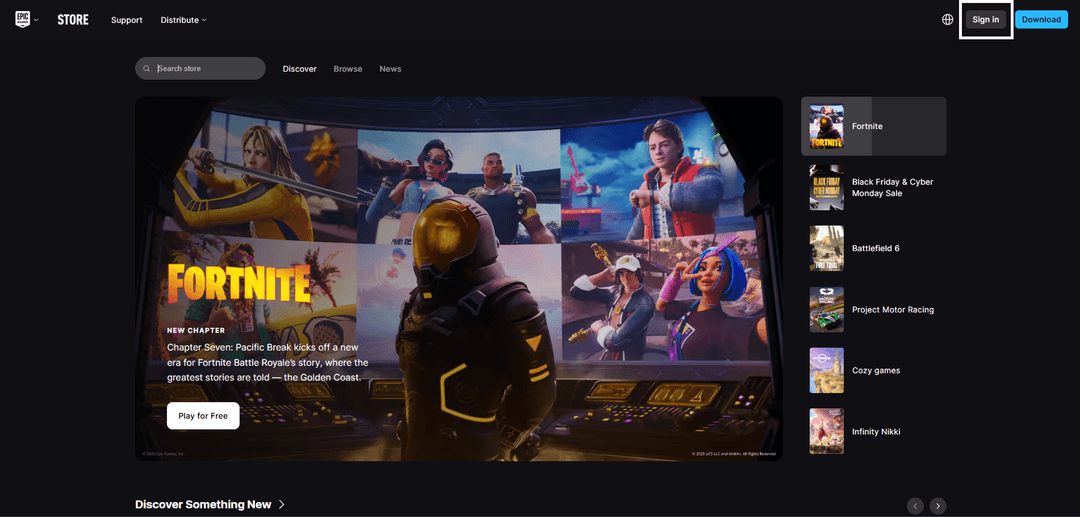
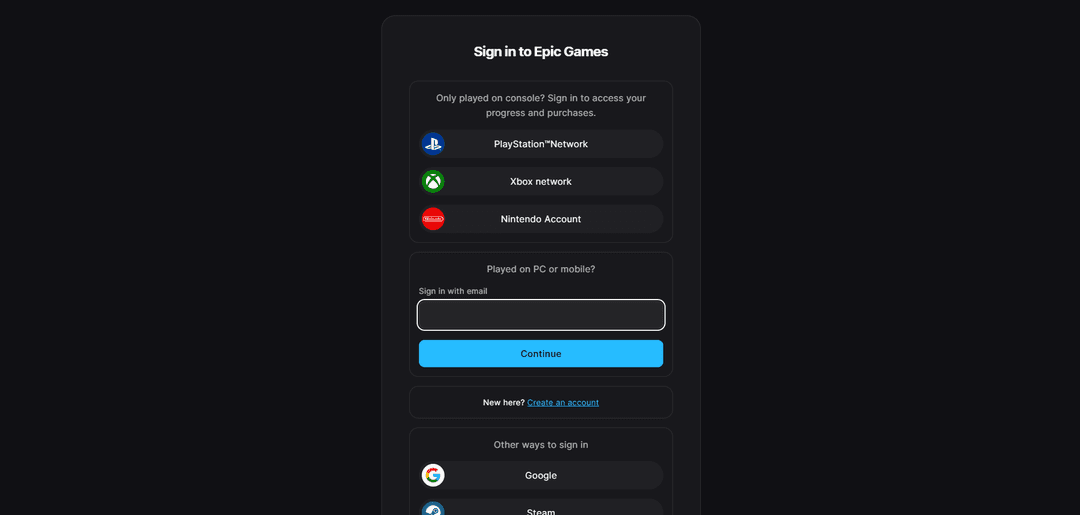
Sign into your Epic Games account or create a new one.
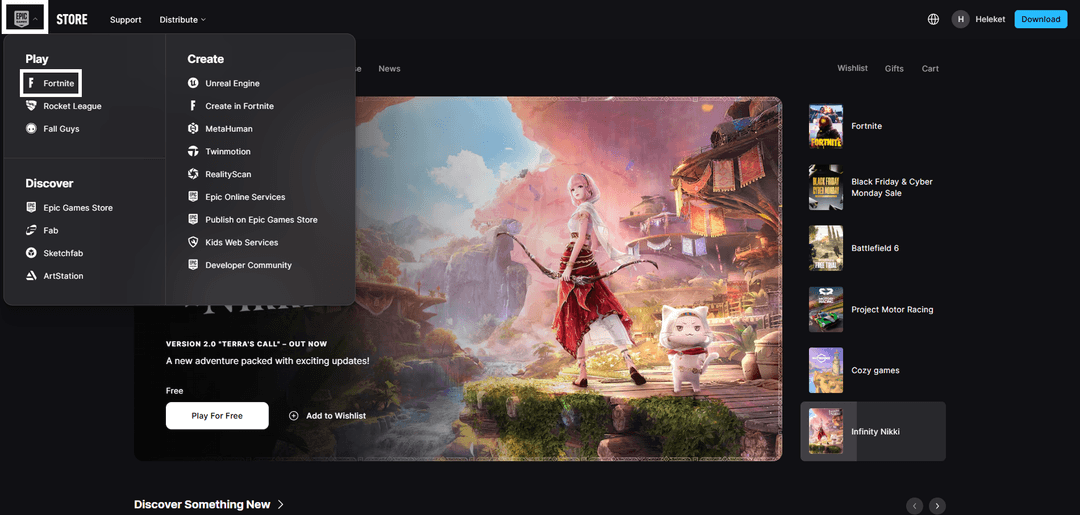
2. V-Bucks Section
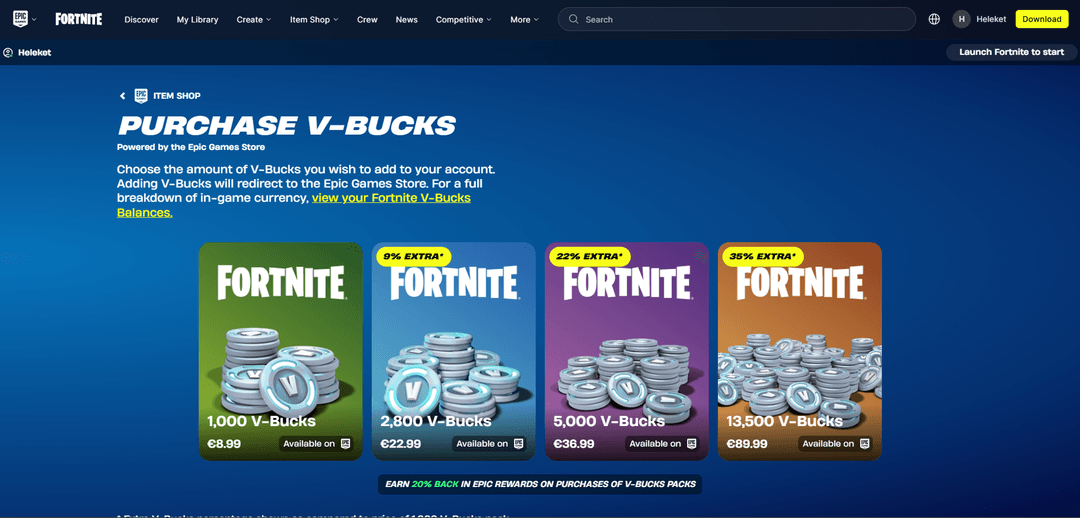
Hover over the Epic logo in the top left corner and open Fortnite.
Hover over the item shop and select the V-Bucks purchase option.
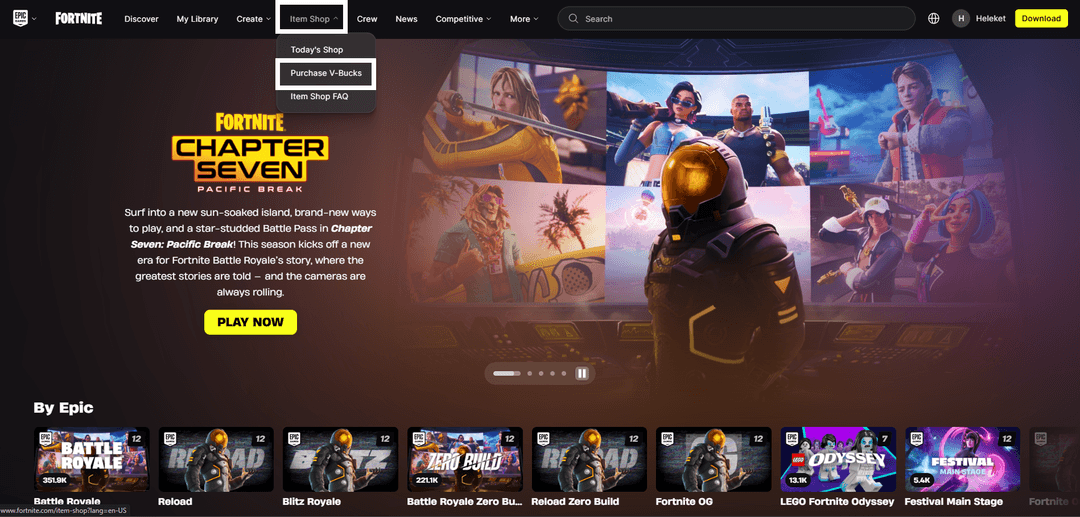
Choose the right package for you.
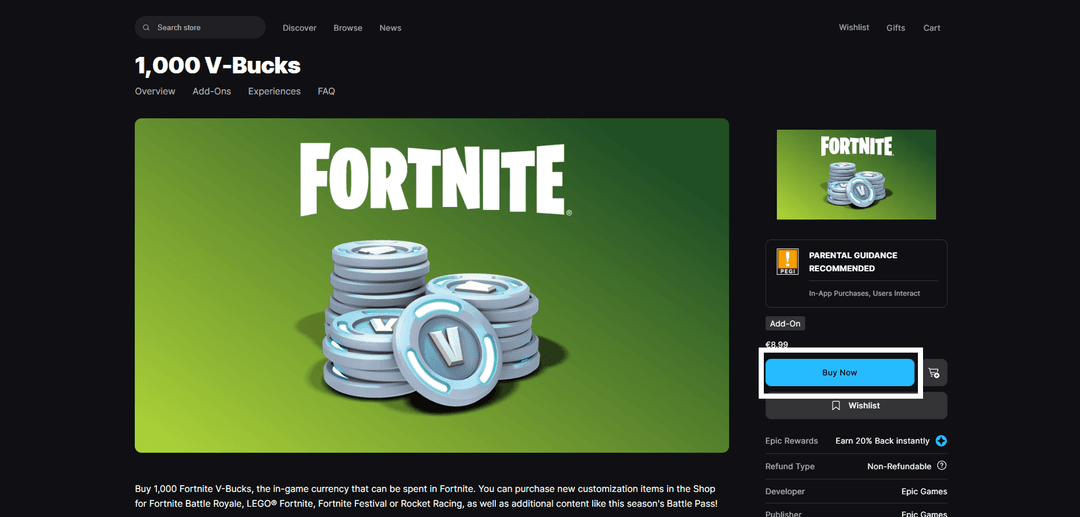
Click "buy now".
3. Processing Payment
On the checkout screen, select "Credit or Debit Card". Enter your Heleket details — number, expiry date, and CVV.
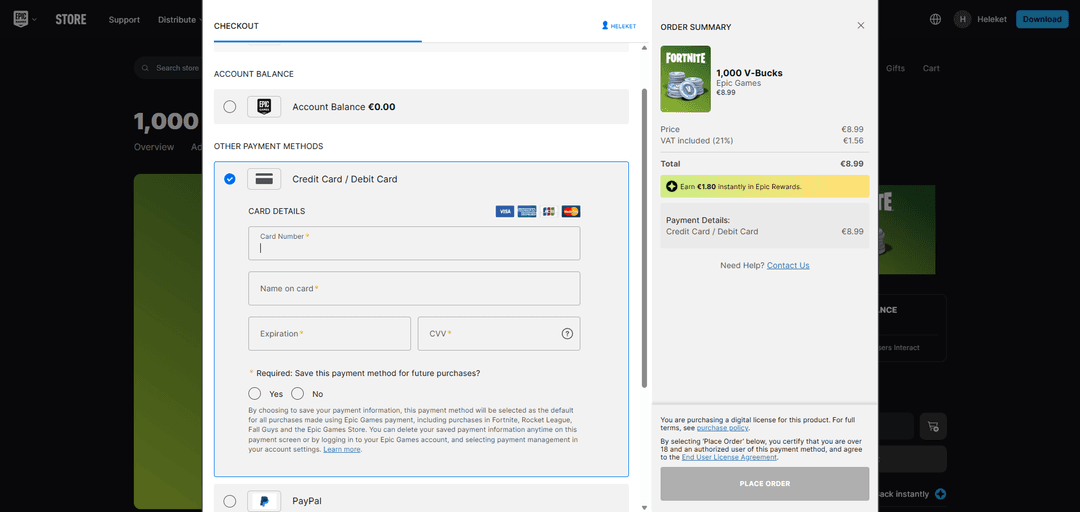
Hit the confirmation button. The transaction processes instantly. V-Bucks arrive in your account immediately after deduction.
If payment is declined:
- Check the card balance
- Verify the details are correct
- Confirm the card is active
If questions arise — reach out to Heleket support.