
Cards
How to Pay for Netflix Subscription from Russia
#service-payments
Netflix subscription is unavailable for users from many countries. The platform rejects cards from certain banks. Digital asset holders can't find a way to use cryptocurrency to pay for the service.
There's a solution — Heleket card. It's a virtual payment instrument that works with cryptocurrency. You load crypto assets — the system instantly converts them to dollars. Use it for any online purchases like a familiar Visa, without extra links and hidden charges.
Comparison with Other Payment Methods
Bank cards. Need to open an account at a financial institution. Foreign transactions often fail. Security systems block payments to foreign services.
Other virtual cards. Most require uploading identification documents. Depositing funds is subject to high percentages. Not always compatible with popular platforms.
PayPal and similar services. Only work with an existing bank card. Limited by geography of use. Currency conversion comes with additional costs.
What you get with Heleket:
- Instant creation — card active in minutes
- Direct cryptocurrency top-up
- Universal compatibility with international services
- Registration without providing documents
- Fair and transparent commissions
Universal tool for Netflix and many other online platforms. Only need email address and initial deposit. Card creation details below.
How to Create a Heleket Card
Registration
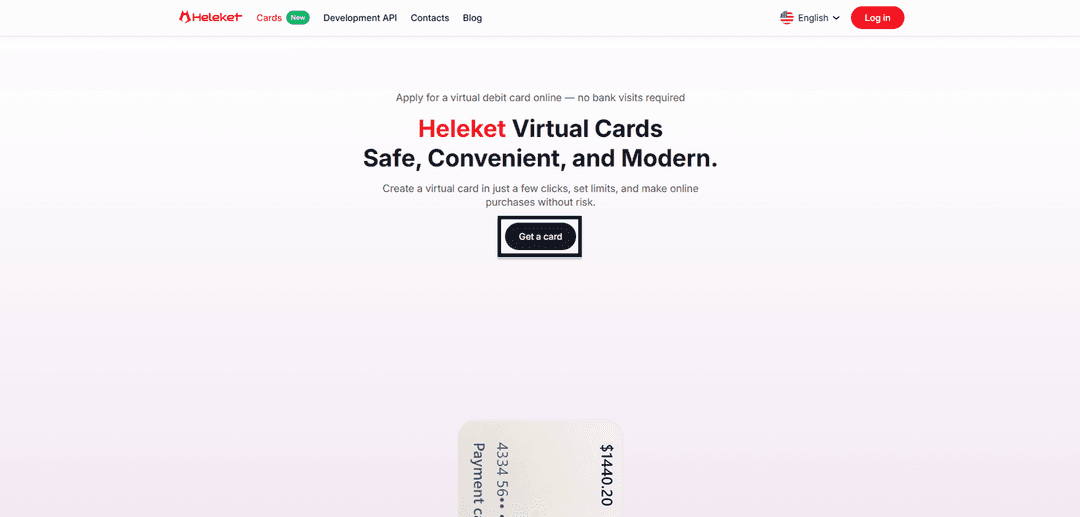
- Visit the Cards page of Heleket service and click on getting the card.
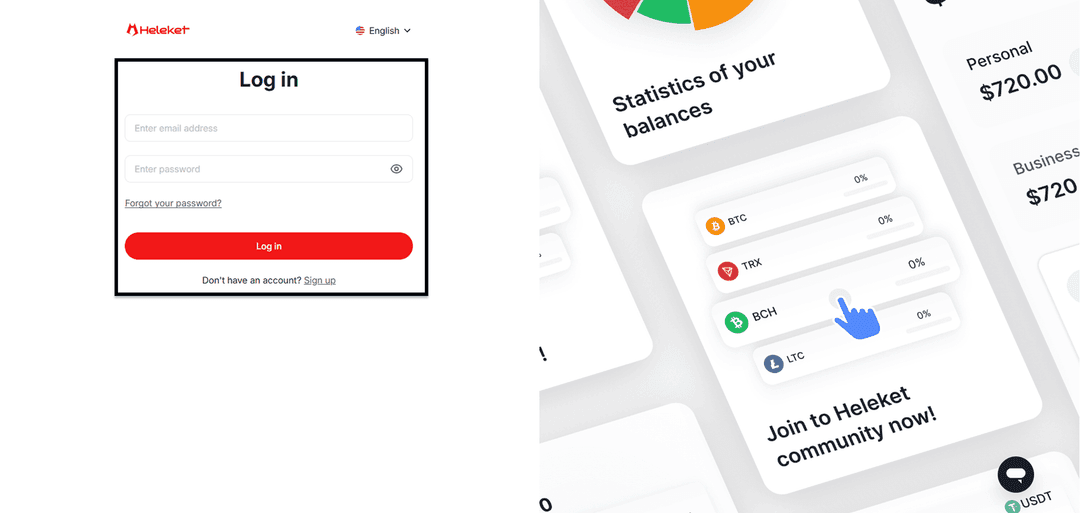
- Register a new Heleket profile or log into existing one.
Creating the Card
- Deposit at least $20 to your Heleket wallet. Click deposit. Choose wallet and blockchain network.
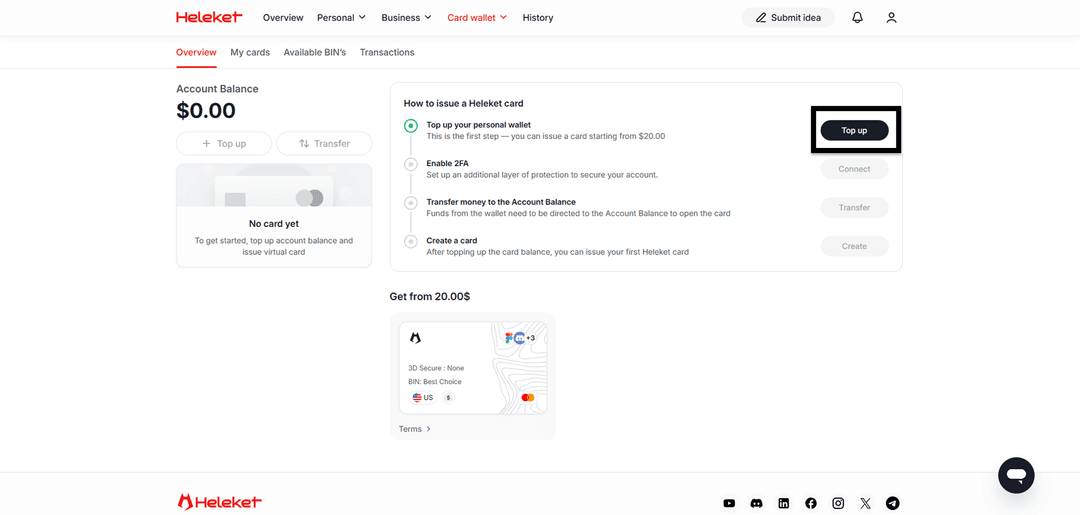
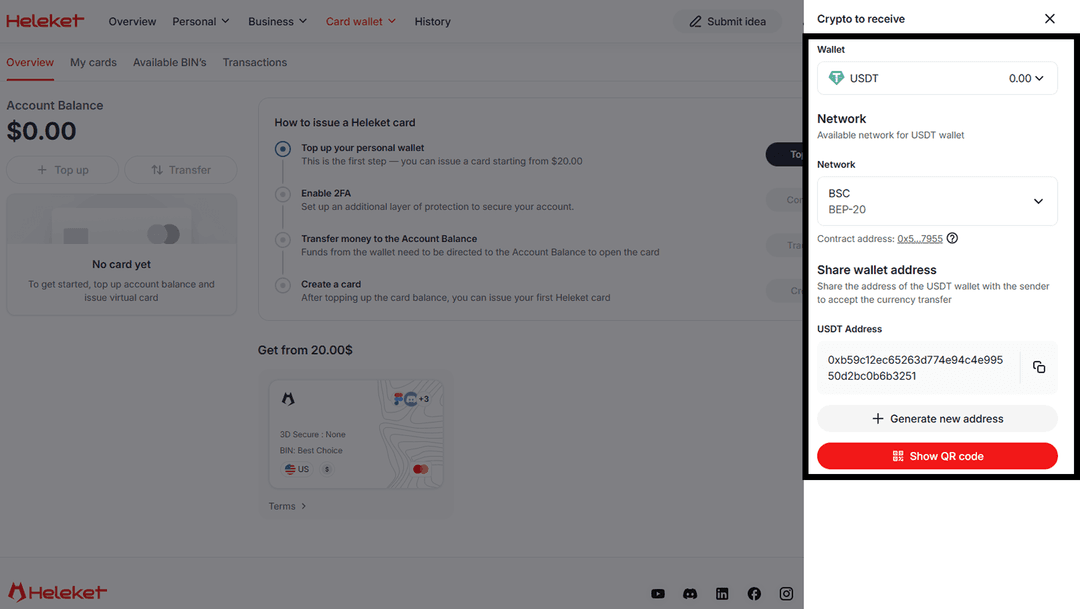
- Connect two-step verification (2FA).
- Transfer amount from wallet to main balance.
- Once funds appear, initiate card issuance.
Step-by-Step Guide: Netflix Subscription Payment
The payment procedure for subscription with Heleket card is identical to using a regular bank card. Netflix perceives the virtual payment instrument as a standard international card.
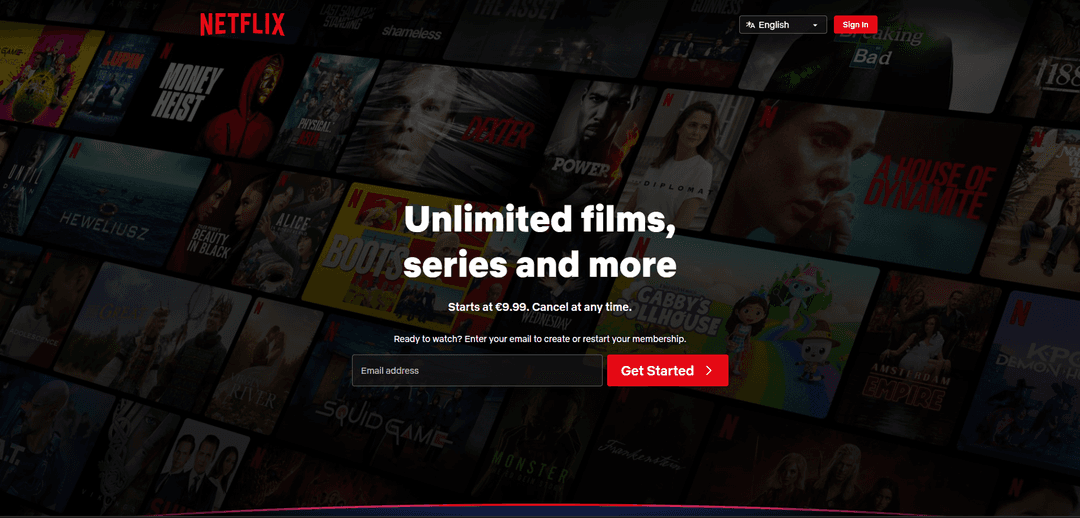
Open Netflix.com website. Enter email address and click Get Started.
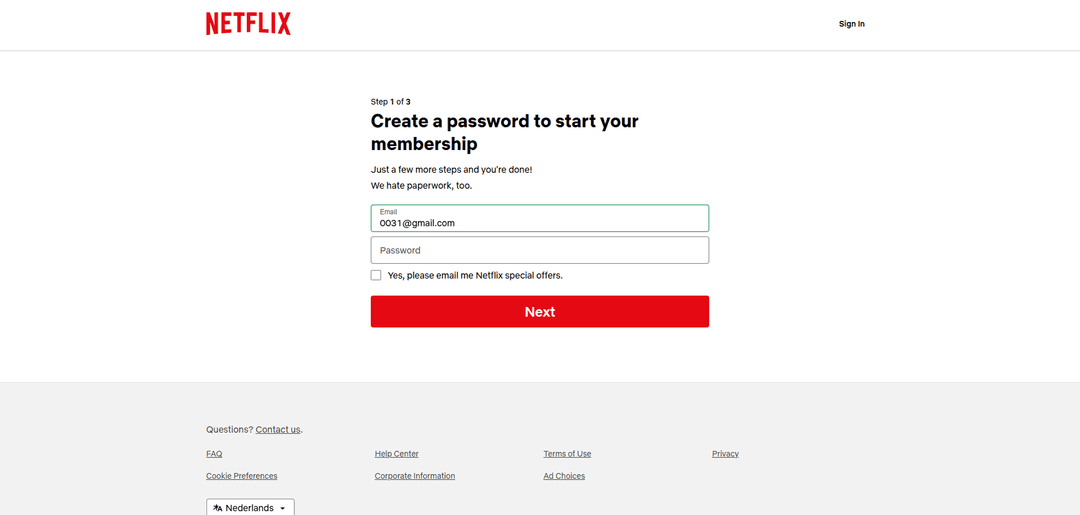
Complete registration or log into existing account.
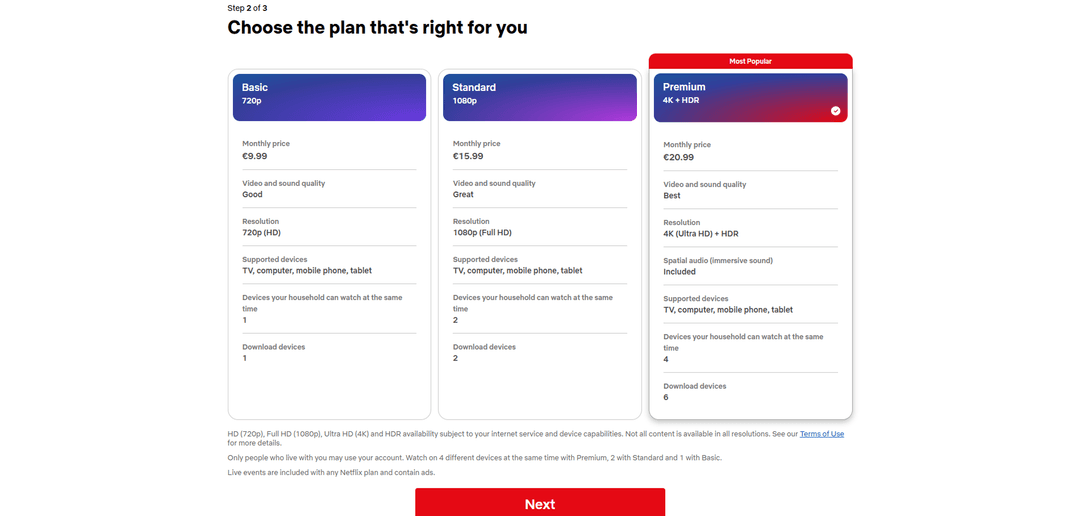
Choose subscription plan.
Select card payment option.
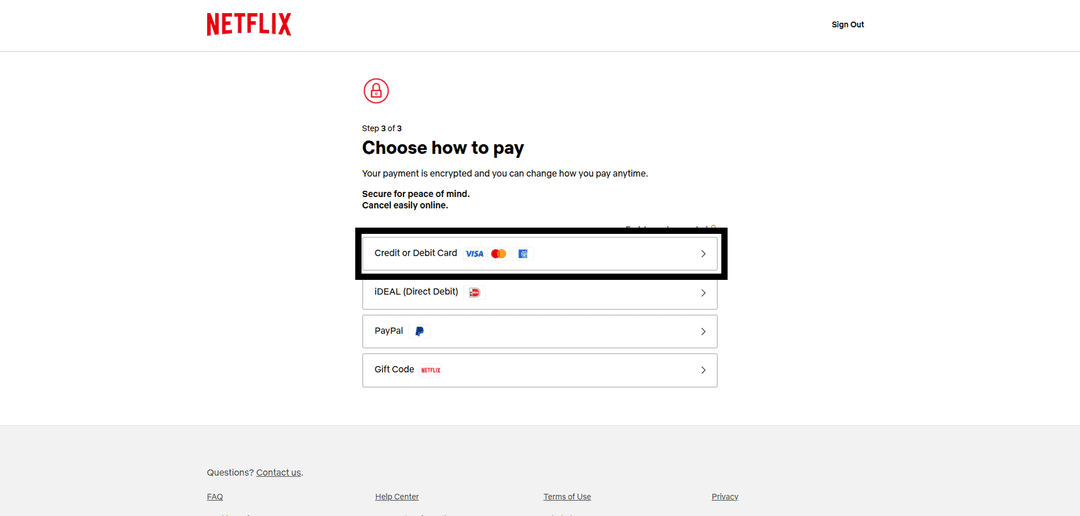
Fill the form with Heleket virtual card details. The payment card region (USA) must match yours. Use the tools to change your geolocation.
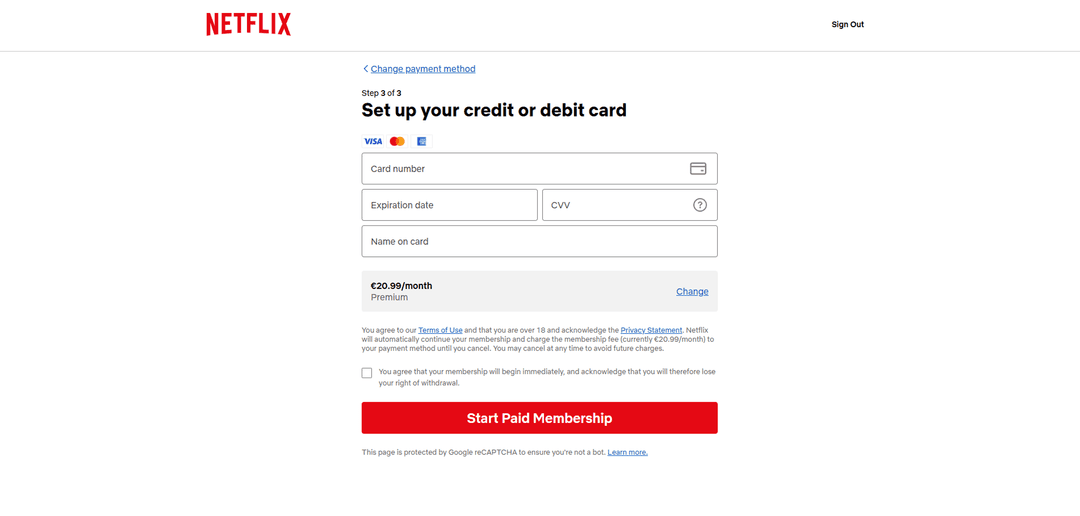
If payment fails, verify:
- That balance has sufficient funds
- Accuracy of entered card details
- That correct currency is selected — card operates in US dollars
If difficulties arise — contact Heleket support service.