
Як підключити криптоплатежі на форумах через CMS XenForo
#інструкції
Якщо ви є власником форуму або плануєте його створити, постає питання монетизації: як приймати оплату за підписки, доступ до закритих розділів або VIP-статуси. Традиційні банківські картки та PayPal працюють не всюди, а комісії занадто високі — до 7–8%.
Цифрові валюти вирішують одразу кілька проблем: комісії, блокування та геообмеження. Але як їх інтегрувати без складного програмування та технічних труднощів?
Нижче — покрокова інструкція, як підключити криптоплатіжний плагін Heleket до сайту на CMS XenForo.
Як приймати криптоплатежі через CMS XenForo: детальне керівництво
Крок 1: Створюємо обліковий запис
- Перейдіть на сайт XenForo та створіть обліковий запис.
- Потім зареєструйтеся на платформі Heleket, завершіть налаштування профілю та відкрийте обліковий запис продавця. Це потрібно для роботи з криптоплатежами.
- Після завершення реєстрації увійдіть в обліковий запис CMS XenForo та перейдіть до панелі адміністратора, щоб продовжити налаштування.
Крок 2: Встановлення плагіна
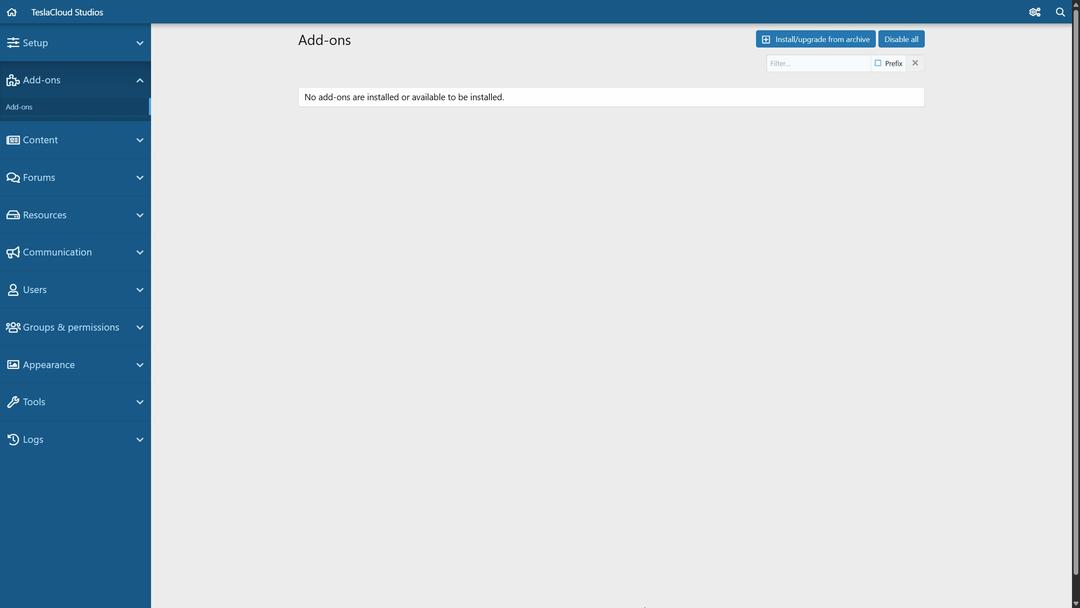
- Налаштування доповнень: У лівій частині панелі адміністратора знайдіть розділ «Доповнення» та натисніть на нього. Ви потрапите на сторінку управління плагінами.
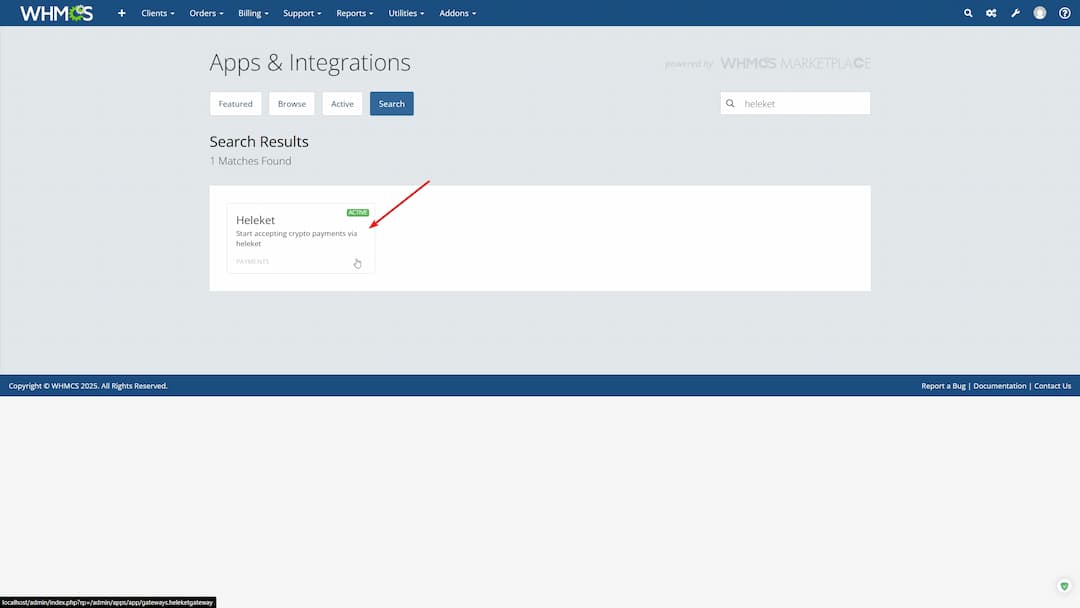
- Завантаження плагіна: Перейдіть на сайт Heleket, виберіть у меню розділ «Сервіс» → «Бізнес». На сторінці «Бізнес» знайдіть вкладку «Плагіни», клацніть по ній та знайдіть плагін для CMS XenForo. Натисніть кнопку «Завантажити», щоб отримати файл плагіна. Він підійде тим, хто розглядає інтеграцію XenForo з іншими системами.
- Встановлення плагіна: Після завершення встановлення XenForo поверніться до панелі адміністратора та на сторінці «Доповнення» знайдіть кнопку «Встановити/Оновити з архіву».
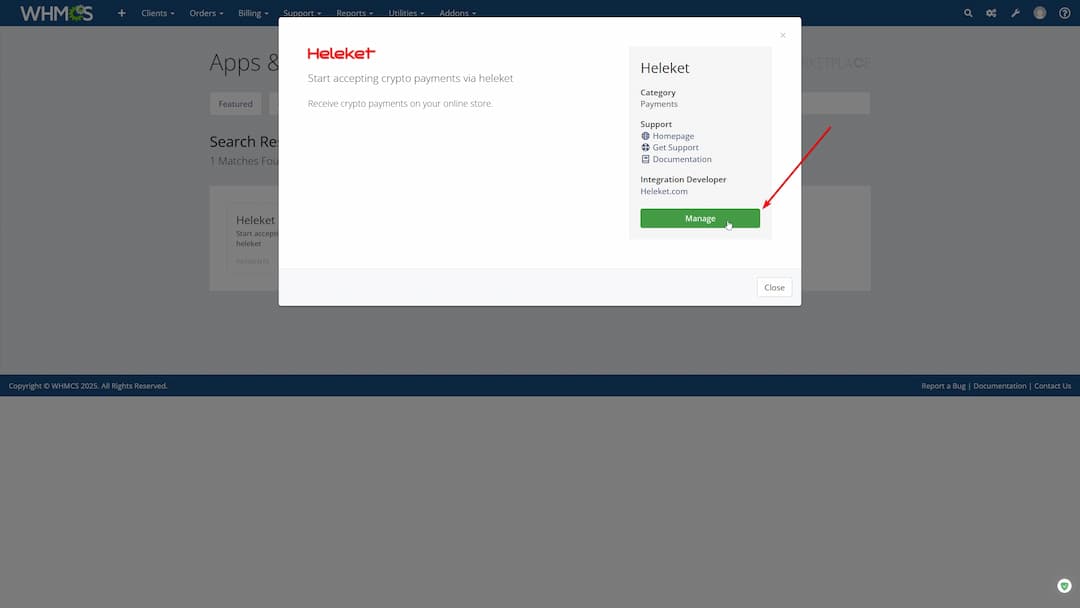
4.Виберіть завантажений архів з плагіном Heleket та натисніть «Завантажити». Дочекайтеся завершення процесу та натисніть «Підтвердити встановлення».
Якщо є помилки, можливо допоможе: оновлення системи, перевірка сумісності та вирішення проблем XenForo через вбудовані інструменти підтримки.
Крок 3: Налаштування платіжного профілю
- Створення профілю: У лівому меню панелі адміністратора знайдіть розділ «Конфігурація» та перейдіть на сторінку «Платіжні профілі». Натисніть кнопку «Додати платіжний профіль».
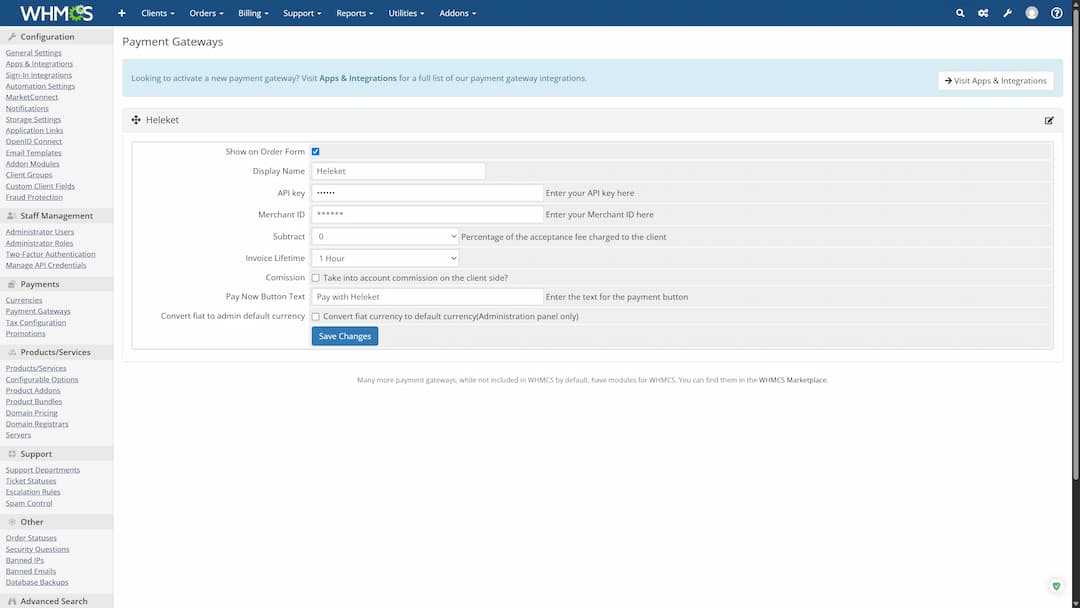
- Вибір провайдера: У відкритому діалоговому вікні виберіть «Heleket» зі списку доступних платіжних систем та натисніть «Далі».
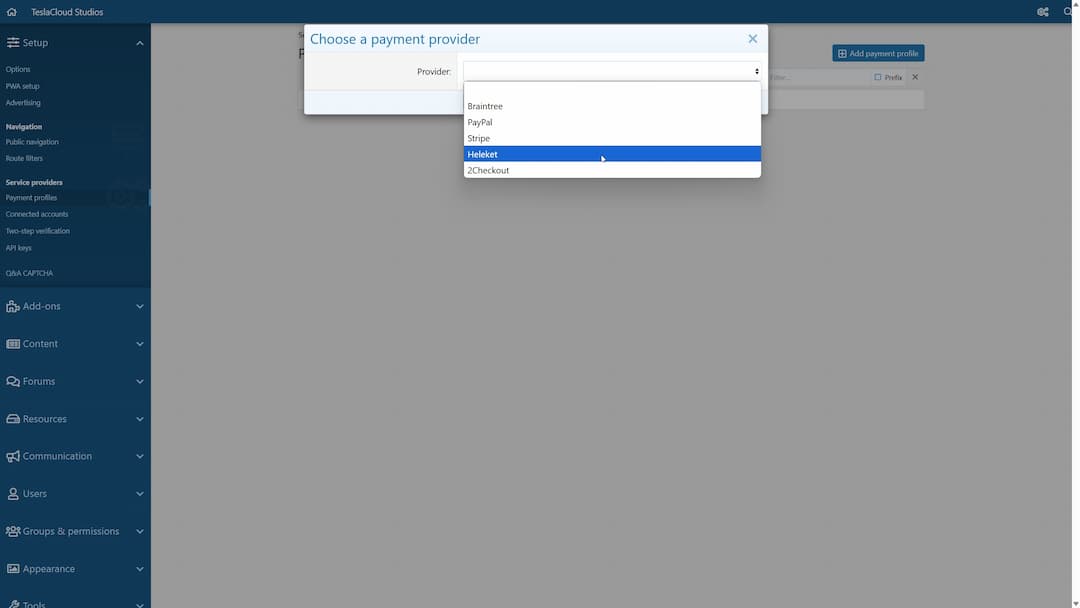
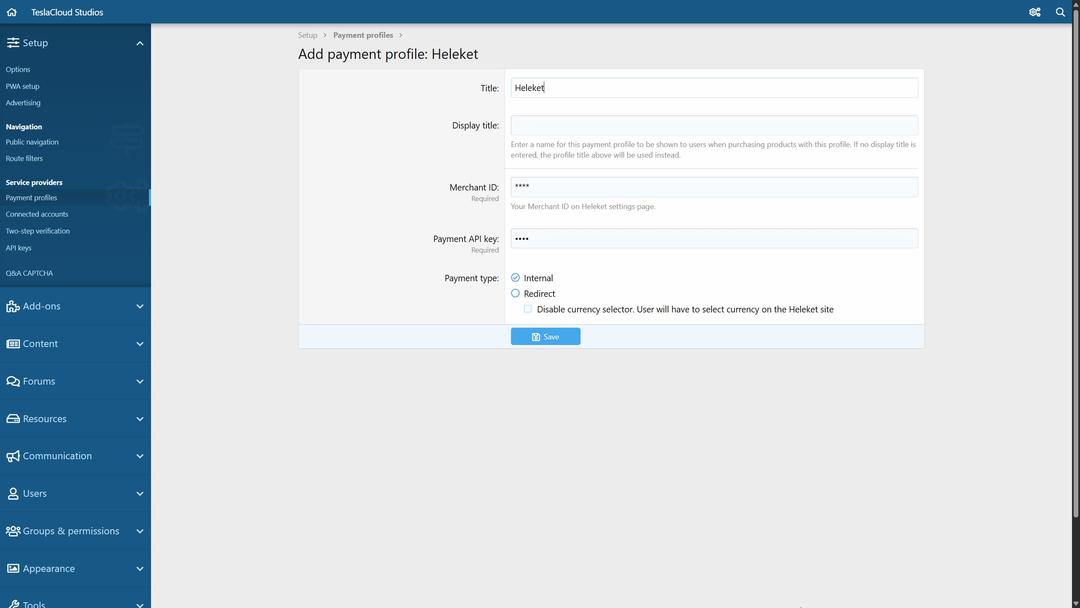
- Заповнення даних:
- Увійдіть до свого облікового запису Heleket, перейдіть до розділу «Продавець» та скопіюйте «Ідентифікатор продавця» та «Ключ API оплати»
- Вставте ці дані у відповідні поля в панелі адміністратора: «Ідентифікатор продавця» та «Платіжний API-ключ»
- Натисніть «Зберегти», щоб завершити налаштування
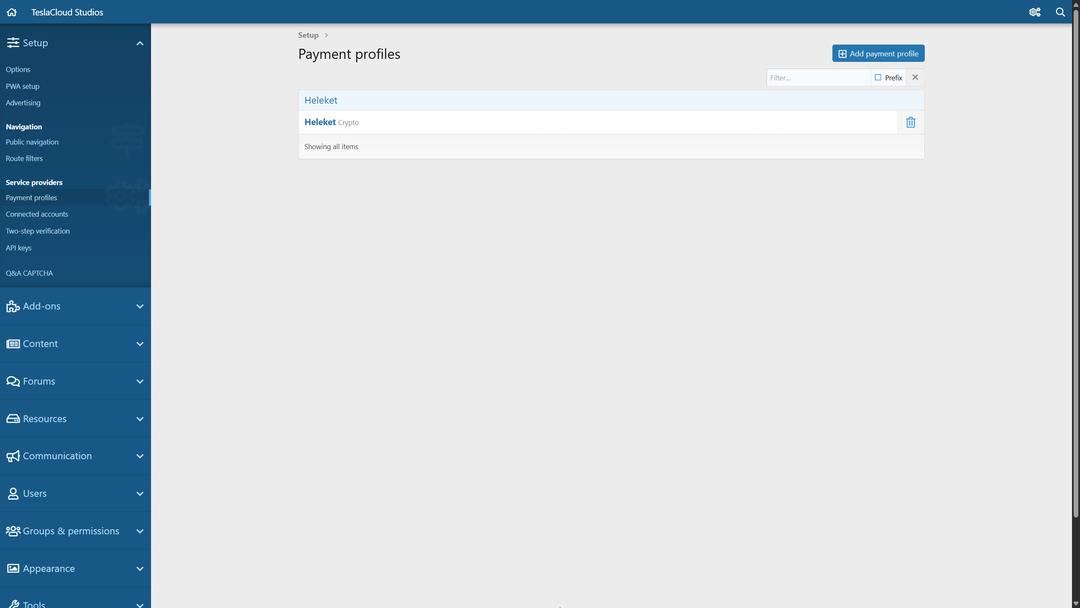
Готово! Плагін встановлено та налаштовано.
Як працює CMS XenForo
XenForo — це платформа для створення онлайн-форумів, де користувачі спілкуються, діляться досвідом та купують доступ до контенту. Ви керуєте майданчиком через зручну адмін-панель: створюєте розділи, підключаєте плагіни (включаючи платіжні) та налаштовуєте монетизацію — без програмування.
На відміну від CMS на зразок WordPress, XenForo спеціально створена для двох завдань:
- Онлайн-спільноти: форуми, бази знань, платформи для обговорень
- Технічна підтримка: обробка звернень через email, телефон та чат
Якщо у вас уже є готова спільнота на WordPress або іншій платформі, ви можете виконати міграцію на XenForo з іншої CMS.
Існують теми та плагіни для XenForo, які адаптують зовнішній вигляд та функціональність під завдання спільноти. Один з таких — Heleket. З ним можна приймати оплату в цифрових валютах на форумі без зайвої ручної роботи.
Як заробляти на форумі
Один зі способів монетизації онлайн-спільноти — підключення криптоплатежів.
Переваги:
- Монетизація: Якщо у вас є інтернет-спільнота, цей плагін дозволяє отримувати прибуток, коли дає користувачам доступ оплачувати послуги через криптовалюти.
- Проста установка — без програміста: Інтеграцію можна виконати за 10-15 хвилин без потреби технічних знань.
- Автоматична обробка платежів: Після налаштування система сама приймає криптовалюту, зараховує кошти та повідомляє користувача — без ручного підтвердження та помилок.
- Безпека на рівні блокчейна: Транзакції проходять через захищений API. Використовуються технології шифрування та верифікації, які виключають шахрайство та витік даних.
- Мінімальні комісії: З криптовалютами немає комісій по 10%. Можна отримувати оплату напряму від міжнародної аудиторії в USDT, BTC та інших валютах.
- Готове рішення для монетизації: За допомогою додатка можна продавати підписки, ексклюзивні матеріали та інші платні опції — без зайвої ручної роботи.
- Доступ до крипто-аудиторії: Відкриває можливість приймати оплату від користувачів з будь-яких країн та тих, кому недоступні традиційні способи оплати.
Використовуйте найкращі практики для XenForo, щоб вибудувати стратегію монетизації, залучення криптоаудиторії та оптимізації інтерфейсу.


