How does the automatic withdrawal feature work?
The automatic withdrawal feature allows you to immediately and automatically withdraw received funds to your wallet. Here's how to set it up:
Go to your account settings → Business settings → Automatic withdrawals.
Select "Auto-withdrawal" and toggle the switch.
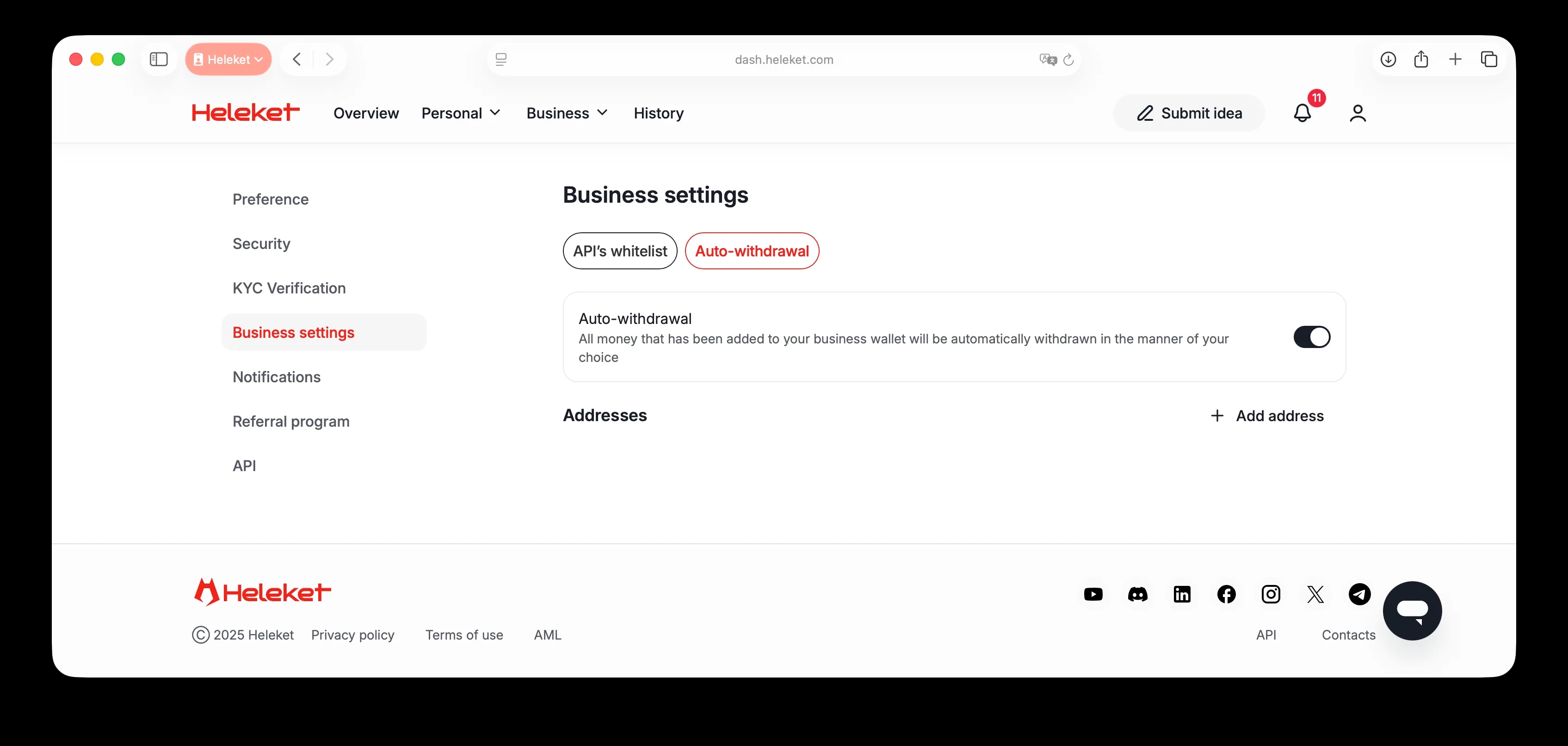
After enabling Two-Factor Authentication, click "Add Address".
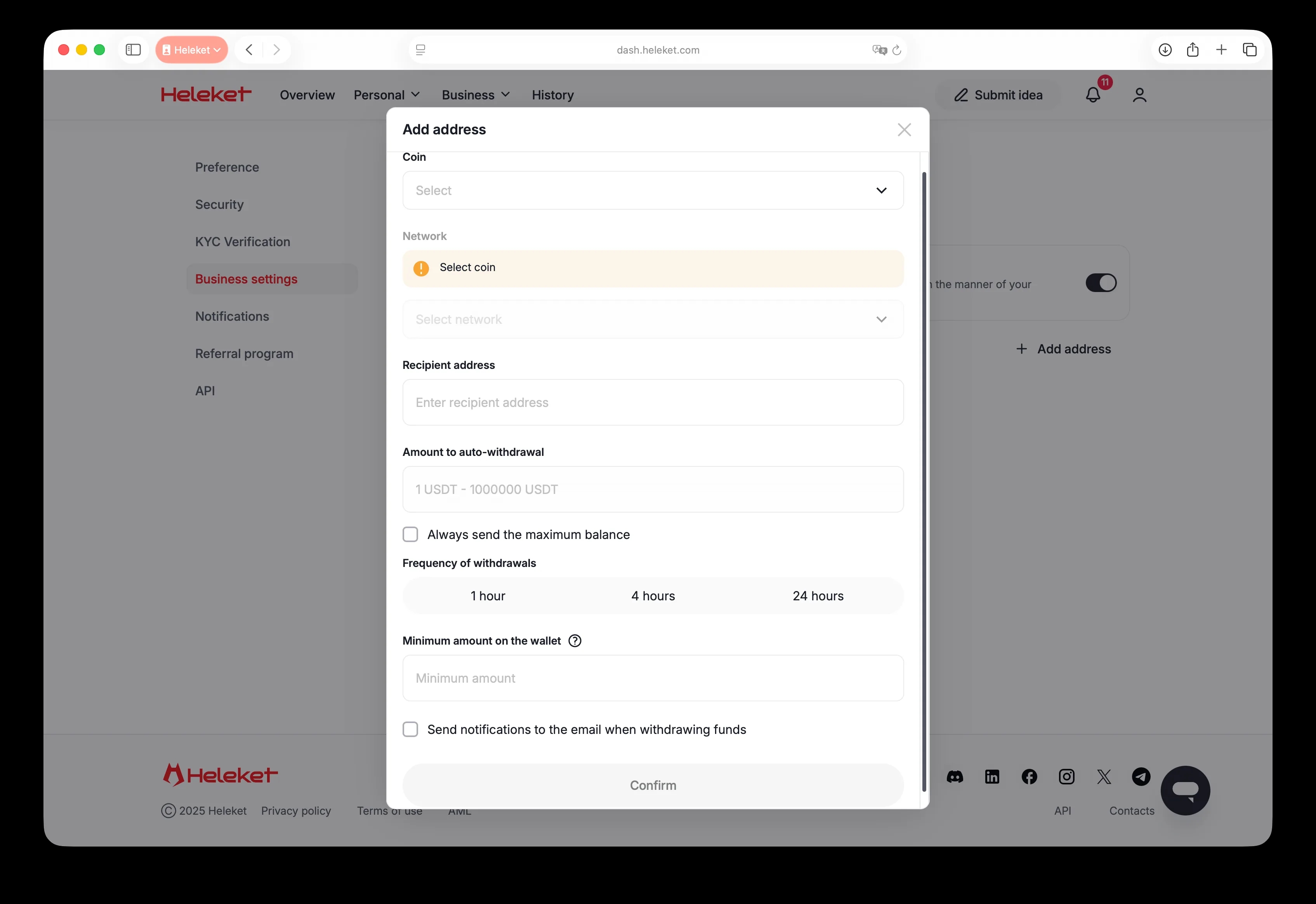
Now you need to specify:
Cryptocurrency and network (each separately).
Recipient's address.
Automatic withdrawal amount - check this option to always withdraw the maximum amount.
Withdrawal frequency - choose every hour, 4 hours or 24 hours.
The minimum amount in the wallet to start the automatic withdrawal process.
Done! Click "Confirm," and now whenever you accept a payment from a client, the cryptocurrency will be automatically withdrawn to the wallet address you specified.